V
vadsdasd
New member
anyone know how to fix this...
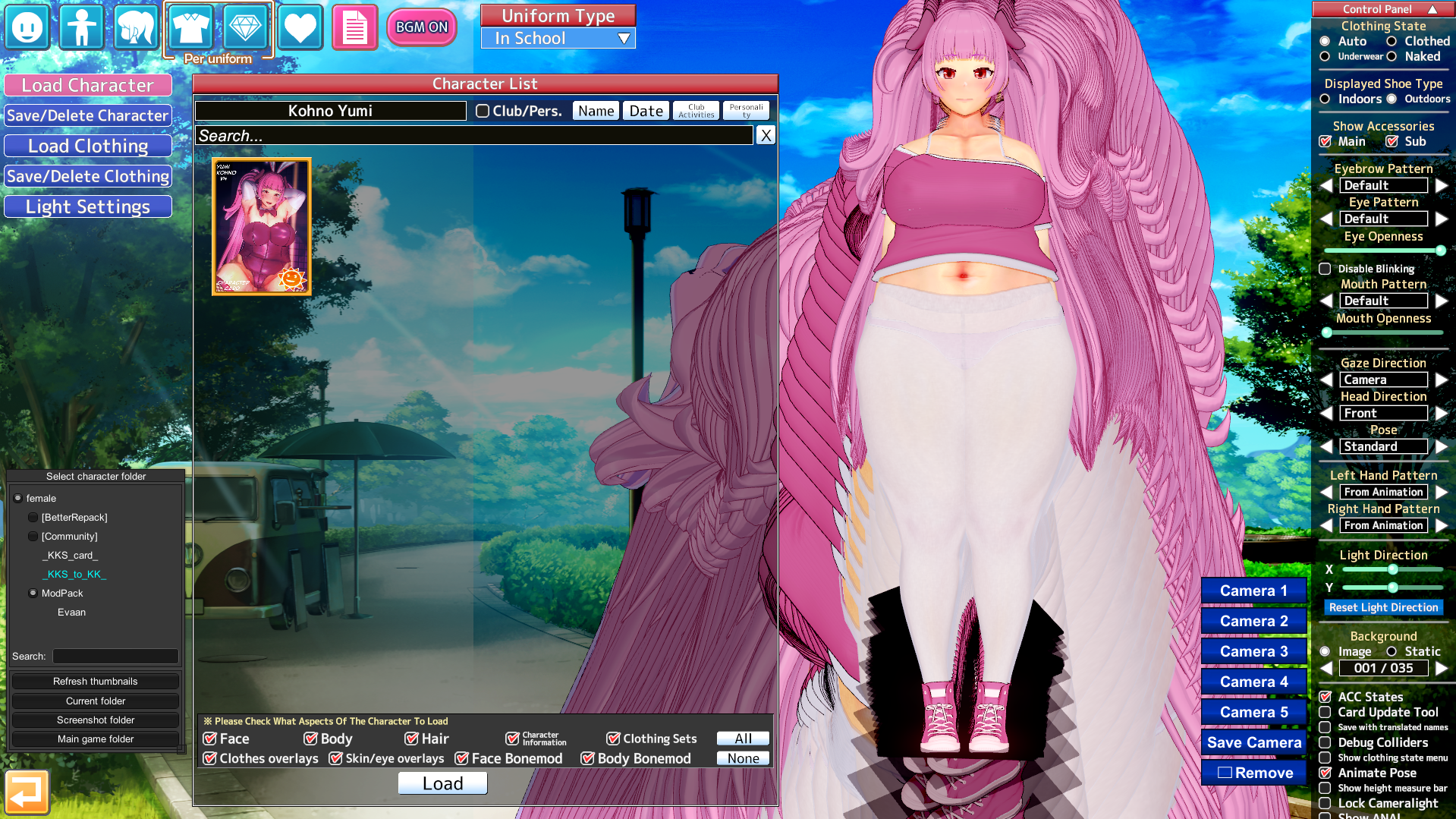


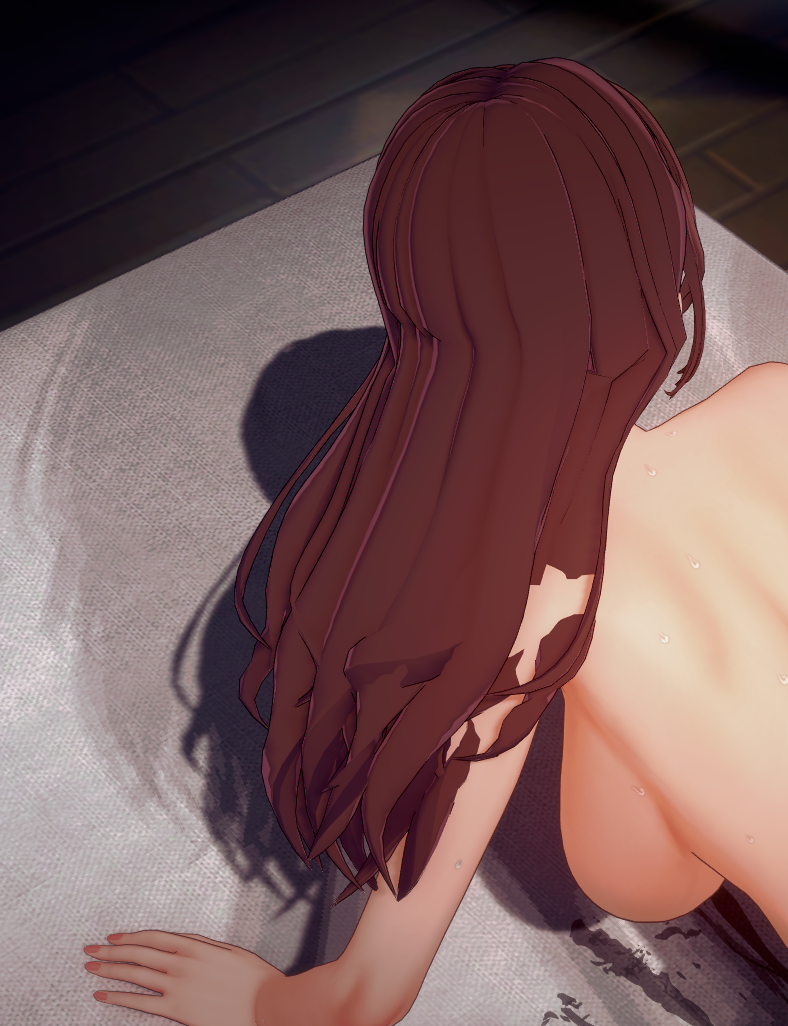
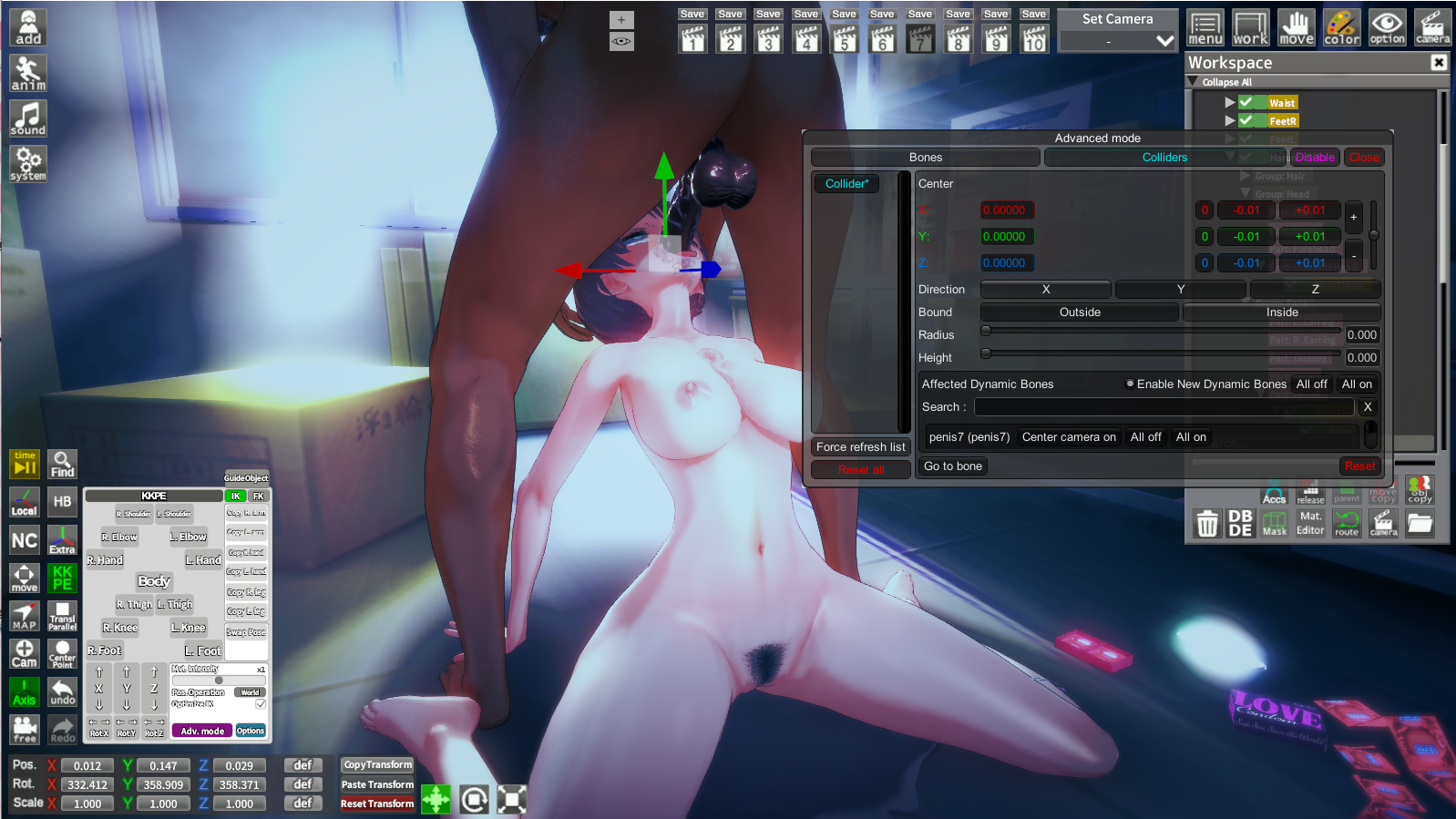
There's an easy way thankfully, it's due to the dynamic bone colliders. All you have to do is select the bone collider under your character (usually under Part: Vagina), click on Adv. Mode in KKPE (bottom left), and then just tick off Enable New Dynamic Bones. Now every time you switch the character it should be fine.For a lot of scenes, particularly by hongcha, all of the character cards I move into the scene have their "hair" stuck in a specific position, then when I reduce the weight of them ofc they become less "realistic". Is there a way to fix this so the hair of the any card I swap out doesn't keep glitching in a sense? Image for ref.
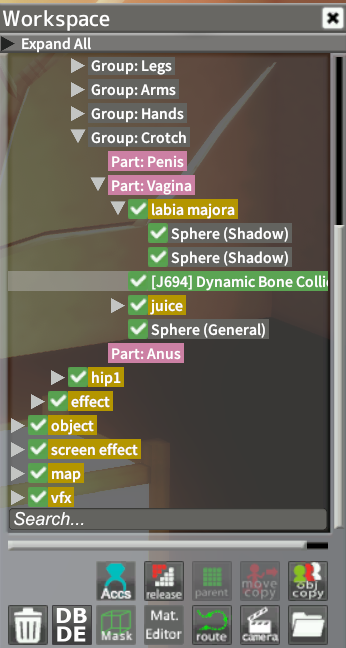
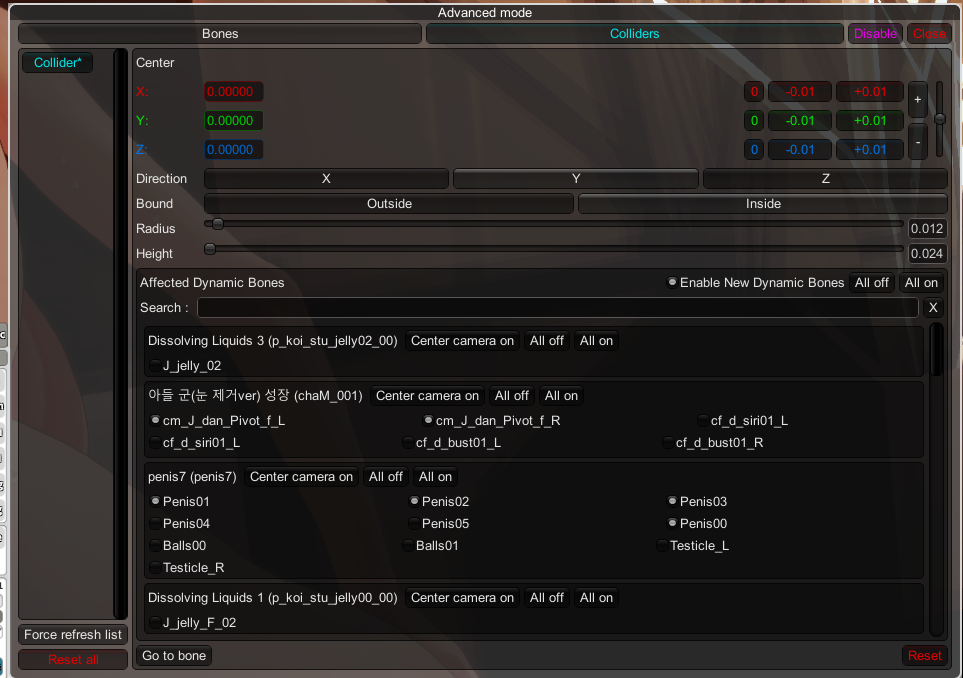
much appreciated. This made it soooo much better and less annoying.There's an easy way thankfully, it's due to the dynamic bone colliders. All you have to do is select the bone collider under your character (usually under Part: Vagina), click on Adv. Mode in KKPE (bottom left), and then just tick off Enable New Dynamic Bones. Now every time you switch the character it should be fine.

After getting bored of those scene cards, I'm into creating mmd with koikatsu now, but you know, you can't simply import the clothes file in mmd into koikatsu, because it's not a card... So, how can I do that?Guys, I need a little help. Is there any way to import the .obj file of some clothes back, after I edit it with blender?

Open KK Manager.I have a few cards namely from ABCEEFG, Aihara Honami and Akane Nanao that always makes studio crash. Is there a way to identify what specifically is causing studio to crash even though the character editor is able to load them just fine?

Refer to this doc:After getting bored of those scene cards, I'm into creating mmd with koikatsu now, but you know, you can't simply import the clothes file in mmd into koikatsu, because it's not a card... So, how can I do that?

 docs.google.com
 Place it back.anyone know how to fix this, and this happened with all the male one the dick is gone 🤣🤣

Thanks!!!Refer to this doc:
KOIKATSU TO MMD
KOIKATSU TO MMD THE FULL SAUCE Contents: Foreword + Additional Tools PART 1: What is Koikatsu? PART 2: The PmxExport and KKPMX Plugin PART 3: Making Your Character PART 4: Multiple Outfits PART 5: Conversion PART 6: A Clothing Blob Monster PART 7: UV Map Correction PART 8: Clean That Shit Up! P...
Good luck.


Update the Illusion Overlay Mods:anyone know how to fix this...
 github.com


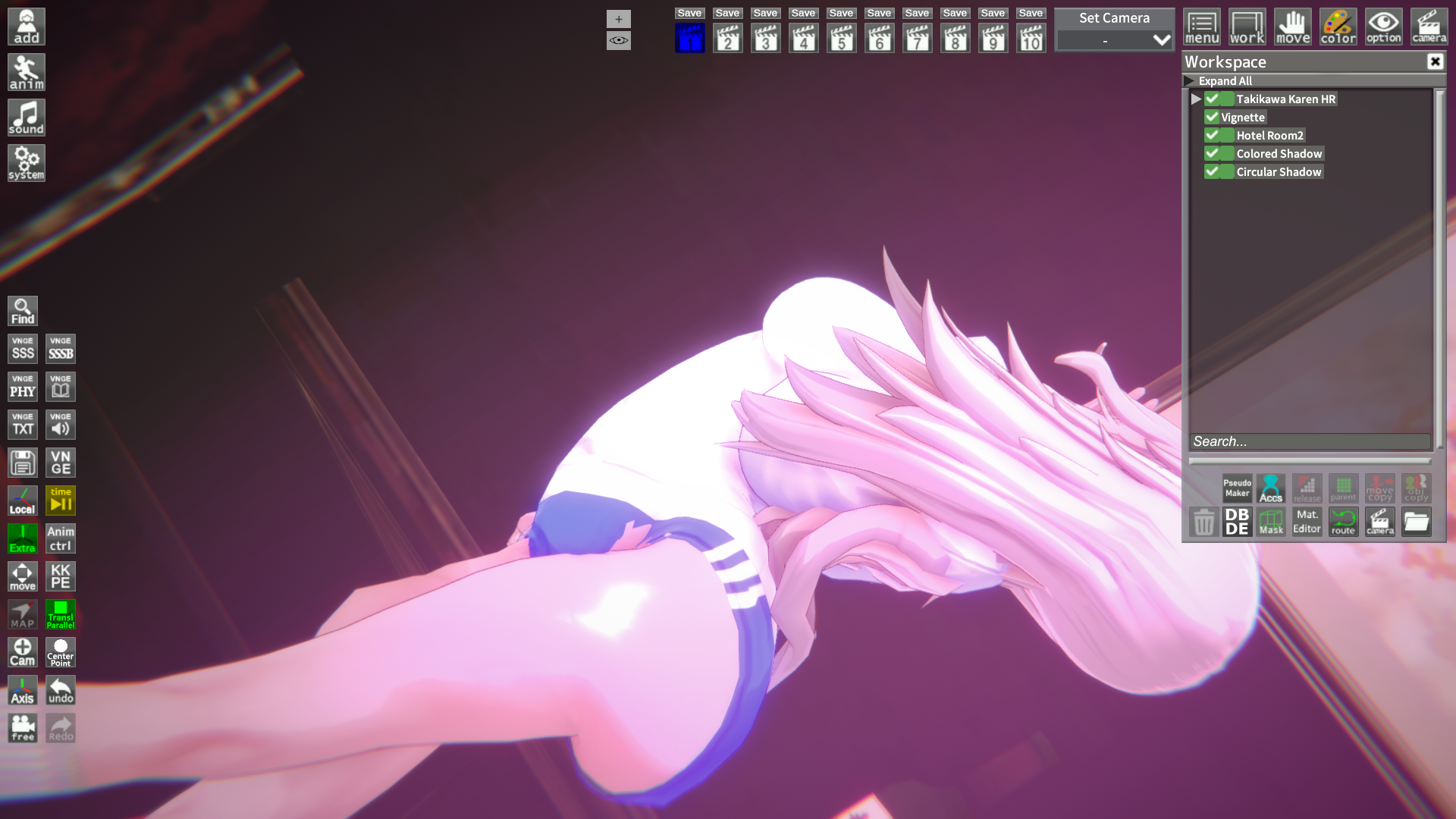


At this point, it´s better to just update to the HF Patch: https://www.patreon.com/posts/hf-patch-for-kk-46339224Oh fuck it came back...
Yeah, something else is bugging that...
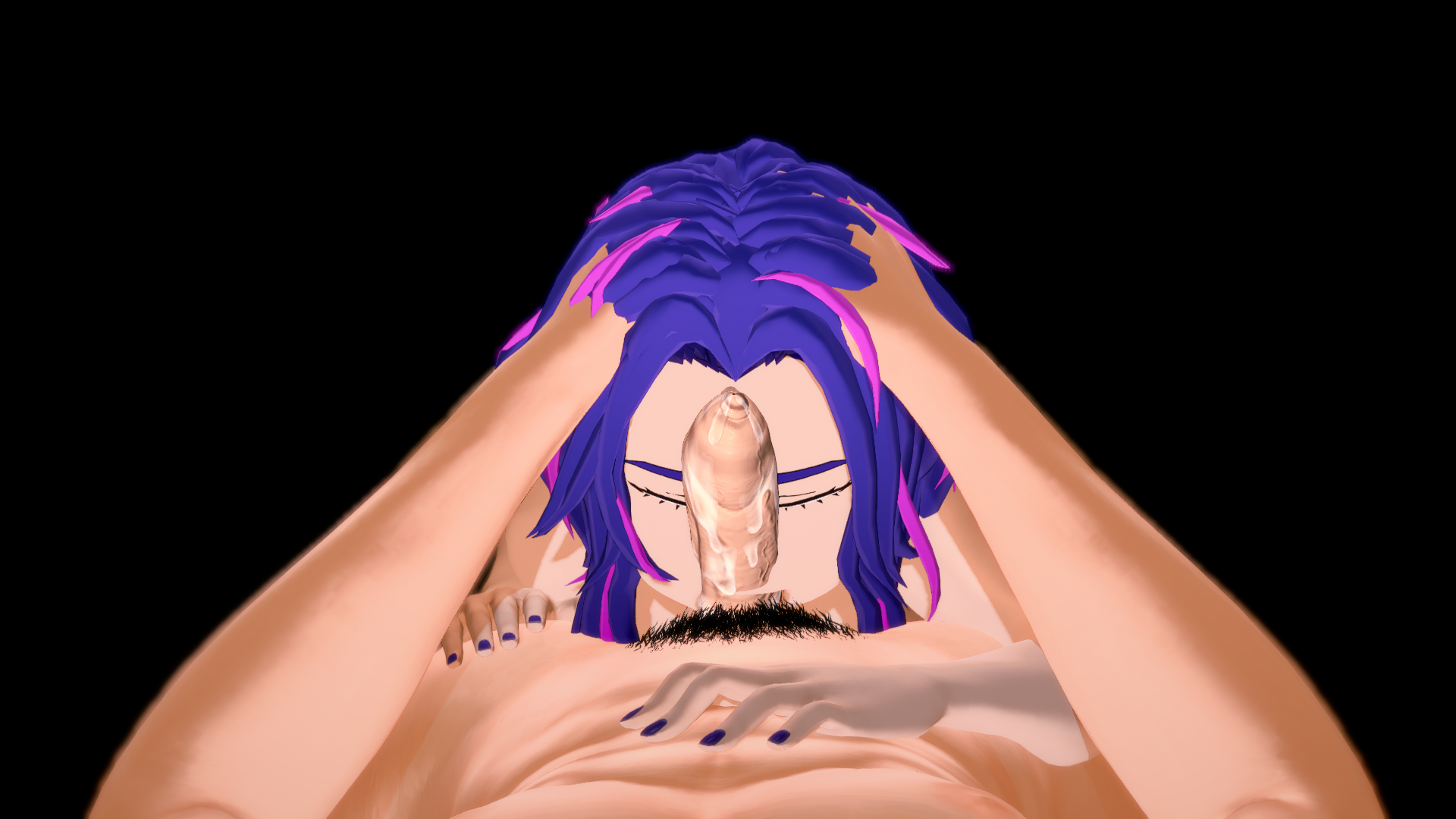

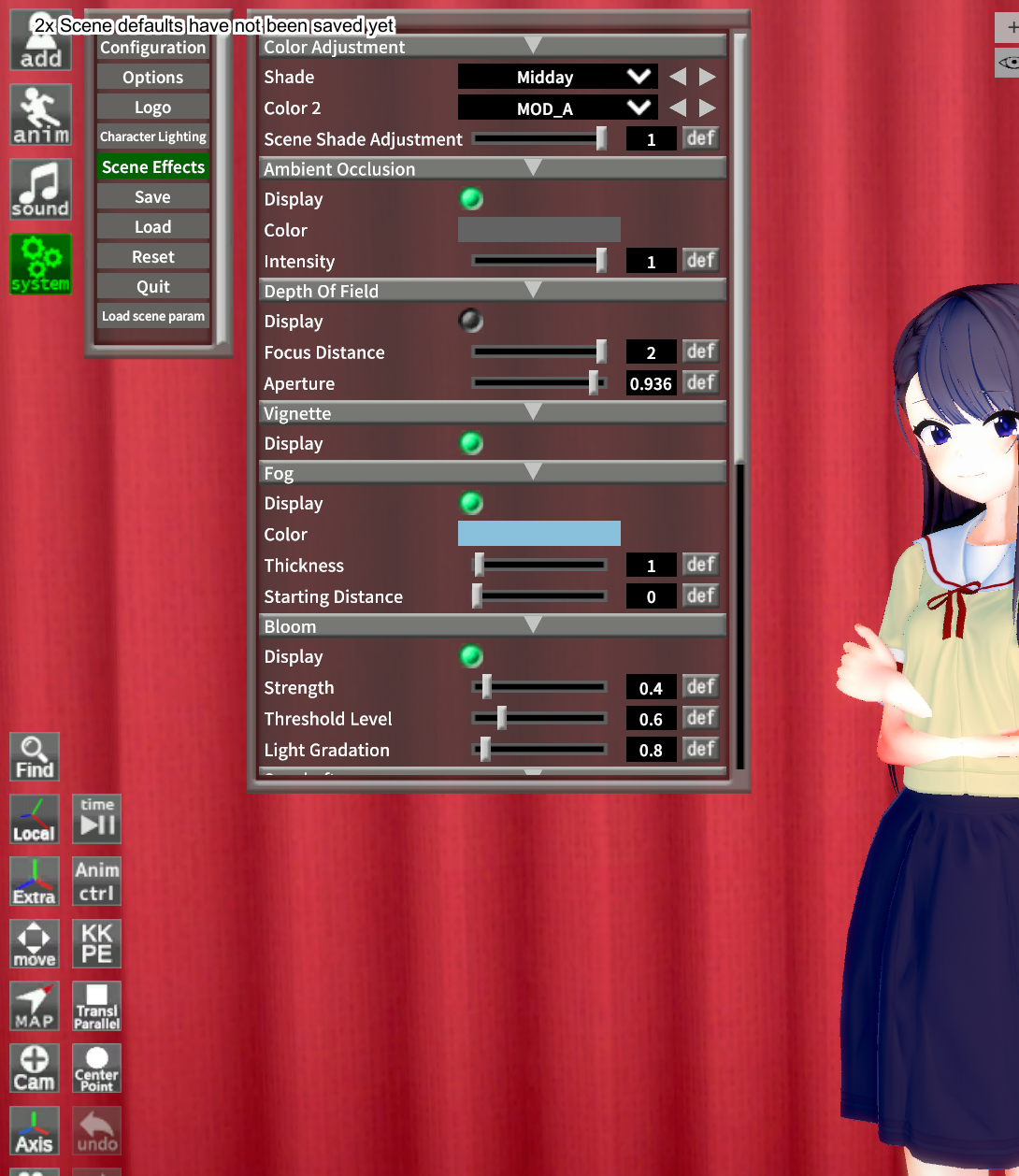
It's probably the PostProcessingEffects plugin.anyone know how to fix this...
Oh fuck it came back...
Yeah, something else is bugging that...


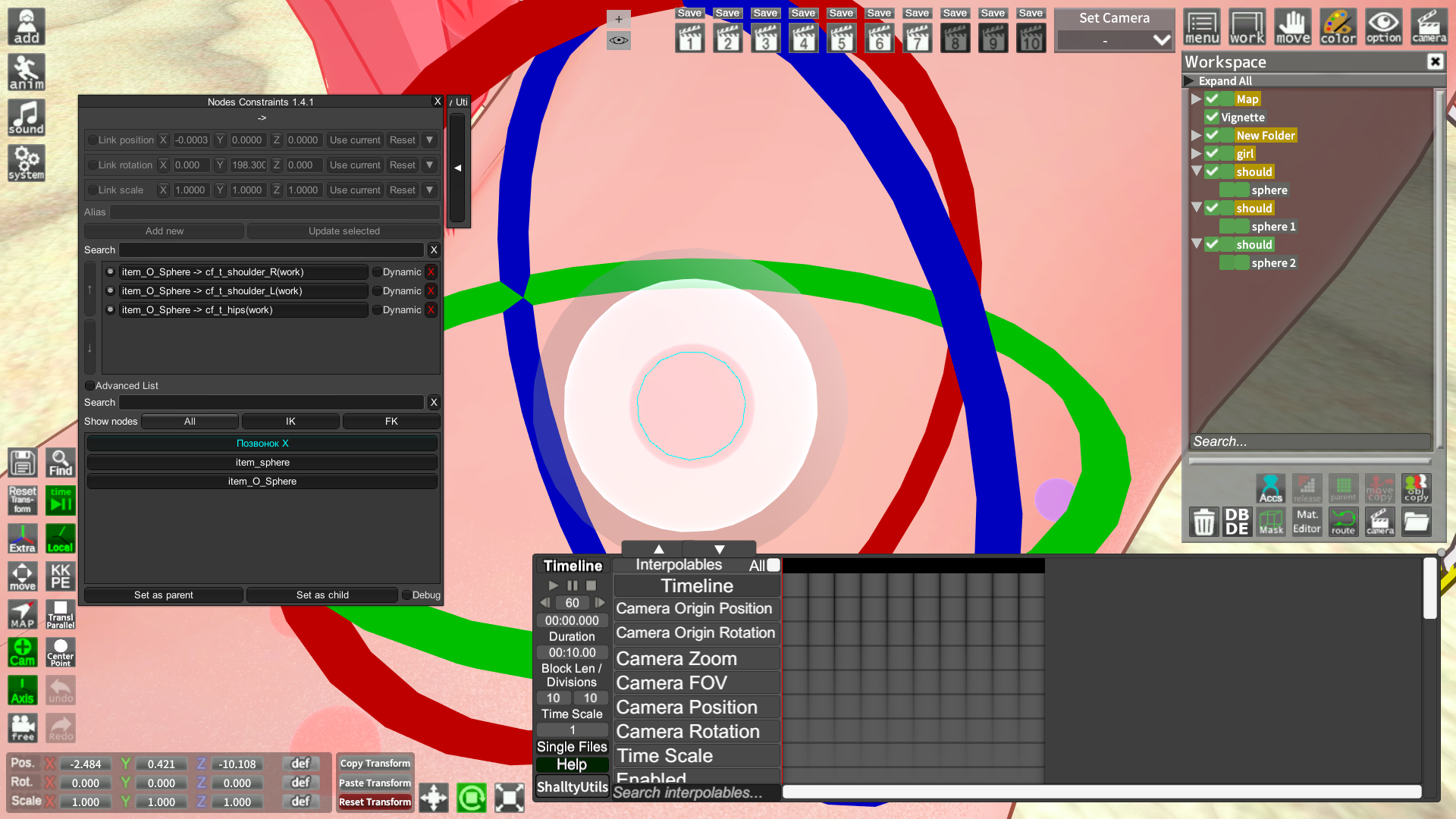

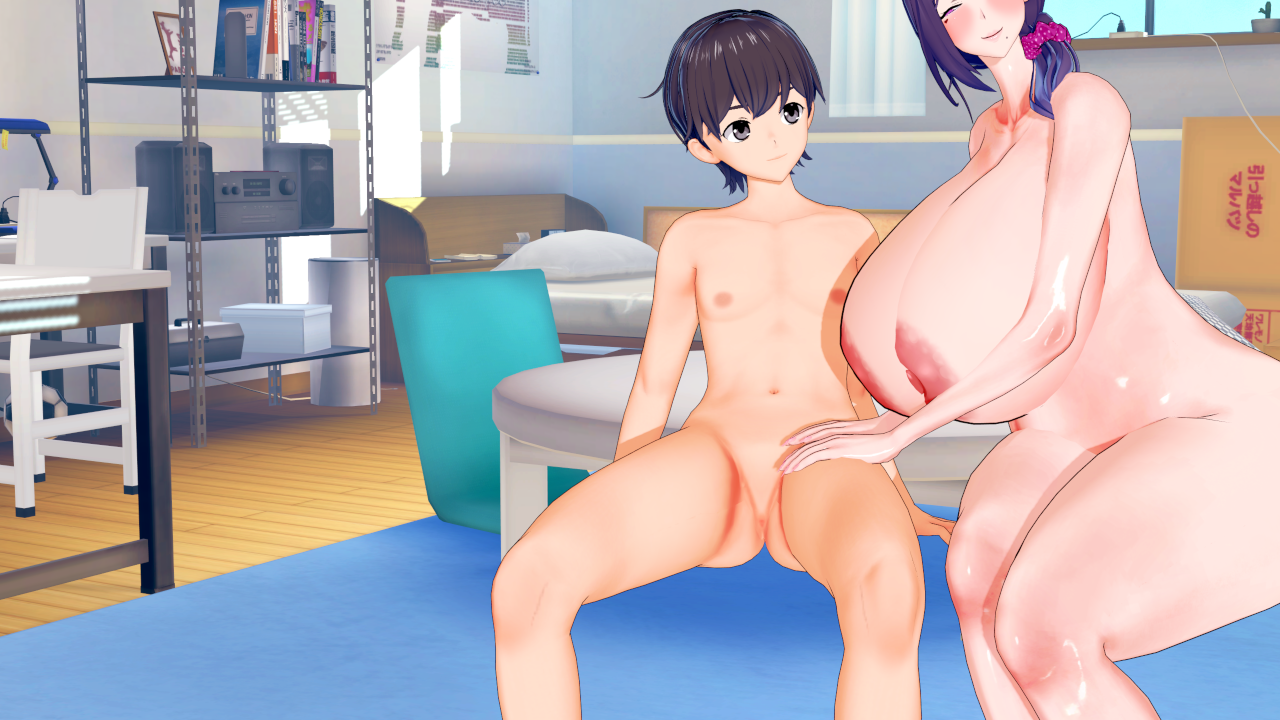
Looks like a dynamic bone collider issue. Scroll up to my previous post of #444, I explained it to someone else there that had the same issue. If you can't fix it, just reply to me and I'll post a video.
I'm loaded a scene but the model become like this, how can i fix it?
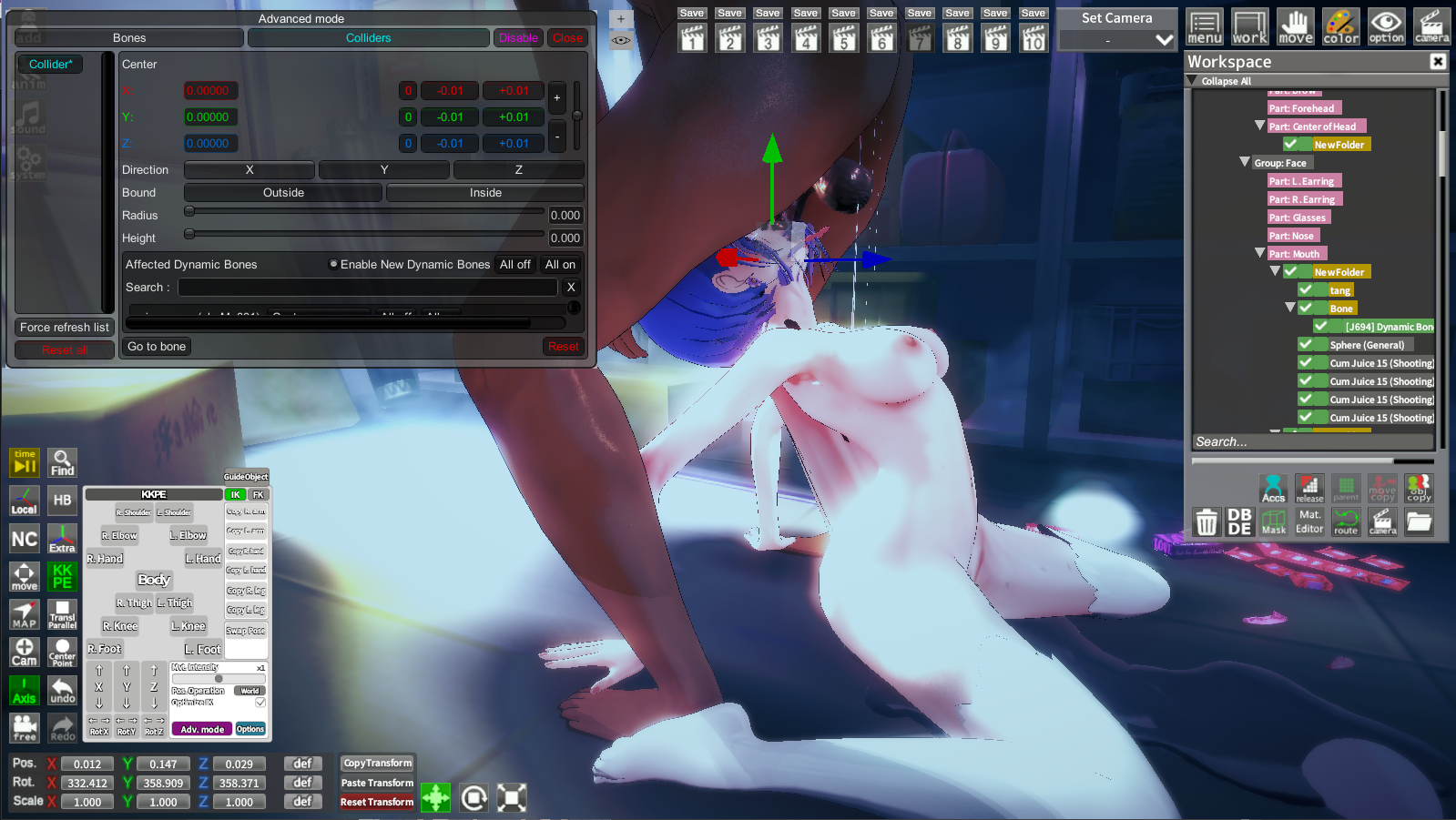
Tks for your answer but it seem not worked on my case 😭Looks like a dynamic bone collider issue. Scroll up to my previous post of #444, I explained it to someone else there that had the same issue. If you can't fix it, just reply to me and I'll post a video.
Did you tick off the Enable New Dynamic Bones and then tried replacing the character with someone else (or the same one works too.)?
Tks for your answer but it seem not worked on my case 😭
When i load this scene, It's the basic charater (Haruno Chika). On Advanced mode, [Enable new dynamic bones] was default ticked and her model seem don't have any problem. But when i replace her with other girl, this happened. The character hair, sometimes even the body was distorted.Did you tick off the Enable New Dynamic Bones and then tried replacing the character with someone else (or the same one works too.)?
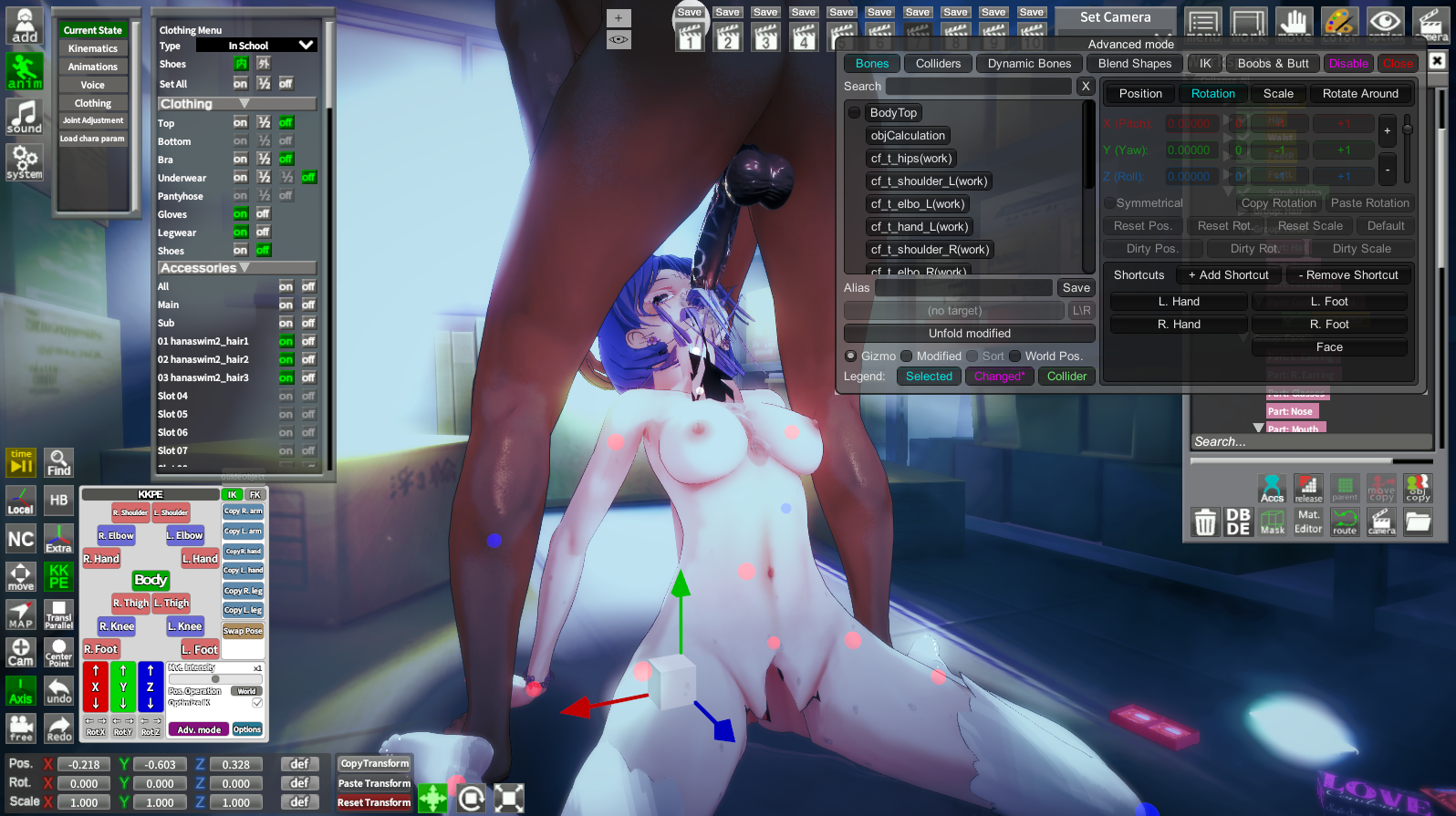
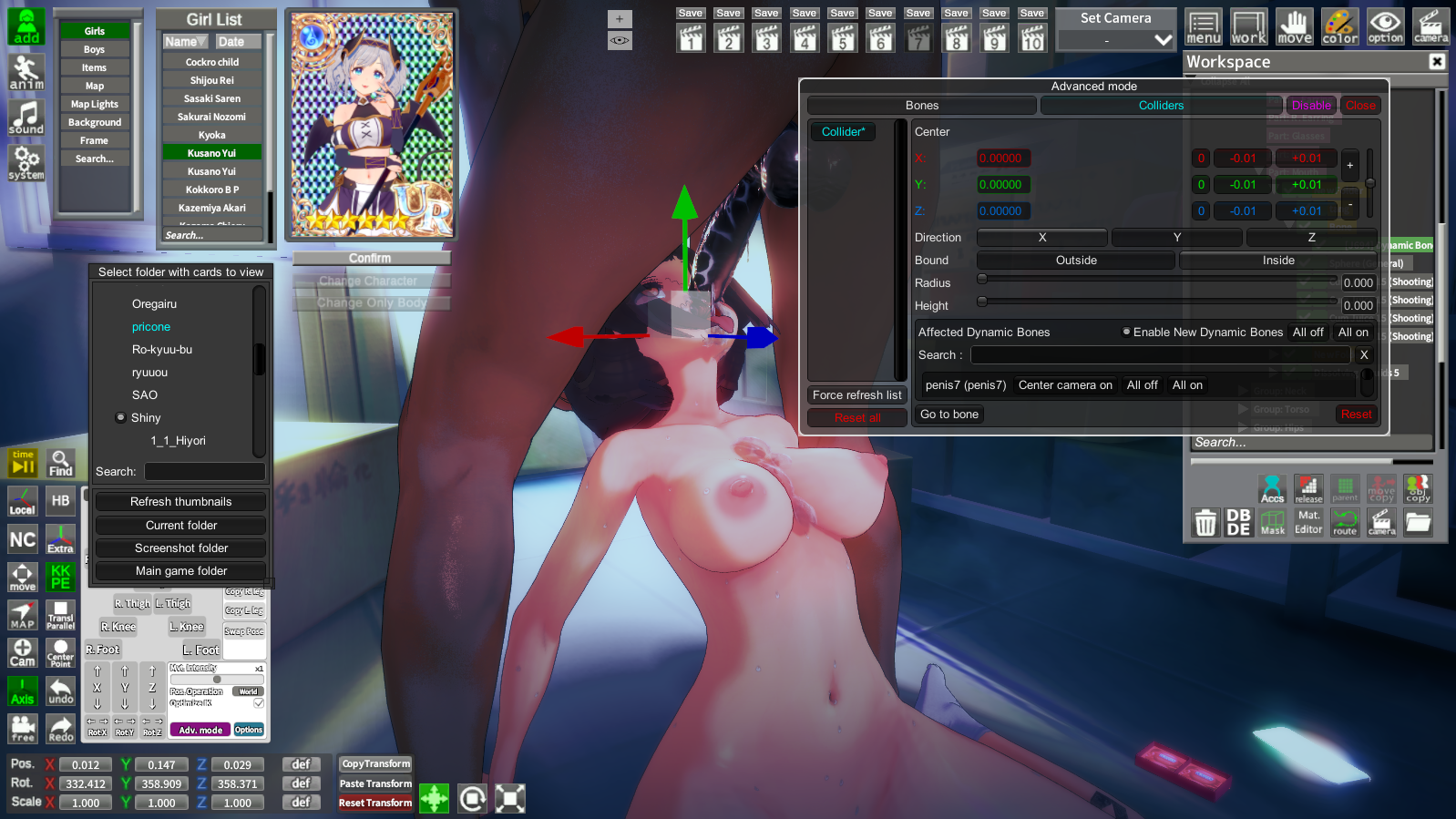

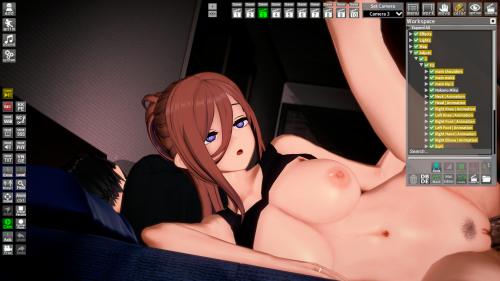
original sceneWhen i load this scene, It's the basic charater (Haruno Chika). On Advanced mode, [Enable new dynamic bones] was default ticked and her model seem don't have any problem. But when i replace her with other girl, this happened. The character hair, sometimes even the body was distorted.
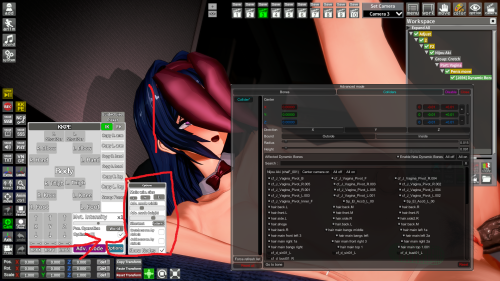
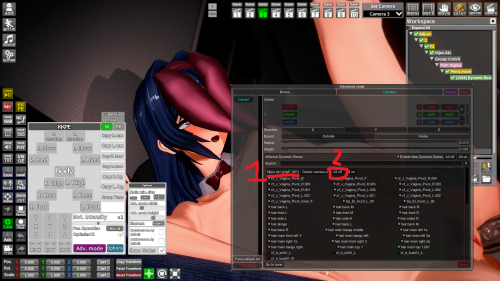
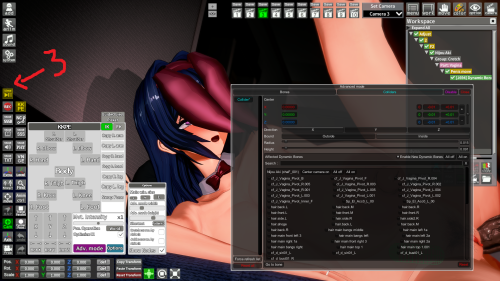
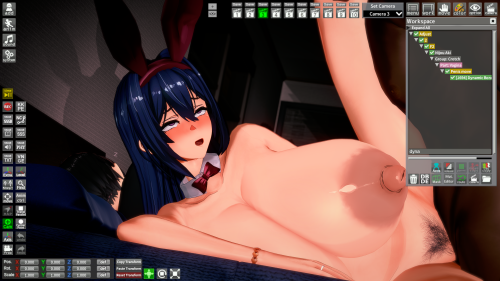
Tks you, it worked! That's great help!original scene
you can change the size of the collider window
look for your chara/charas then click "all off"
if nothing happens just play the timeline
and that should fix it
KK_AmazingNewAccessoryLogicI wonder if there are any plugins that can make accessories disappear or appear as clothes are put on or taken off? Just like how AccStateSync works?Thank you.

Kinda funny seeing my cards out in the wild like this lmao, but it's a post processing issue, you might wanna update that pluginanyone know how to fix this...

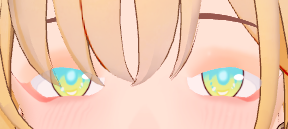
You tried to change the shaders to fix that, but have also you have tried changing the render queue?
I need help with this eyelashes problem, i've tried changing shaders and stuffs but it's still the same, i'm not missing any mods either, just a few cards i loaded look like this, thx.
you can change the shaders of the body, face, etc. with material editor.I recently discovered Koikatsu, and there are a few things I’d like to learn. For example, how can I make my characters look better? In some games, the characters look really good. The colors, the lighting, the shading, everything looks amazing.
But the characters I create, at best, look... average. You know, like those characters from the hundreds of games that get abandoned after the first or second chapter because the developer didn’t put much effort into them. There are a few popular games made with Koikatsu, and their characters look incredibly well-made. What’s the secret behind that? What do you guys pay attention to when creating your characters?
For some reason, I can’t upload a photo right now, but to give an example; the characters in Futa’s World of NTR look really good. I’m not talking about facial or body attractiveness, but rather how the colors and shading look so professional. I also want to make good looking characters that have been worked on, but I have no idea how to do it. Any help would be appreciated.
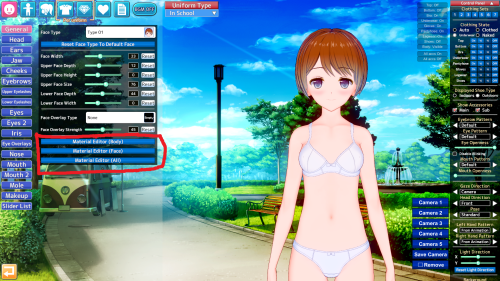
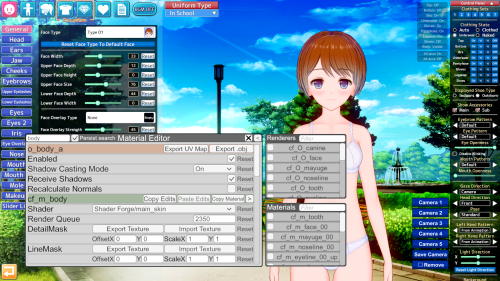
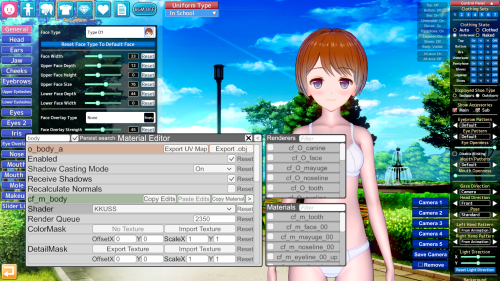
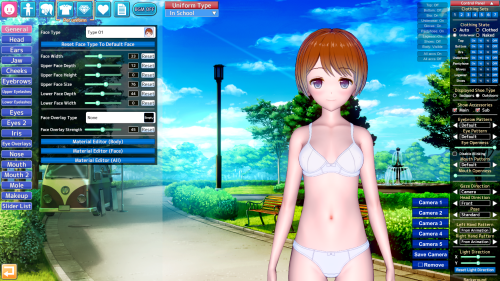
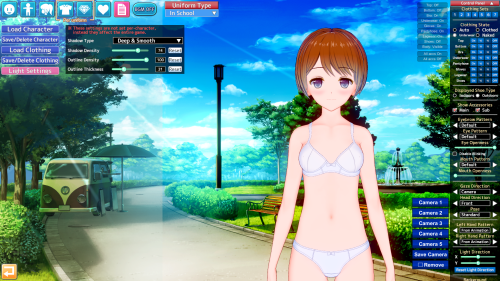
Theft.I recently discovered Koikatsu, and there are a few things I’d like to learn. For example, how can I make my characters look better? In some games, the characters look really good. The colors, the lighting, the shading, everything looks amazing.
But the characters I create, at best, look... average. You know, like those characters from the hundreds of games that get abandoned after the first or second chapter because the developer didn’t put much effort into them. There are a few popular games made with Koikatsu, and their characters look incredibly well-made. What’s the secret behind that? What do you guys pay attention to when creating your characters?
For some reason, I can’t upload a photo right now, but to give an example; the characters in Futa’s World of NTR look really good. I’m not talking about facial or body attractiveness, but rather how the colors and shading look so professional. I also want to make good looking characters that have been worked on, but I have no idea how to do it. Any help would be appreciated.