M
MorumoMerry
Veteran Member
The tongue mod is not installed.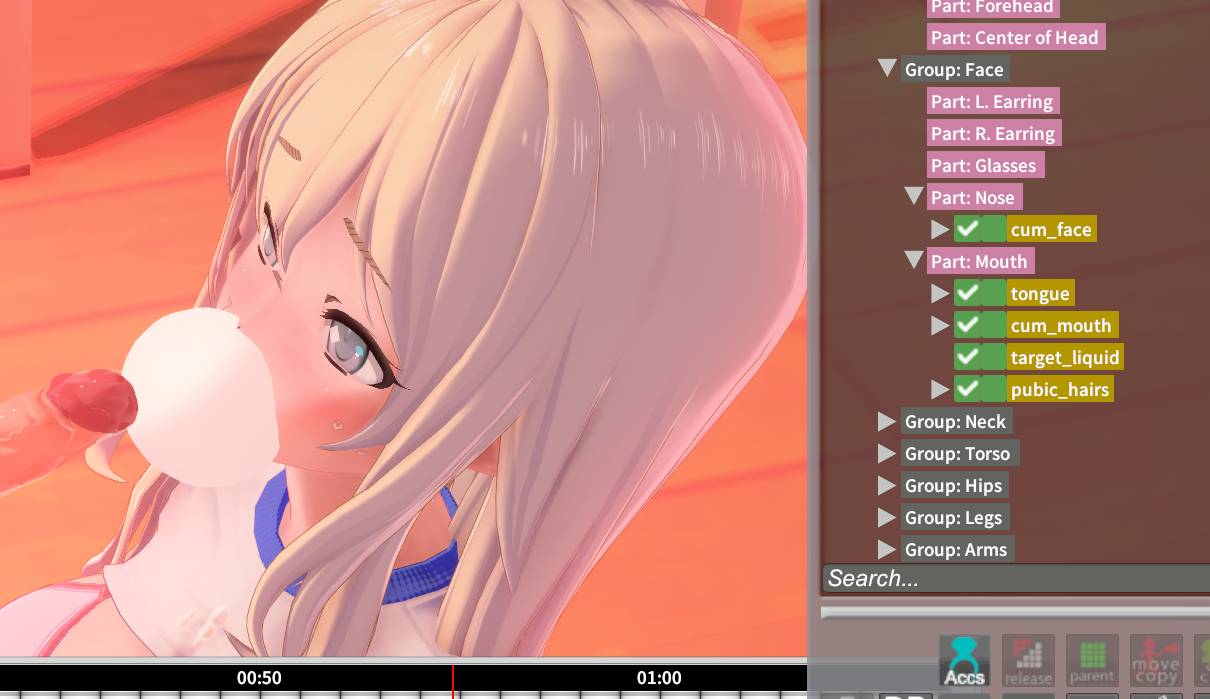
Anyone know how to fix this? it is tongue
Please either add it or replace it with a different tongue item.

The tongue mod is not installed.
Anyone know how to fix this? it is tongue

How can I replace it? I'm newThe tongue mod is not installed.
Please either add it or replace it with a different tongue item.
Add a tongue from the itemsHow can I replace it? I'm new
Appreciate very much🙏🙏🙏Add a tongue from the items
Attach it to the mouth on the face
Copy and paste the position and angle of the sphere that has been replaced due to missing MODs
Loading…
gofile.io


Aight, I'm stuck. I have no idea what I'm doing, but I don't want to give up. I'm not sure what else to change. The guide that sixswanplus made at least taught me that there's something such as a Shader Management Tool to easily swap shaders. I previously doing it one by one so that's a plus in my book. But in the end, it made it look like sixswanplus instead of the DOLLHOUSE. 😅


With the chika sample that gustavo40 gave, I tried swapping it to the character and adjusting the settings. It's somewhat getting there, but now I'm stuck on what to change. Even tweaking some sliders in KKUTS don't do anything, so am I missing something with what I'm adjusting?


So I tried experimenting with scene effects and shadows, but it's not close to the color of the DOLLHOUSE anymore. Something about the scene makes the skin color so different to what I'm trying to achieve. Am I missing a normalmap, detailmask or something? Does it have something to do with the base scene settings or character lighting? So I'm basically stuck here.
And just to clarify, if it's grayed out, does that mean nothing happens or something?
I'll provide the scene and characters below with what I'm working with.

I'm not giving up until I get it as close as I possibly can, so any help on this will be appreciated! Thanks!
This creator has some tutorials about kkuts, maybe that will help.
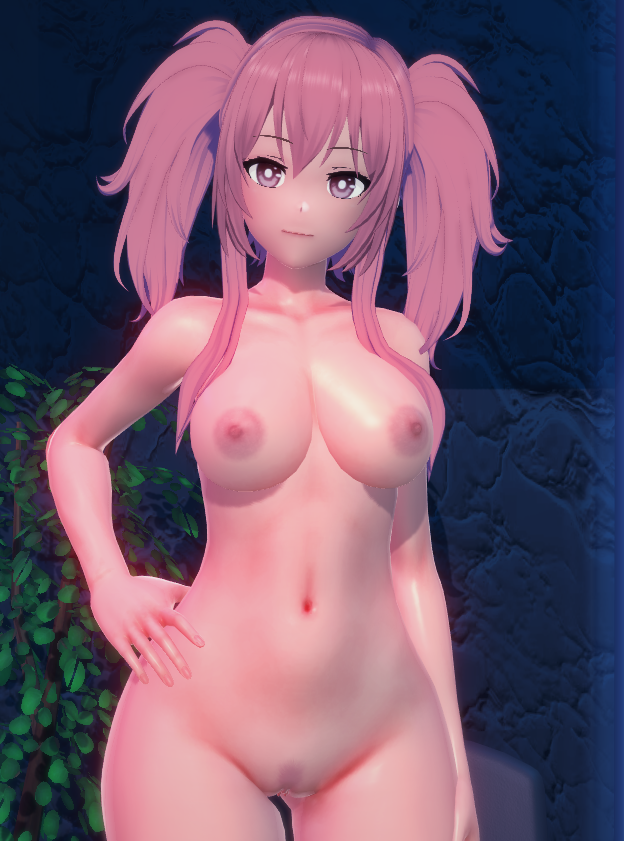
I understand almost nothing about how kkuts works, maybe someone here on the forum knows, I'll share some presets I made trying to replicate it.
random video test
Aight, I'm back with an update.I believe what you should be messing around with is matcap. That's what gives the shine/glossy effect.
I don't use KKUTS so I don't have many lying around. I tried a few but they dont look much like the one dollhouse uses.

Also, grayed out just means it's not a default value.
Check if you're using either AccStateSync, AccessoryStates or ANAL. They are used to dynamically toggle accessories.





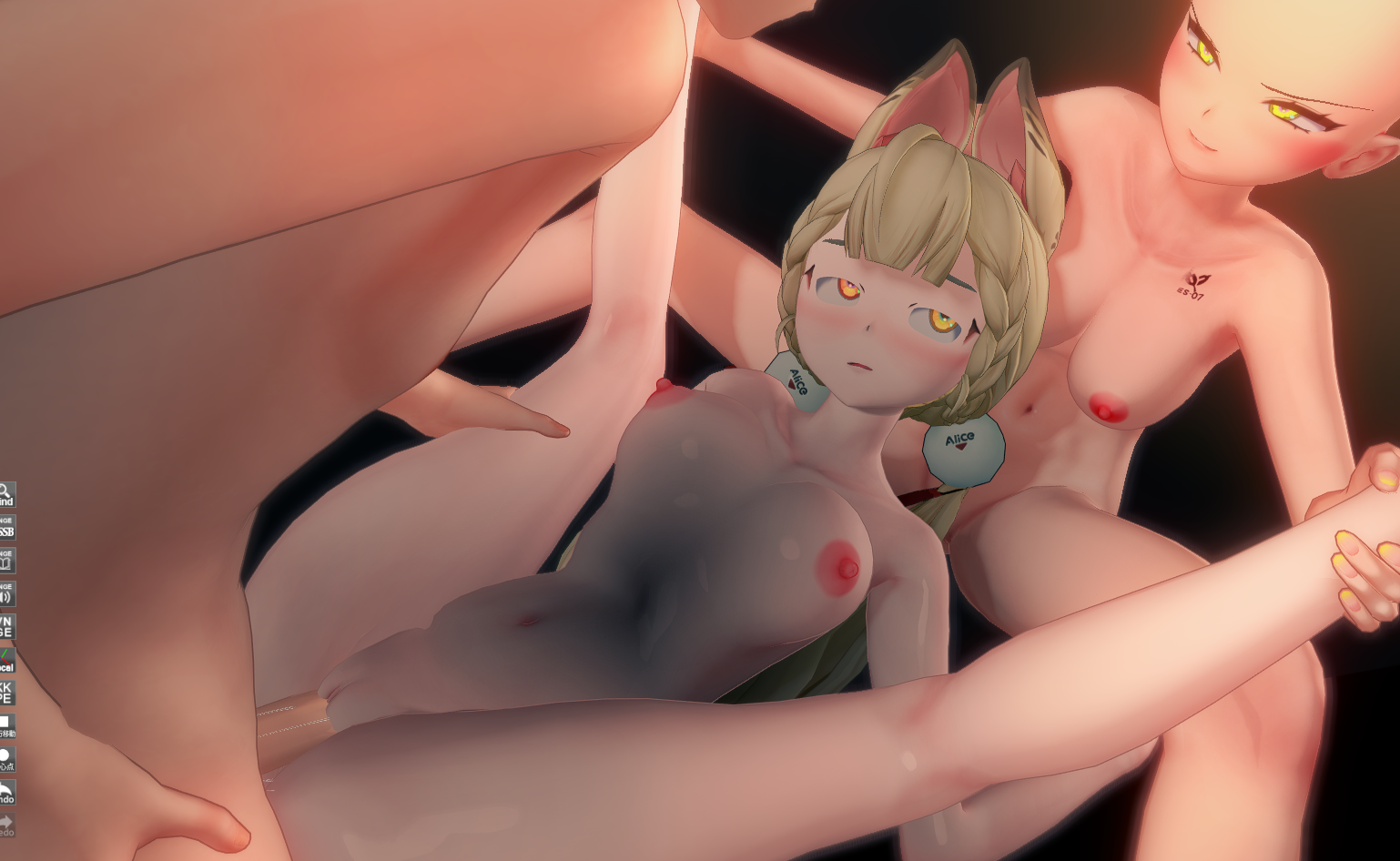
The expressions are mostly KKPEThe image is from a scene in DoriDoriko, but there's a problem where the eyeliner on the girl in the center isn't displaying correctly. Does anyone know how to fix this?


did you have the ParentSwitch plugin?Anyone know how I fix the issue where some characters accessories refuse to not sit on the floor? Even when I manually move them to their proper spot, and save the outfit, and the character, as soon as I load it up again, boom, they're on the floor. I've searched for this issue and I already got kk_jetpack.dll and yes I put it in the bepinex->plugins folder
I also got kk_characteraccessory.dll
But it keeps doing it *sobs*
I don't think so? in my plugins folder if I search 'parent', I only get KK_accessory_parents.dll and .pdb.did you have the ParentSwitch plugin?
its KK_ParentSwitchI don't think so? in my plugins folder if I search 'parent', I only get KK_accessory_parents.dll and .pdb.
I google parentswitch plugin parentswitch.dll, parentswitch koikatsu and All I find are generic how to install plugins pages and such, do you know the exact name?
Edit:
I also have KK_moreaccesoryParents.dll
Doesn't show up when I search for parents but I apparently already have it


After updating KKPE to the latest version, it displayed correctly. Thank you.The expressions are mostly KKPE
Please update KKPE


Well, it's probably cf_J_MouthBase_ty.hey, i have this problem where the face is all weird after i replace characters in this AnnaAnon scene (one of the latest). it doesn't happen in all of their scenes. i don't really know how studio works so sorry if the question is stupid lol. im in RX21 and i just installed the latest HF patch (3.38)
scene for reference: https://files.catbox.moe/2t9d24.png
i looked for cf_J_MouthBase_ty in kkpe - ik and i tried changing the values to 0 in position, but the face still looks like in the image, and whenever the scene starts playing again the changes i made revert. sorry i don't really get studio lolWell, it's probably cf_J_MouthBase_ty.
Isn't the position shifted along the X-axis?
i looked for cf_J_MouthBase_ty in kkpe - ik and i tried changing the values to 0 in position, but the face still looks like in the image, and whenever the scene starts playing again the changes i made revert. sorry i don't really get studio lol


Thanks, I did not in fact have that plugin.its KK_ParentSwitch
Koikatsu card sharing request thread. コイカツ koikatu!
Koikatsu card sharing request thread. コイカツ koikatu!kk.now.cc

hey, i have this problem where the face is all weird after i replace characters in this AnnaAnon scene (one of the latest). it doesn't happen in all of their scenes. i don't really know how studio works so sorry if the question is stupid lol. im in RX21 and i just installed the latest HF patch (3.38)
scene for reference: https://files.catbox.moe/2t9d24.png


I feel like I've seen this somewhere before.Am looking for some help. Am having a problem with Makisu's Rio V2 card.
I have all the mods installed so am not sure why it's doing this.
Thanks in advance.
No idea but i could try that. Do you happen to have the updated version of KK_ClothesToAccessories?I feel like I've seen this somewhere before.
Weren't we supposed to update KK_ClothesToAccessories?
分かりませんが、試してみます。KK_ClothesToAccessoriesの最新版をお持ちですか?
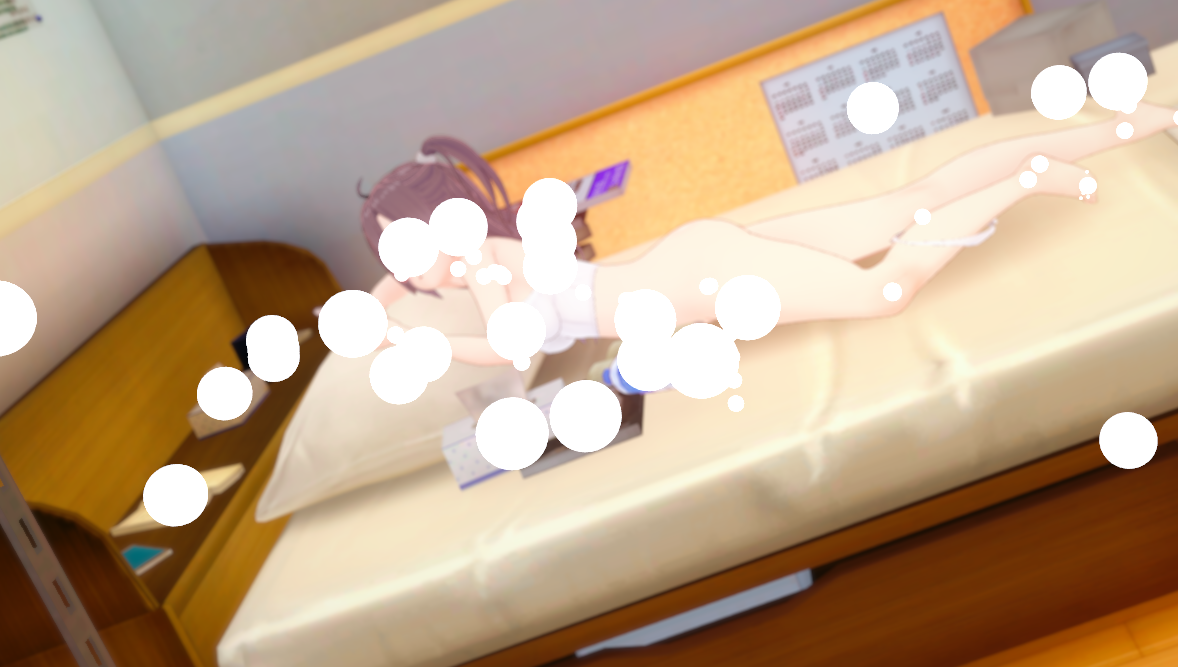

Because two shaders are being used on the BodyCan anyone explain why this tearing in texture happens to the body? I'm using the Anna Anon's scene
?Thanks for this i tried it and got this error
it also made thins worse
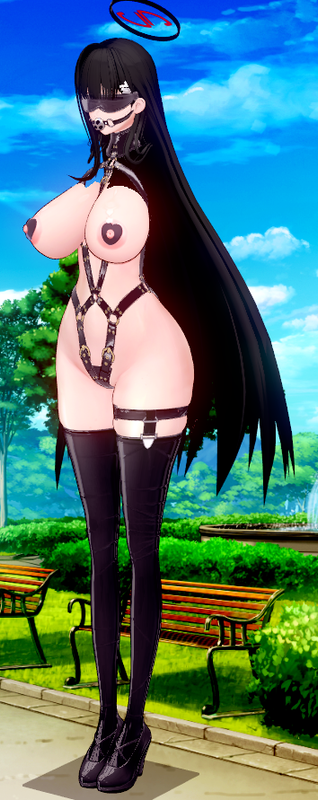
Oh where do I see that? I mean I get it's in material editor, but where do I see two shader settings?Because two shaders are being used on the Body

Sorry i posted to soon when i was trying to get the images to upload. I was still in the process of editing my post and just seen you have replied already. I was about to let you know i am going to make a back up of my current version of KK before trying to update just incase Something goes wrong.?
Are you having trouble reading the text displayed?
If an error message appears, shouldn't you just follow the instructions and update the relevant plugin?


Oh where do I see that? I mean I get it's in material editor, but where do I see two shader settings?


このエラーを知っている人はいますか?
Thank you so much for your reply and your assistance dude! It fixed it! Much appreciated, I didn't know about the two shaders.