[ILLUSION] Koikatu! - Card Sharing Request Thread 2.0 (Restart)

STex1

STex1

Well-known Member
Joined
Mar 5, 2026
Messages
65
Reaction score
95
Points
18
Credits
1,330
Hello, anyone have Grafko clothes 36 and 34 please?

MxdGhbf.jpeg
where?
 
G

guppyliam

Veteran Member
Joined
Aug 31, 2024
Messages
74
Reaction score
482
Points
53
Credits
5,145
Anyone knows who the author of this scene is?
bN7iMf4.png

https://www.pixiv.net/en/artworks/119121216 Poison
anyone have mikari tachibana card from dolores or other creators?


iYZF36FCCgKjoJnY7spybO0rSeftxvK6_ub8LE_4Letx7ns6bO35dqcszM0hyo83H6Th24SzkPo4OYV7DxFofBTXtwsX1ciKAD3b6kGATj06xlRHLPCYBTBoq14NBB0WE8Zt4wjvPL_sWcZ6qm-2jg.webp
Forgot who the author was but their Pixiv page seems to be gone
 
T

treeko39

Active Member
Joined
Jan 16, 2026
Messages
29
Reaction score
60
Points
13
Credits
930
Last edited:
MomokaDaisuki

MomokaDaisuki

Veteran Member
Joined
Oct 19, 2025
Messages
319
Reaction score
618
Points
93
Credits
6,835
Does anyone have this old Angela Balzac card? Or know if it even got released exists?

And anyone got Veronica from ToF?
Better off check Bepis site:
 
KK DONALD'S

KK DONALD'S

KK Master
Joined
Jul 26, 2025
Messages
1,588
Reaction score
3,139
Points
113
Credits
33,165
LordBubnub

LordBubnub

KK Master
Joined
Oct 9, 2025
Messages
382
Reaction score
1,194
Points
93
Credits
13,837
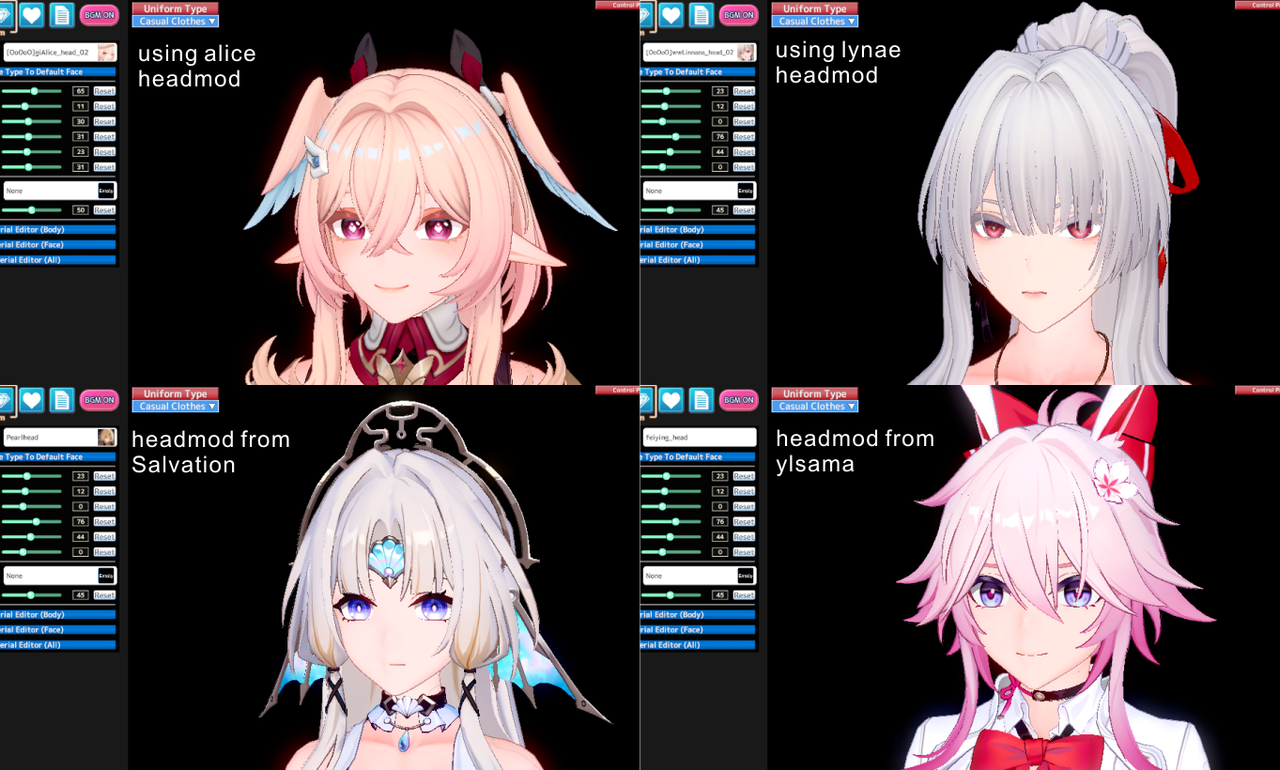
if u really want to only use headmod for ur card, use other character headmod as substitute or other author/modder headmod.
most of the time u only need to recolor the texture for eyeline/eyebrow part
Graphic1.png
ngl dude that's pretty neat seeing the process from this perspective. No wonder a lot of creators just take a bunch of mods from Lor, juedge, and zhezhicheny then adjust it from there.
 
megatek23

megatek23

Well-known Member
Joined
Jul 8, 2025
Messages
88
Reaction score
92
Points
18
Credits
1,400
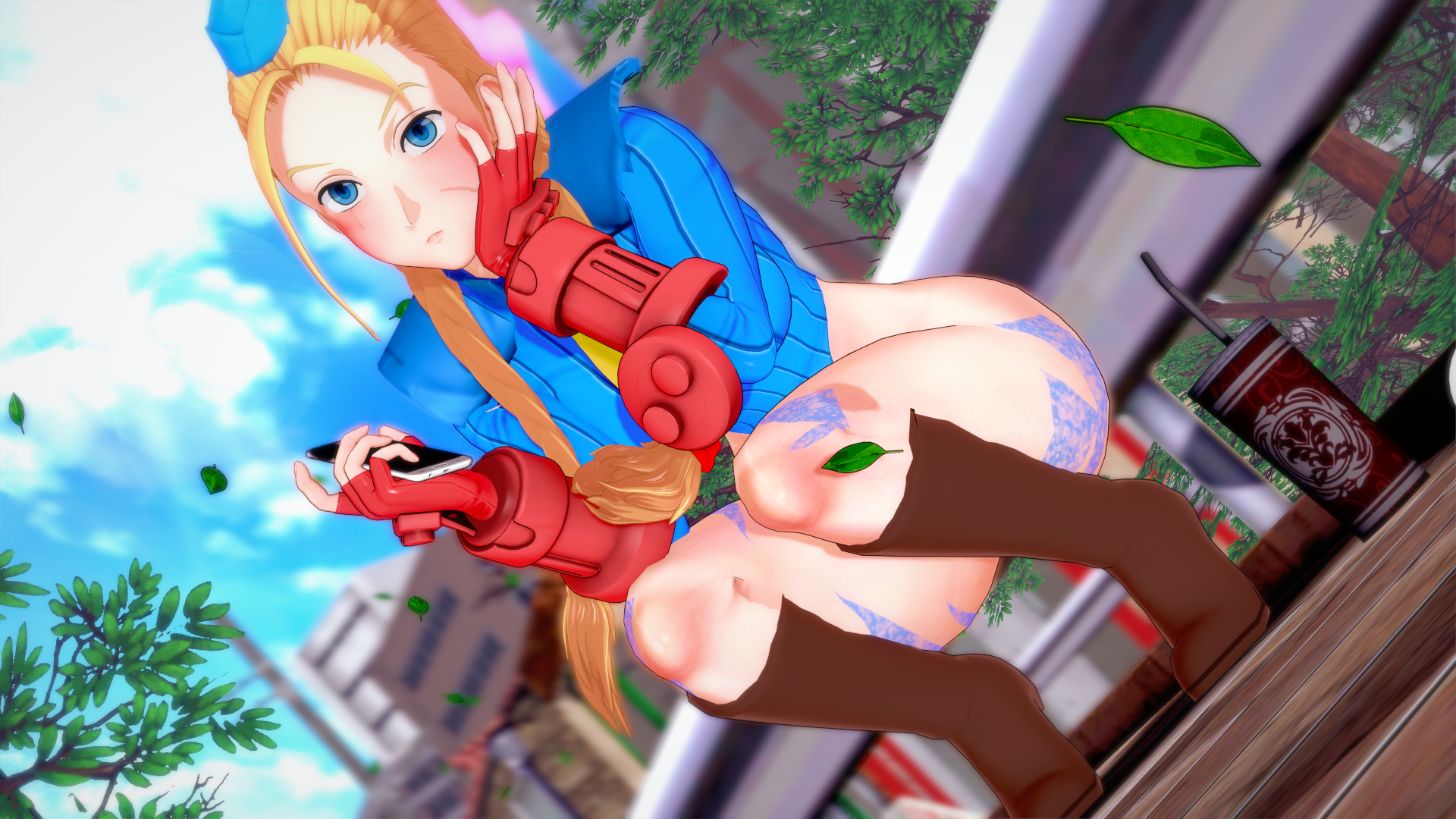
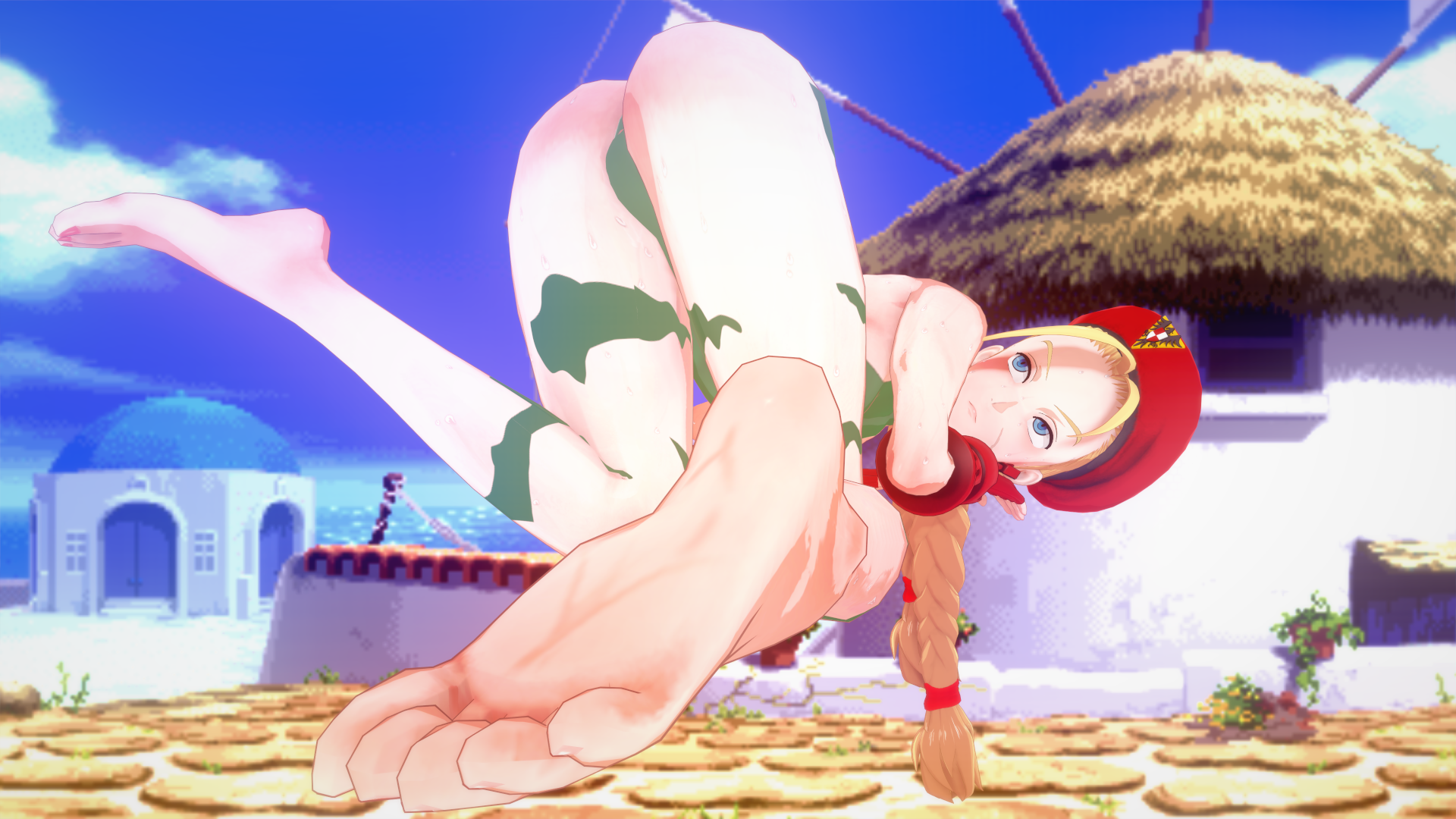
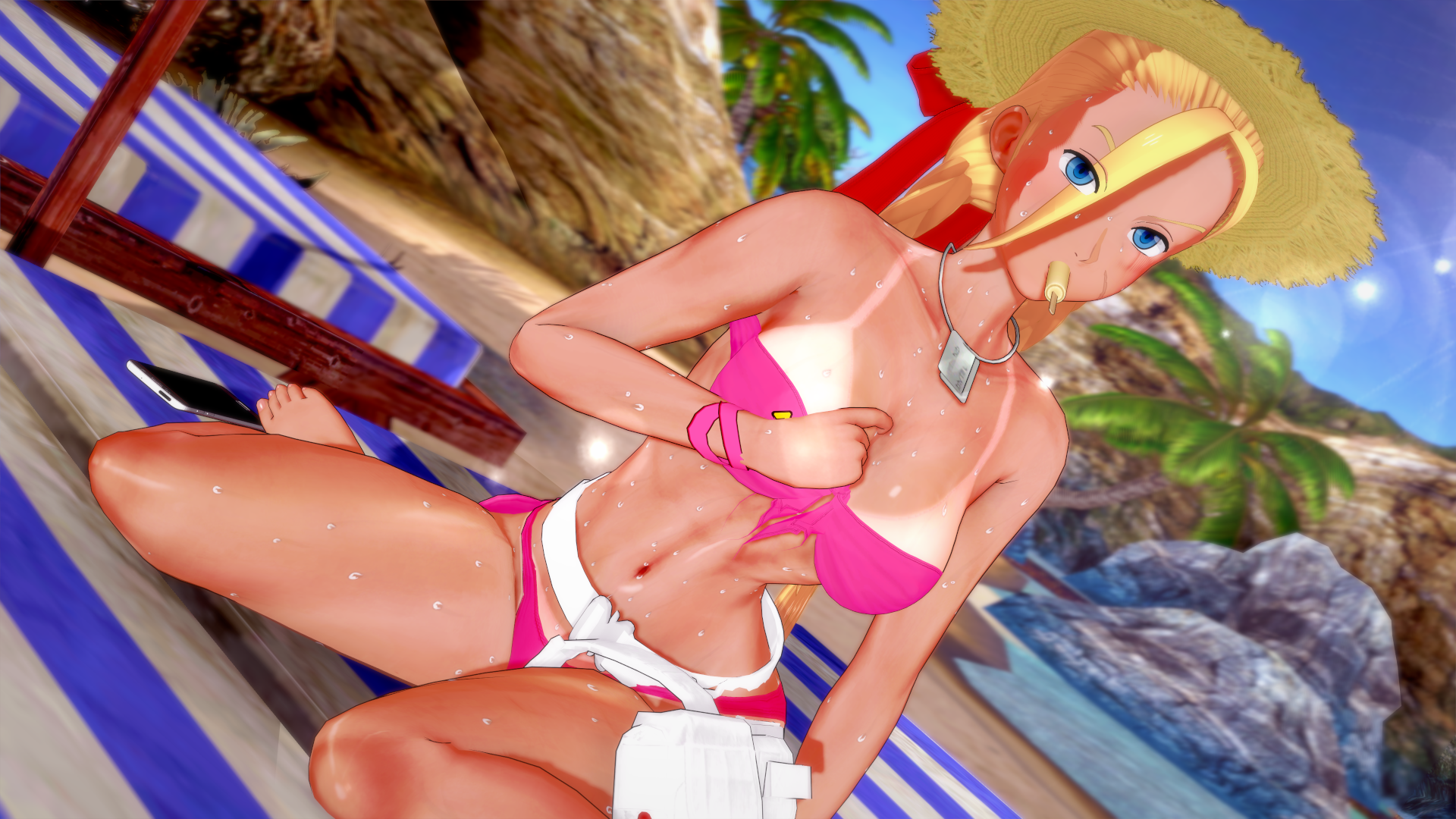
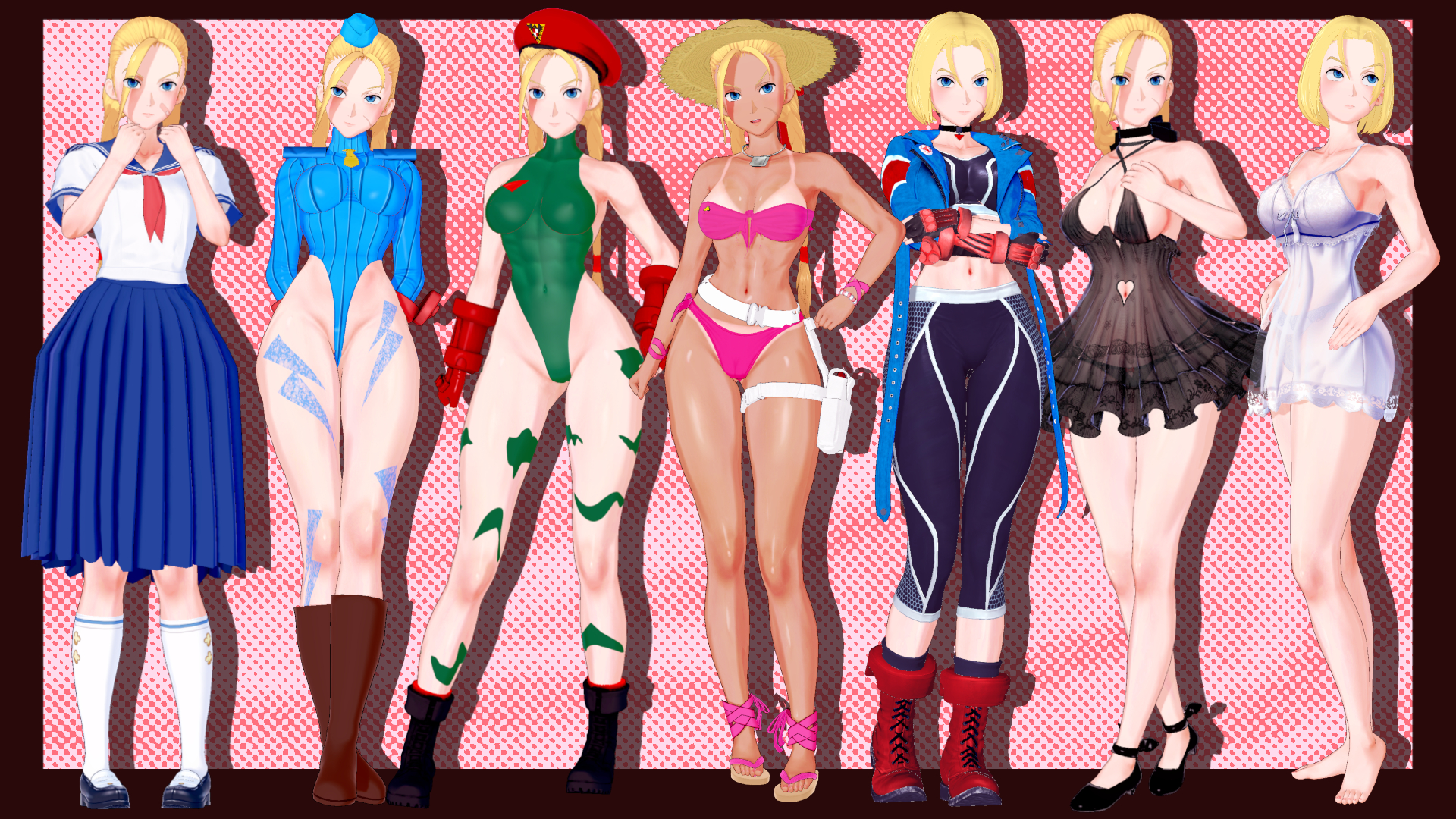
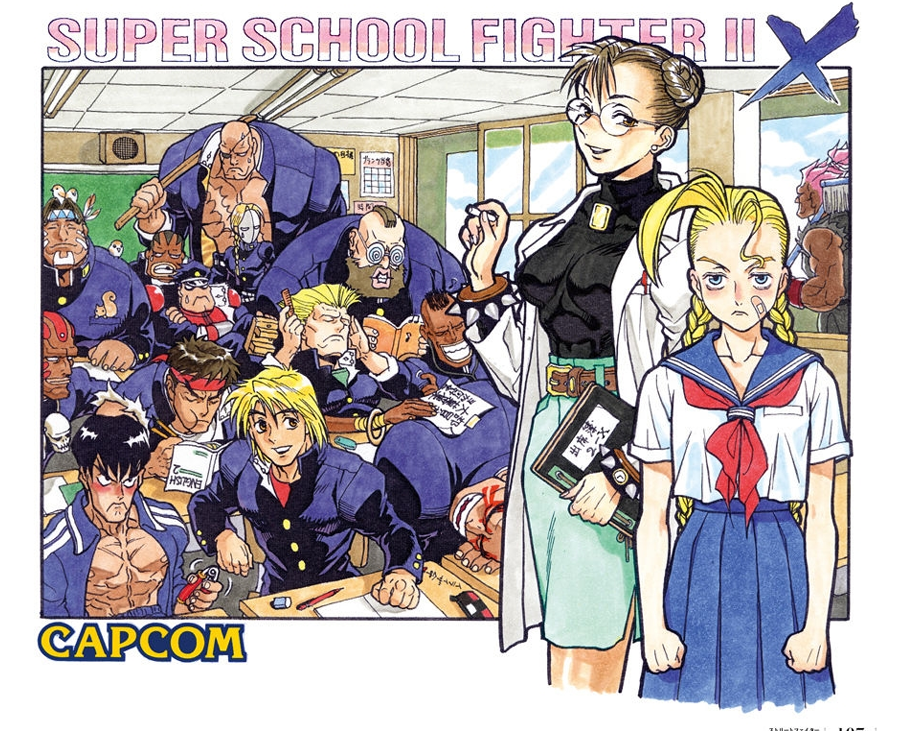
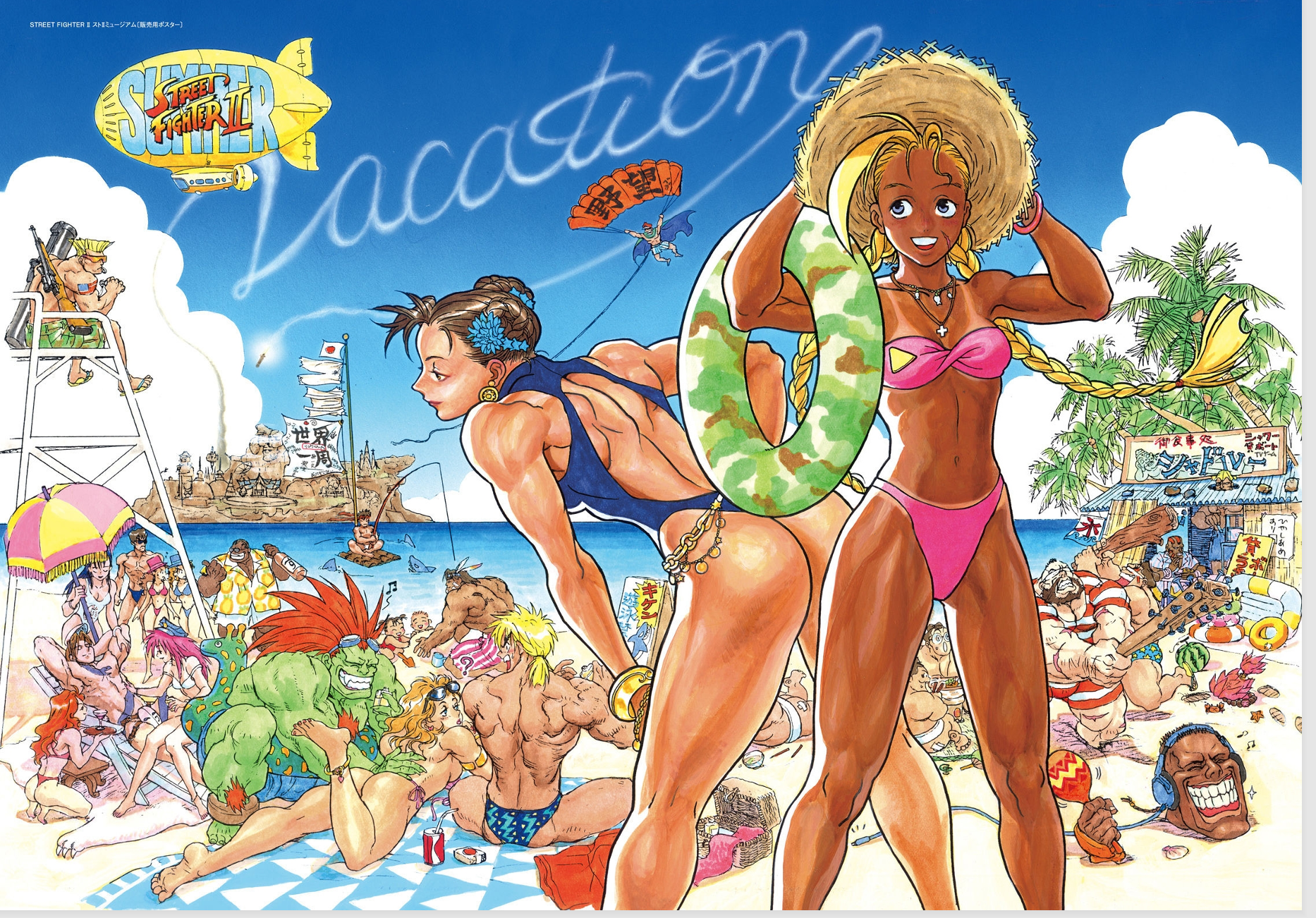
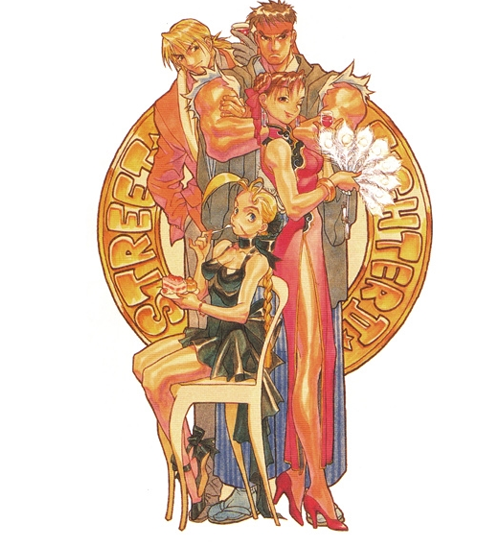
I knew I had to do it as a long time SF fan, plus it's always a blast to look back at 90's Capcom artwork
Here are the Illustrations that inspired some of the outfits
Glad y'all are liking the card
+ STREET FIGHTER PLEASE VERY NICE
 
pouseylova6

pouseylova6

Member
Joined
Sep 21, 2025
Messages
20
Reaction score
12
Points
3
Credits
290
hey guys, i sometimes read that you can reduce or rescale textures of the card, so that didnt make the game too much lag, so my question is how?
 
KK DONALD'S

KK DONALD'S

KK Master
Joined
Jul 26, 2025
Messages
1,588
Reaction score
3,139
Points
113
Credits
33,165
hey guys, i sometimes read that you can reduce or rescale textures of the card, so that didnt make the game too much lag, so my question is how?
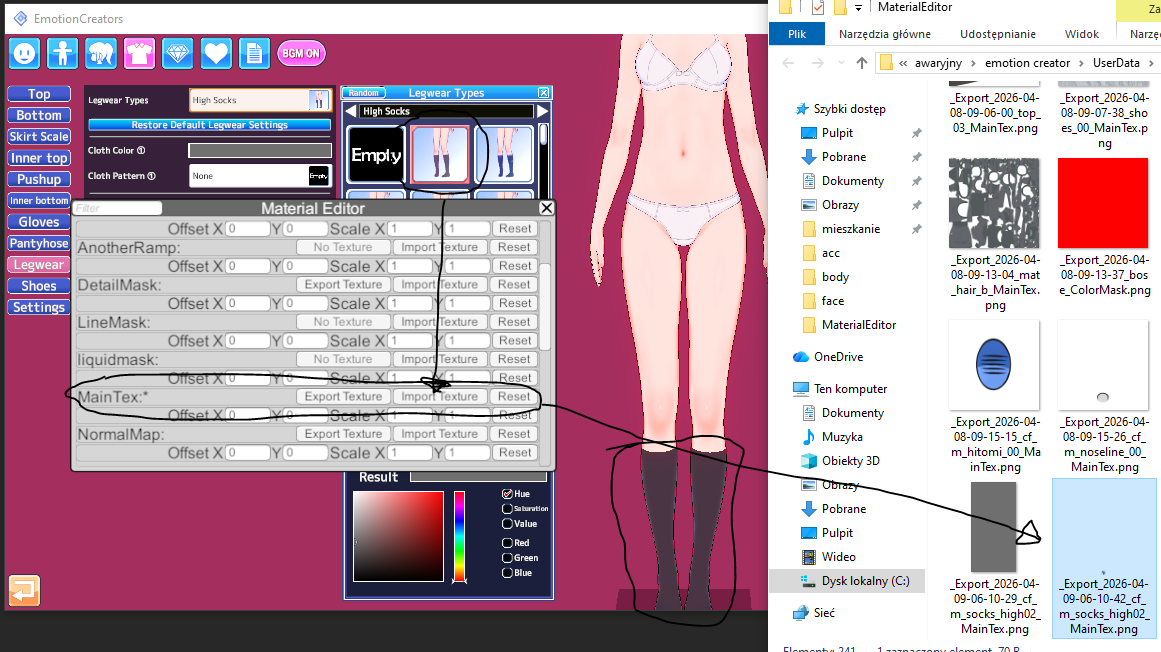
1)on cloth, go to material editor>export Main tex> open via windows photo editor> resize the resolution to ur liking(not less that 720x720)> import the texture back to main tex. The difference on color wont be seen but if the clothes have some design and lines texture it will be zaggered
2)About Hairs, They have high texture on Alpha Mask> do same process as the clothing
3) There are other mask too, Detail mask, normal map etc etc... dont touch that i suggest.....
Here Check this few Lowered Texture card from MogelatteRIO https://gofile.io/d/KWnvir
Note:
1) Don't remove the alpha mask on hairs, it will destroy the hair visual.
2) Always number the image u export same as the accessory slot no of the one u r toggling with so that u wont mismatch the alpha mask
3) If u delete the detail and normal mask from body and face, suggest resetting the shader to normal
 
M

Morgion

Member
Joined
Jul 14, 2025
Messages
16
Reaction score
20
Points
3
Credits
425
Sorry for the beg fest. I try not to do it but when I fail to find what I want myself after like 2+ years I give up =P

Never found it, but has anyone ever scooped up Gray sister from:

There was another card I never found, and now I can't even find the link for it, I think it was deleted since I thought I bookmarked it and there is a bookmark that says deleted.
But how about the Kurumi Tokisaki card that includes this outfit specifically There was only one that I could find but never found the DL for it, and now I can't even find the pixiv page of that card =( :
inverse-kurumi-v0-alipgqkq06s31.jpg


Finally, I already got a few mightymeat scenes, but until recently I've been tossing the associated mp3/mp4 files with them since I didn't know how to combine them with the actual scene. Well I figured it out and now I wish I kept them. I tried searching for mightymeat but lots of links are deleted or the ones that aren't are recent files I don't need/want. Is someone aware of a handy list including the old stuff with the actual video/mp3 files still?
 
tico963

tico963

Senior Member
Joined
Nov 10, 2024
Messages
176
Reaction score
318
Points
63
Credits
3,845
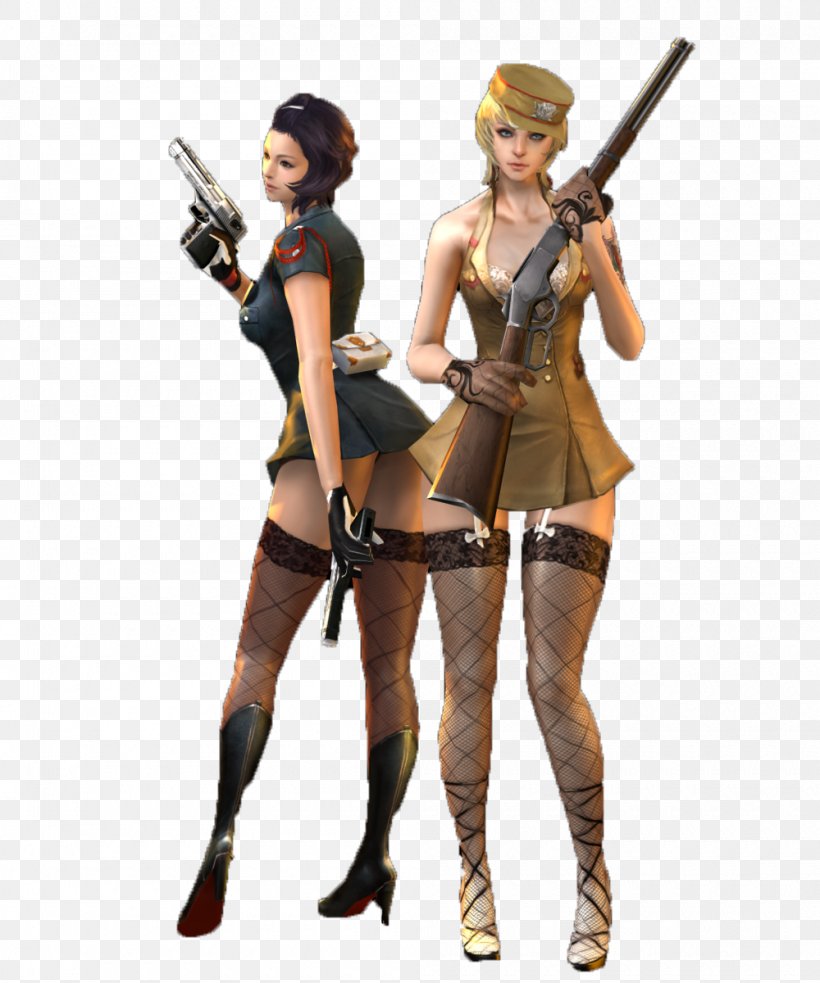
really need someone to make these girls Koi cards (or just the outfit)

 
Anni93

Anni93

Veteran Member
Joined
Sep 1, 2024
Messages
178
Reaction score
387
Points
63
Credits
4,490
1)on cloth, go to material editor>export Main tex> open via windows photo editor> resize the resolution to ur liking(not less that 720x720)> import the texture back to main tex. The difference on color wont be seen but if the clothes have some design and lines texture it will be zaggered
2)About Hairs, They have high texture on Alpha Mask> do same process as the clothing
3) There are other mask too, Detail mask, normal map etc etc... dont touch that i suggest.....
Here Check this few Lowered Texture card from MogelatteRIO https://gofile.io/d/KWnvir
Note:
1) Don't remove the alpha mask on hairs, it will destroy the hair visual.
2) Always number the image u export same as the accessory slot no of the one u r toggling with so that u wont mismatch the alpha mask
3) If u delete the detail and normal mask from body and face, suggest resetting the shader to normal
Almost, but not entirely.

First and foremost, it all depends on the asset and its thresholds on the UV map.
For example, sometime clothing assets from SuguP are constructed even on a few pixels

Each asset has different pixel thresholds.

One might have 2k, another 512, another 1024, another 256, etc.
This is an individual matter.
You adjust the size to whatever parameters allow you without losing detail.
Relative, dependent, on the author of the orginal asset.
Becaus even pixel sizes that are too high can result in loss of detail. For example, YueFengYu's mods from Date A Live implement 8k, which makes details blurry/pixelated. 1k/2k are the appropriate settings.

I wouldn't suggest not messing with the detail mask normalmap normaldetailmap color mask, etc, it also affects many factors, such as changing details or simulating, for example, cellulite on the body.
Especially if your example is the projects from that idiot moegelerattio (this guy has no skill, puts 4k everywhere, and creates a Frankenstein without optimization, he doesn't know any fundamental knowledge).


For example, in all the hair assets on his cards, you can reduce the color mask to 1x1-8x8-64x64 pixels
and the detail mask to 64x64-256x256 pixels
(now imagine if 40x hair elements have implemented 512 to 2048 pixels, when they don't have to, or even imported 4k).

The overlay size is also relative.

It depends on what you want to achieve.
If the overlay is a only solid color, you can even use 1x1 pixels.
For excampe:

orginal
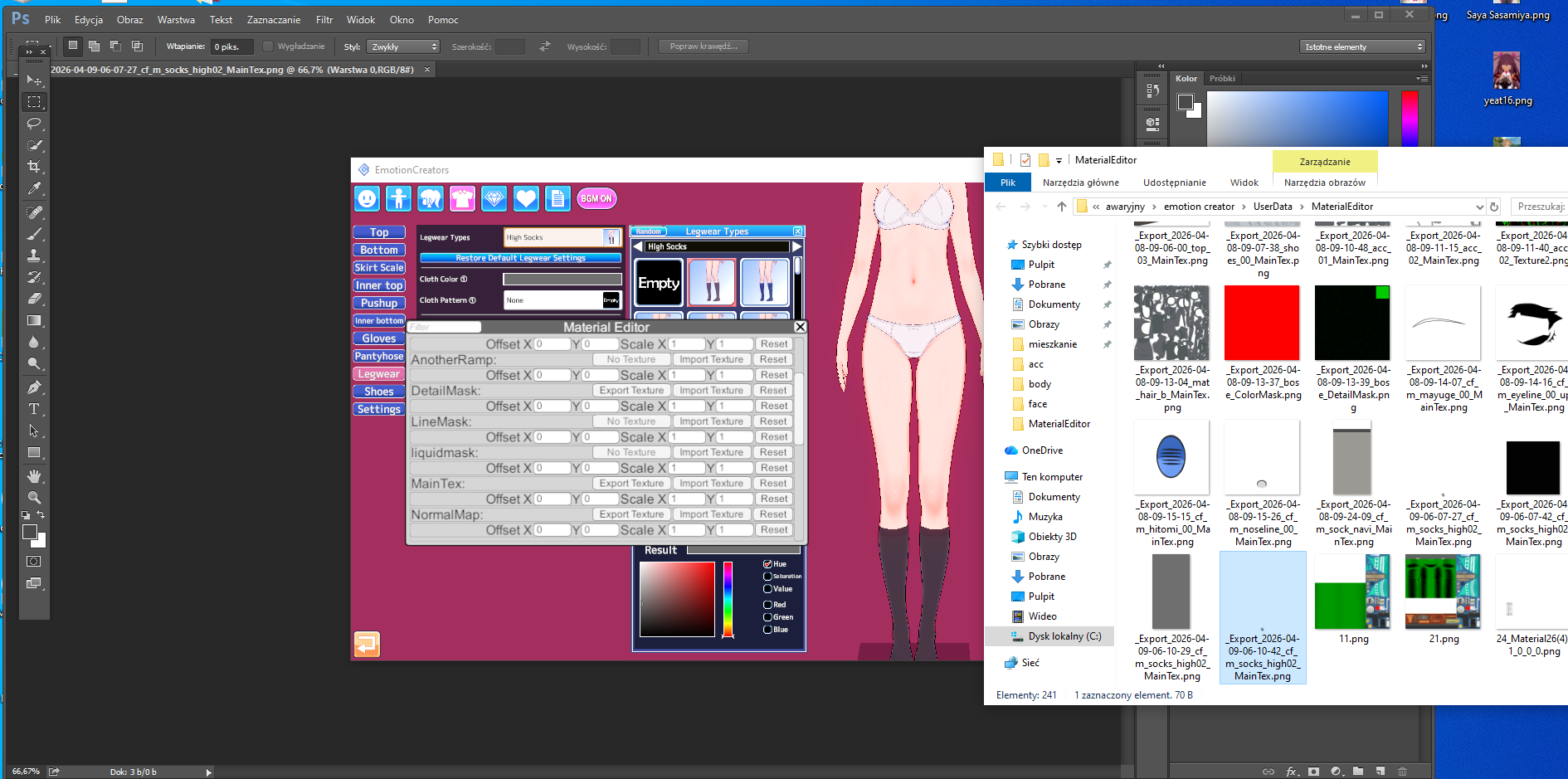


With 1x1 pixels:


You're also spreading false myths about alpha mask.

You're prioritizing MainTex, and any other influence is the shader type, plugin.
Alpha mask is rarely required for interference.
It is mainly used in situations where white lines remain in the perimeter when remodeling an asset.

More often than not, people overuse this feature.
And what's worse, alpha mask can have different thresholds than maintex.
This sometimes requires larger dimensions than maintex.
You can also use the Overlay plugin instead of MaterialEditor.
For example, on clothing.

It's also worth highlighting situations in which we remodel assets/or we use the on off function.
For example, some hair.
Let's assume an asset has four separate fields in the material editor for modifying overlays.(like a 4x spot for maintex etc)
For example, you're only interested in one of these four, because after remodeling, you won't see the others, becaus simply turn these elements off with the on/off option in the editor.
Then, in these redundant fields, you import a 1x1 overlay of empty pixels wherever something is implemented.
This also impacts optimization because subprocesses from the sum of these pixels continue to consume them in the background.
Especially since sometimes these separate fields consume +10k pixels per asset.

Anyway
I've been creating mods using Photoshop for many years, and I can tell you from personal experience that most of the projects from people in the koikatsu community need at least some fixing.

And at last little offtop.
It's also worth highlighting a fundamental mistake that people sometimes overuse in the character creator.
Be careful when using hair gloss.
Some people might use dozens of hair elements and apply shine to each one when it's clearly unnecessary.
We only use it on the elements we want to achieve the desired effect.
Because each hair gloss automatically has at least 1024 pixels,
1k per separated area in the material editor, sometimes a single asset has 4x more spot for it, so you're already at 4k.

Also, if someone can't utilize the potential of xiukmi/kkuts shaders, they shouldn't use them. Some people use these shaders and achieve an effect that's as if it were a base shader, injecting it into every possible spot. This is irrational, especially since these shaders consume quite a lot of subprocesses.

Even the smallest thing can significantly impact optimization and weight, and there are tons of relative ones.
For example, here are Kuzon's cards (I like his mods and possible heads, but not the body).
His cards have thresholds from 40-100mb.
Now, go to the body material editor and delete all the additional copied elements (it's just a tattoo).
Save again and compare the weight.
(by the way, I don't know why there's so much of it here, but looking at the difference in the overlays, I guess it's for animating in the studio, via some plugin.)

 
Last edited:
prd

prd

Veteran Member
Joined
Dec 28, 2025
Messages
175
Reaction score
591
Points
93
Credits
6,490
hey guys, i sometimes read that you can reduce or rescale textures of the card, so that didnt make the game too much lag, so my question is how?
also want to add
if the mod/outfit only use a basic shader type (makise, lor, zhezhicheny and edge/nitta usually used) reducing the detail mask and normal map to 1024x1024 and maintex to 1024x1024 or 2048x2048 are enough (2048x2048 for full bodysuit size like texture).

but sadly not applicable for grafko outfit... so many texture with shader on so many part with different slider each part make it a chore to lighten...
 
Skiadrwq

Skiadrwq

Well-known Member
Joined
Oct 13, 2024
Messages
50
Reaction score
102
Points
33
Credits
1,575
if u really want to only use headmod for ur card, use other character headmod as substitute or other author/modder headmod.
most of the time u only need to recolor the texture for eyeline/eyebrow part
Graphic1.png

if u really want to only use headmod for ur card, use other character headmod as substitute or other author/modder headmod.
most of the time u only need to recolor the texture for eyeline/eyebrow part
Graphic1.png
damn thats a lot better, good idea!
 
KK DONALD'S

KK DONALD'S

KK Master
Joined
Jul 26, 2025
Messages
1,588
Reaction score
3,139
Points
113
Credits
33,165
Almost, but not entirely.

First and foremost, it all depends on the asset and its thresholds on the UV map.
For example, sometime clothing assets from SuguP are constructed even on a few pixels

Each asset has different pixel thresholds.

One might have 2k, another 512, another 1024, another 256, etc.
This is an individual matter.
You adjust the size to whatever parameters allow you without losing detail.
Relative, dependent, on the author of the orginal asset.
Becaus even pixel sizes that are too high can result in loss of detail. For example, YueFengYu's mods from Date A Live implement 8k, which makes details blurry/pixelated. 1k/2k are the appropriate settings.

I wouldn't suggest not messing with the detail mask normalmap normaldetailmap color mask, etc, it also affects many factors, such as changing details or simulating, for example, cellulite on the body.
Especially if your example is the projects from that idiot moegelerattio (this guy has no skill, puts 4k everywhere, and creates a Frankenstein without optimization, he doesn't know any fundamental knowledge).


For example, in all the hair assets on his cards, you can reduce the color mask to 1x1-8x8-64x64 pixels
and the detail mask to 64x64-256x256 pixels
(now imagine if 40x hair elements have implemented 512 to 2048 pixels, when they don't have to, or even imported 4k).

The overlay size is also relative.

It depends on what you want to achieve.
If the overlay is a only solid color, you can even use 1x1 pixels.
For excampe:

orginal


With 1x1 pixels:


You're also spreading false myths about alpha mask.

You're prioritizing MainTex, and any other influence is the shader type, plugin.
Alpha mask is rarely required for interference.
It is mainly used in situations where white lines remain in the perimeter when remodeling an asset.

More often than not, people overuse this feature.

And what's worse, alpha mask can have different thresholds than maintex.

This sometimes requires larger dimensions than maintex.

You can also use the Overlay plugin instead of MaterialEditor.

For example, on clothing.

Anyway
I've been creating mods using Photoshop for many years, and I can tell you from personal experience that most of the projects from people in the koikatsu community need at least some fixing.
your explanation might be far better than mine but it depends upon how the guy takes both explanation about the texture scale, he might take both as (explaining all fluid mechanic and motion to a guy that just wants to drink a cup of water)
 
Anni93

Anni93

Veteran Member
Joined
Sep 1, 2024
Messages
178
Reaction score
387
Points
63
Credits
4,490
your explanation might be far better than mine but it depends upon how the guy takes both explanation about the texture scale, he might take both as (explaining all fluid mechanic and motion to a guy that just wants to drink a cup of water)
I partially agree.

Except the guy's asking about optimization.

You're misleading him a bit with some paragraphs.
Btw I wish you a nice day or night.

PS
I think I even mentioned here once that practically almost nobody knows what they're doing in these matters.

I remember sitting on a laptop with 4GB of RAM, 1GB of VRAM, and a first-generation quad-core Intel Core 3 processor.

People managed to create such a mess that loading a character card would freeze the system for up to an hour.

After I fixed the mess,

the same cards, with the same details, loaded in 5 seconds.

If people knew what they were doing, even those who made games, you could run Koikatsu even on an Atari/Amiga xD
 
Last edited:
Σ

ΣΤΙΛΛ ΙΝ ΛΟΒ

New member
Joined
Apr 9, 2026
Messages
2
Reaction score
0
Points
1
Credits
160
Please give me a body normal map with a realistic texture similar to Honey Select 2
 
Anni93

Anni93

Veteran Member
Joined
Sep 1, 2024
Messages
178
Reaction score
387
Points
63
Credits
4,490
Please give me a body normal map with a realistic texture similar to Honey Select 2
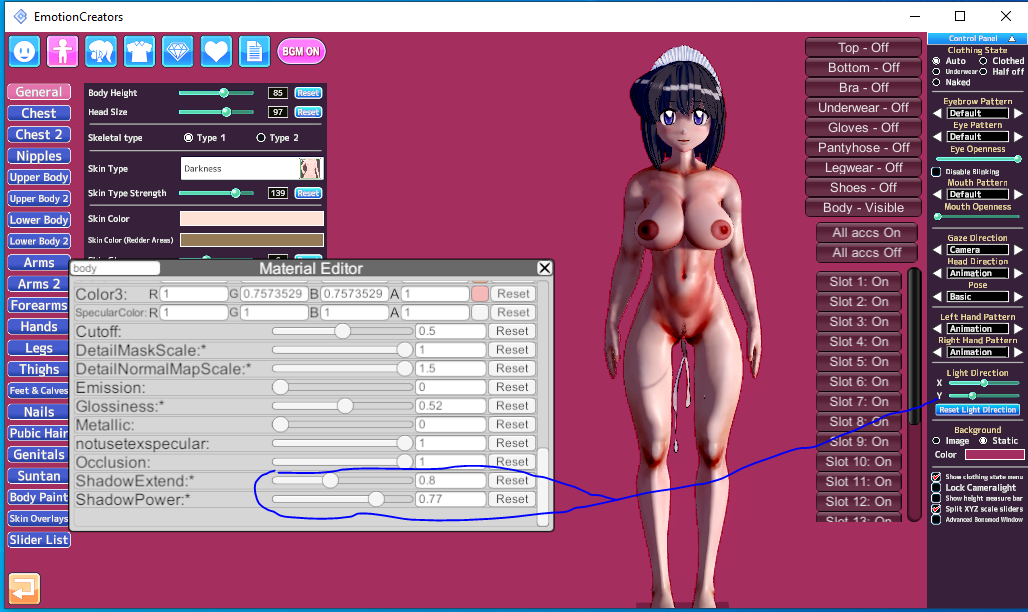
It's not just a matter of one Overlay.
There are many relative factors here.

Interfering with the Overlay plugin + MaterialEditor, with the appropriate overlays, the appropriate shader, and the right configuration.
The closest I've managed to achieve is what I'll send you on my profile.

I don't have access to a computer right now, so just use the EC to KK card converter.

Fortunately, the body is converting.

It's more of a compromise between koikatsu & honey select etc.


Anyway, the parameters/overlays are a bit outdated, because today I use different ones for the face to highlight details and shadows.

and slightly different ones for the body, but only slightly.
At the same time, I also use other digital parameters.
although the effect is similar.

Here excample screen from my old post:

 
Last edited:
ask_3621

ask_3621

Well-known Member
Joined
Mar 19, 2026
Messages
18
Reaction score
122
Points
28
Credits
1,455
This might be a basic question, but I'd appreciate it if you could tell me: Is it possible to combine two short scenes into one long scene?
 
Durahan333

Durahan333

Senior Member
Joined
Jun 26, 2025
Messages
171
Reaction score
235
Points
43
Credits
3,000
What's the deal with this Aragami Group guy, is he a redistributor?
distributing paids with link shortener, couldnt say scamming since I got the stuff safely
just mendokusai ig

the problem is, their headmods are shit
think he's more to type that provide raw materials fast and let others do the refine, cuz whenever new gacha waifu or such out it's always juedge had it first before anyone else, even my modder fren somewhat pissed becuz edge did it as fast as Lightning McQueen
but yea his headmod are shit

and Daily bumping theses
 

Similar threads

Top
これは閲覧専用の自動翻訳ページです。返信・検索・ログインなどの操作は、オリジナルの英語版サイトへ移動してください。 英語版で開く (Open in English) ×