

trpotat22
Veteran Member
Good question, I have no idea. Does that happen with the other cards as well?Hi, i encountered problem, after kiss basti face change to strange greyish color(https://pixvid.org/image/z6PLS), as far as i understand problem is tied with face overlays, in editor i get this greyish face when i delete overlays. I have latest betterrepack release and updated to latest HF patch. Maybe you can advice me how to fix this?
Sorry for image link, for a reson editor can embed my link properly
I test these cards only in the Character Maker and Studio, I don't think I loaded them even once inside the actual game.
Also I very much recommend disabling Depth of Field.
And I just checked, it works fine on my end.
Why are you trying to delete the overlays.as far as i understand problem is tied with face overlays, in editor i get this greyish face when i delete overlays.
If you delete it then that's how the face is going to look like.
And about the Basti card, I'll be updating it soon, but I'll be switching every shader to KKUTS, or at least for clothes since it allows me to make it look closer to how it looks like in GFL2:
The face will have slightly different color like in the image, body as well (I haven't adjusted it yet).
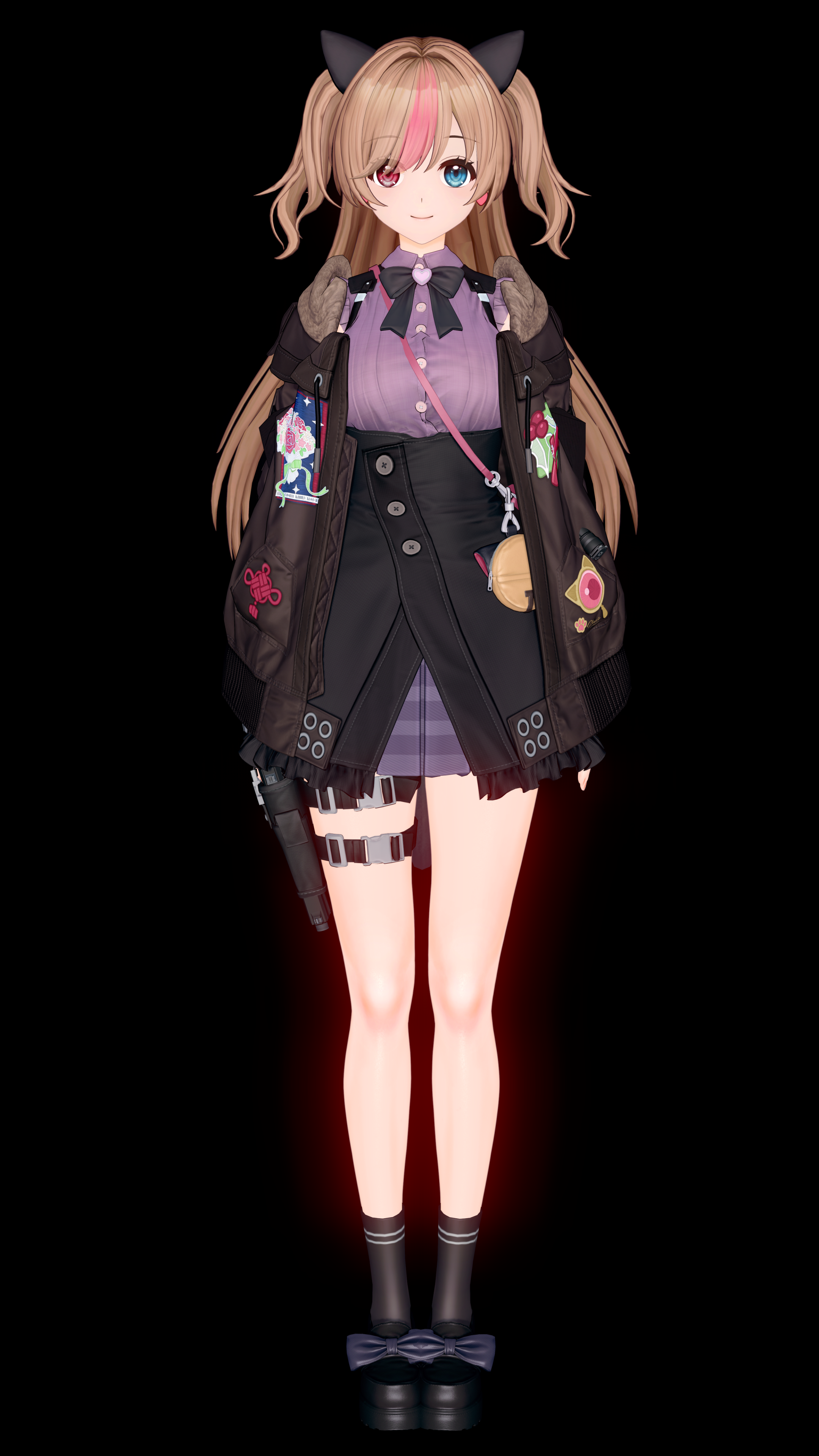
Here's the old version as a comparison:
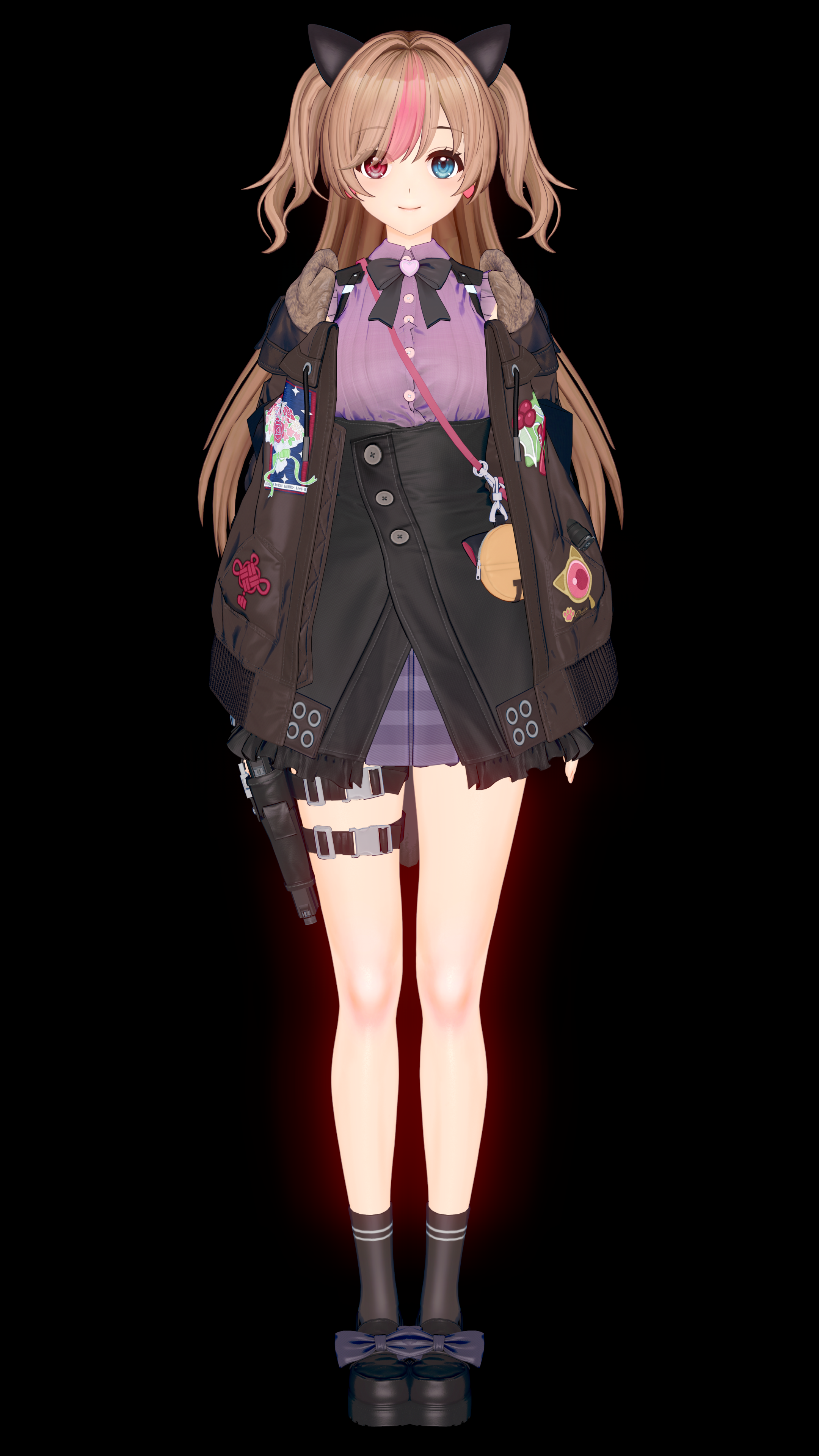
But it won't be uploaded so soon, since that update will come together with the G41 card (so she will be relased on the GLF2's CN server in a few days, then it will take another few days for people to get the headmod and clothes into the game, then I'll need to get that, then I'll spend a few days adjusting the card so the body matches what you have in GFL2 and later adjust the textures of all clothes, then make an additional custom outfit by using existing KK's clothes and that will take me another 1-2 days, so the update should be out in the next 2 weeks)
Last edited:


