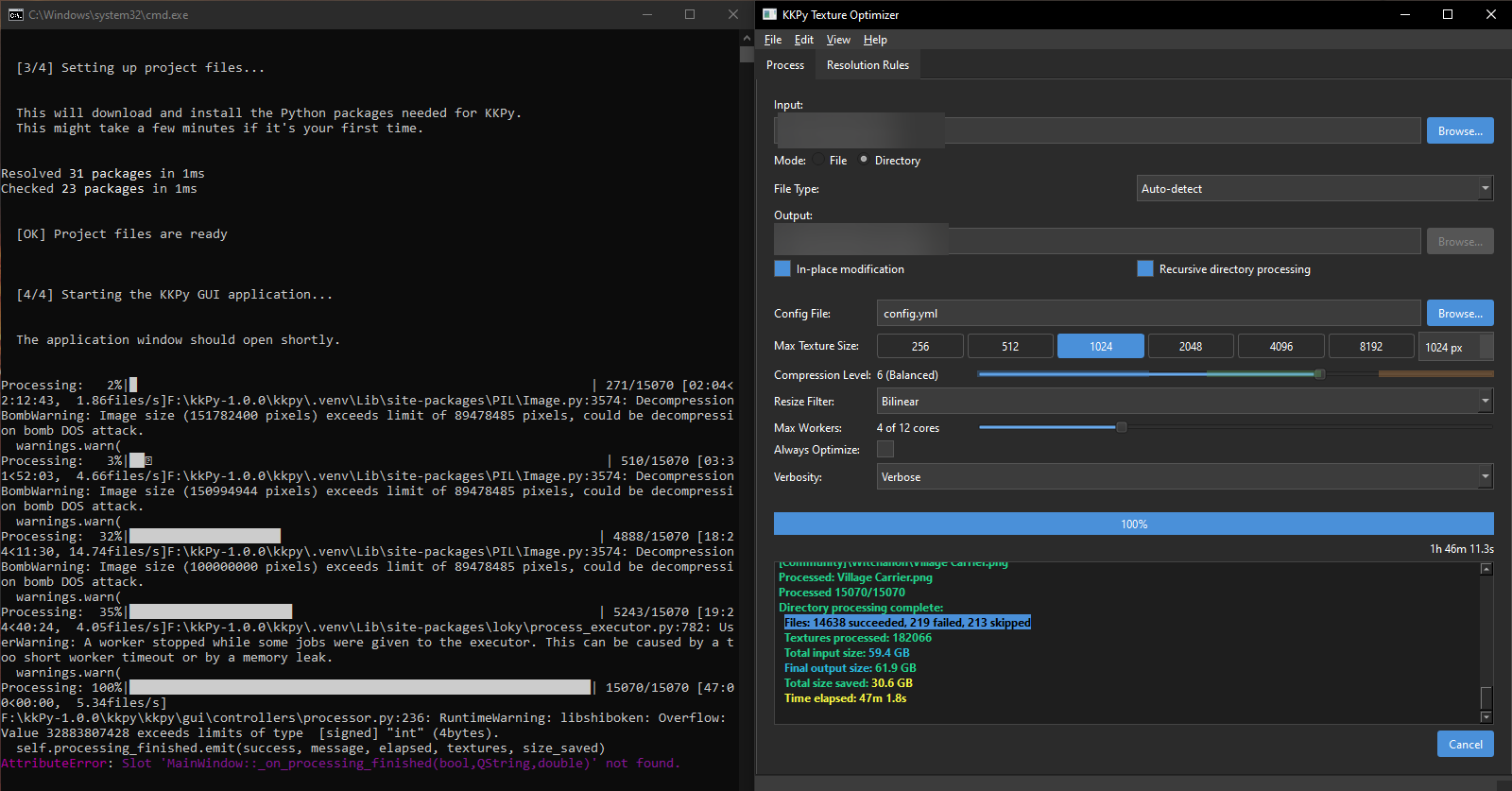
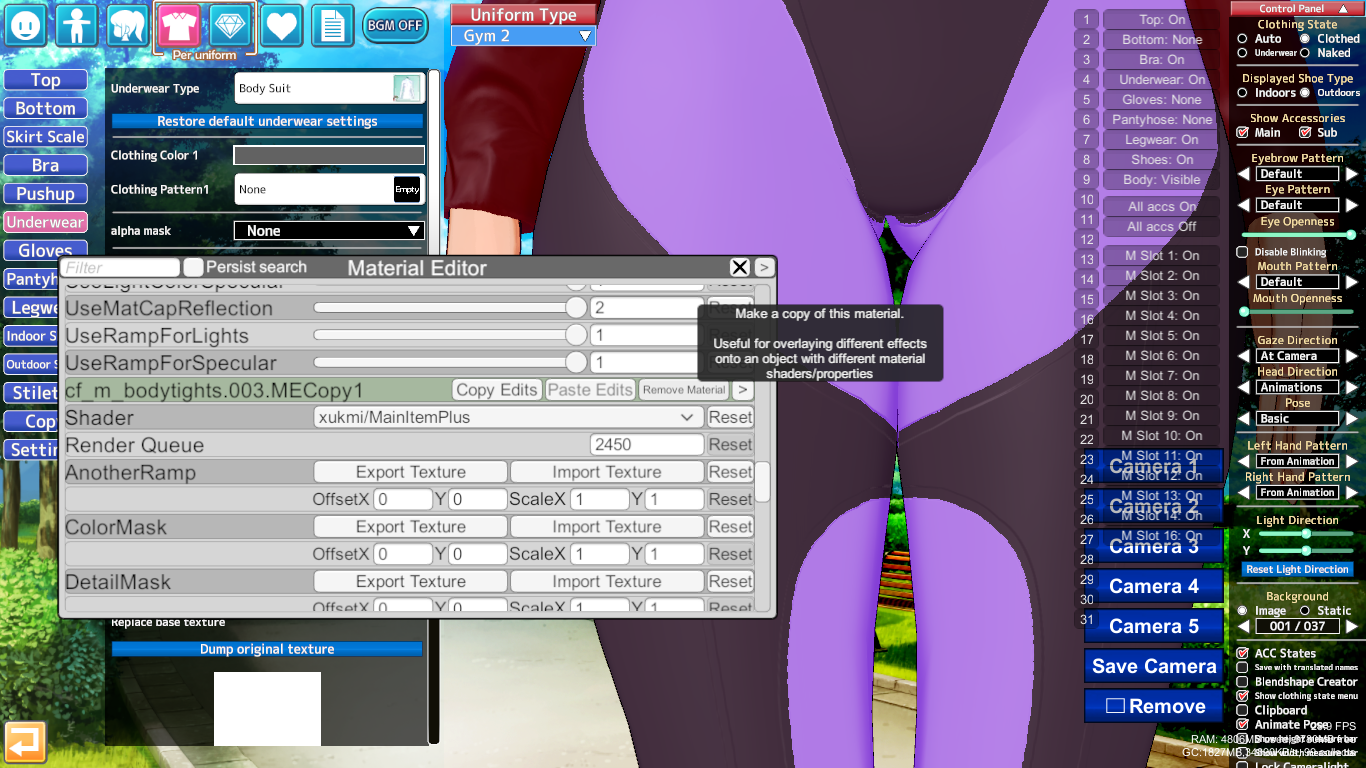
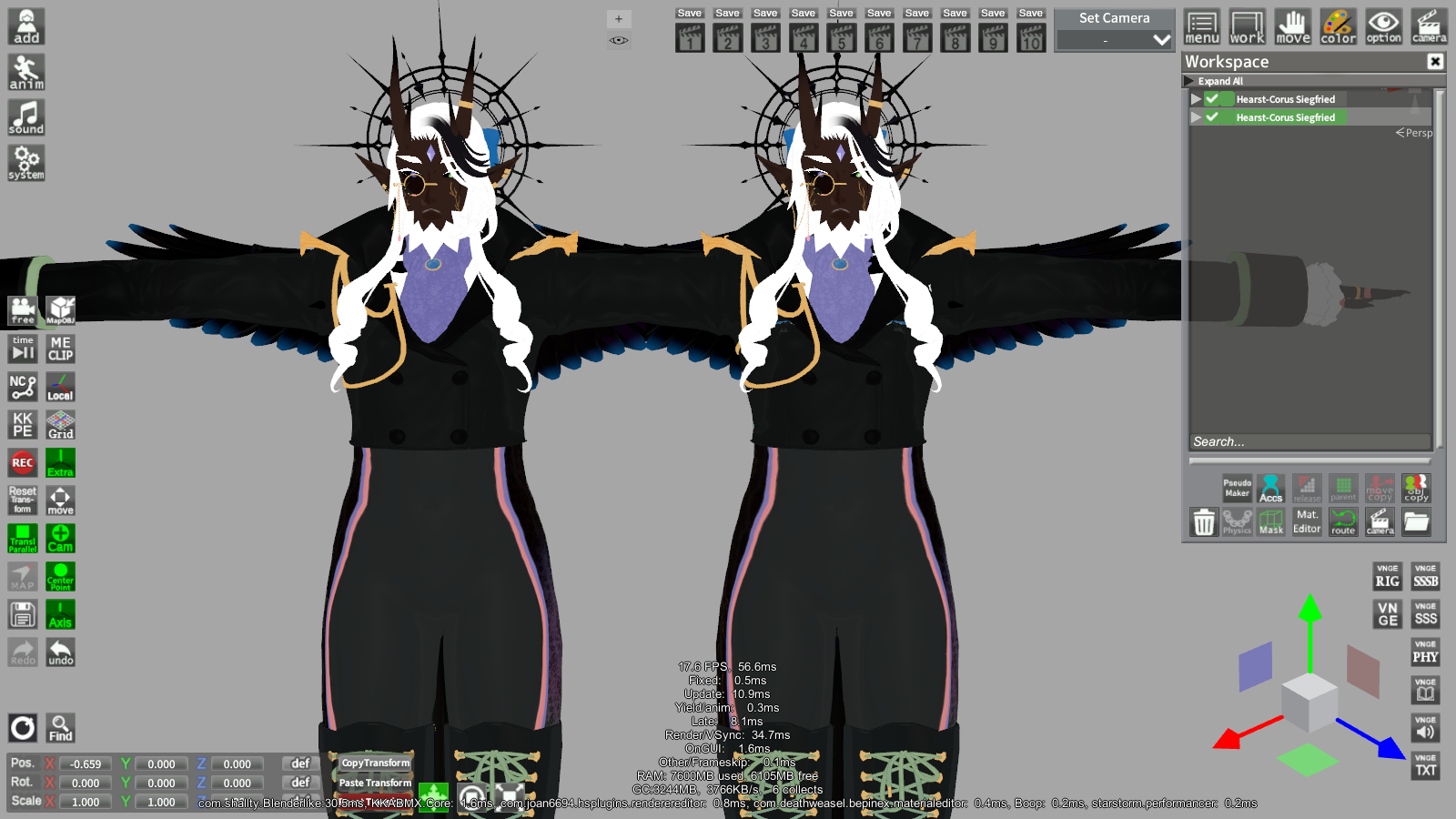
I just went to check in the heaviest cards I had at hand converted. Then I grabbed the original cards in my storage, And I started to check one by one if they changed stuff.
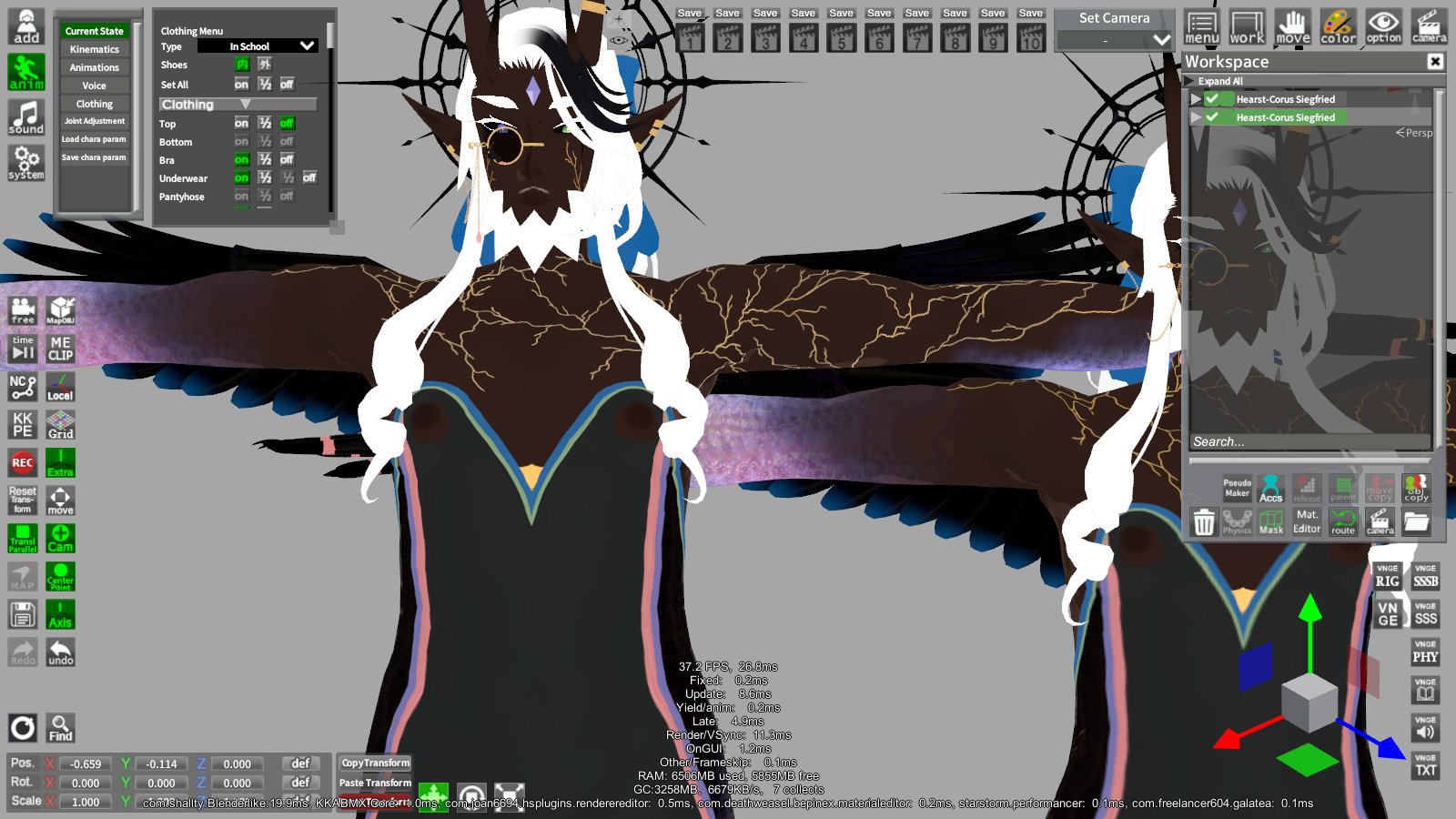
Image CharaStudio 2026 05 29 13 52 53 UI hosted in PixVid

pixvid.org
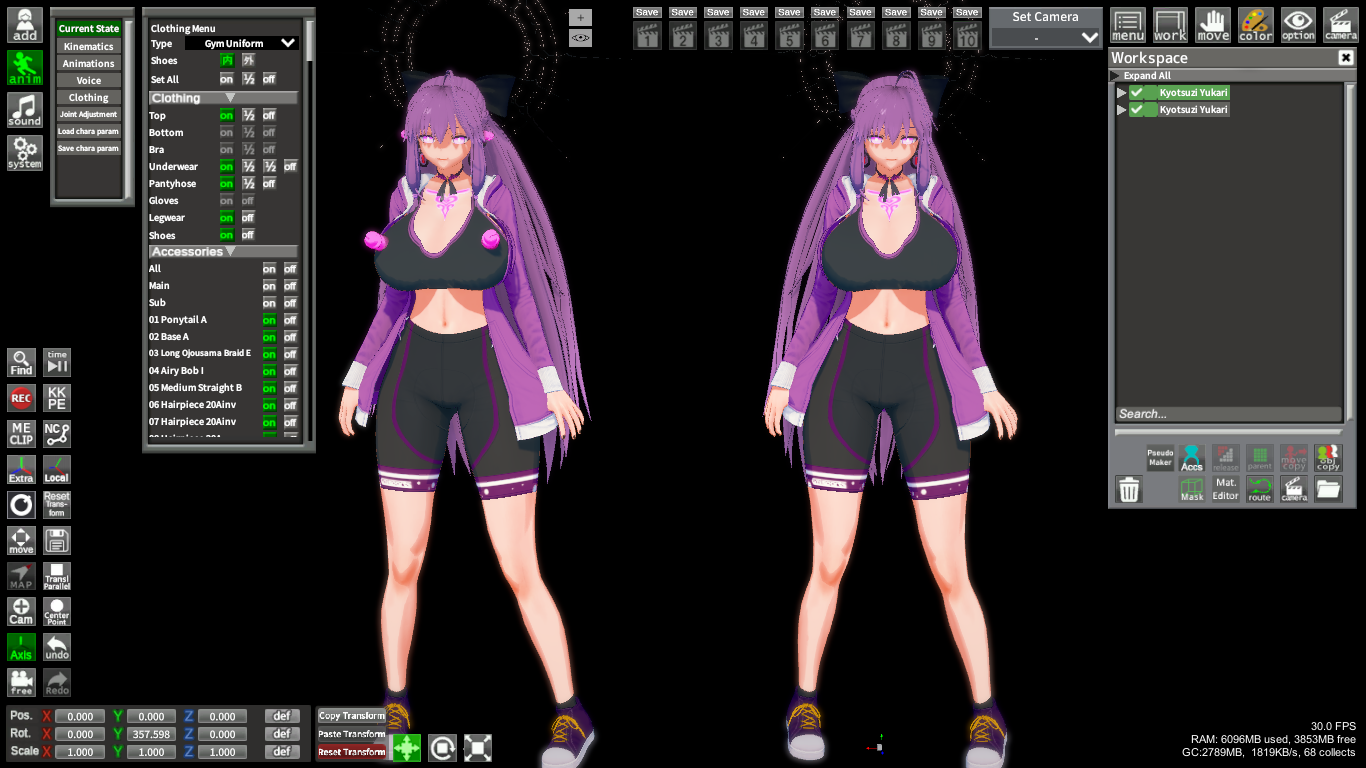
Left is the converted one, I don't know why it had those nipples in there, but I'm pointing them out just in case.
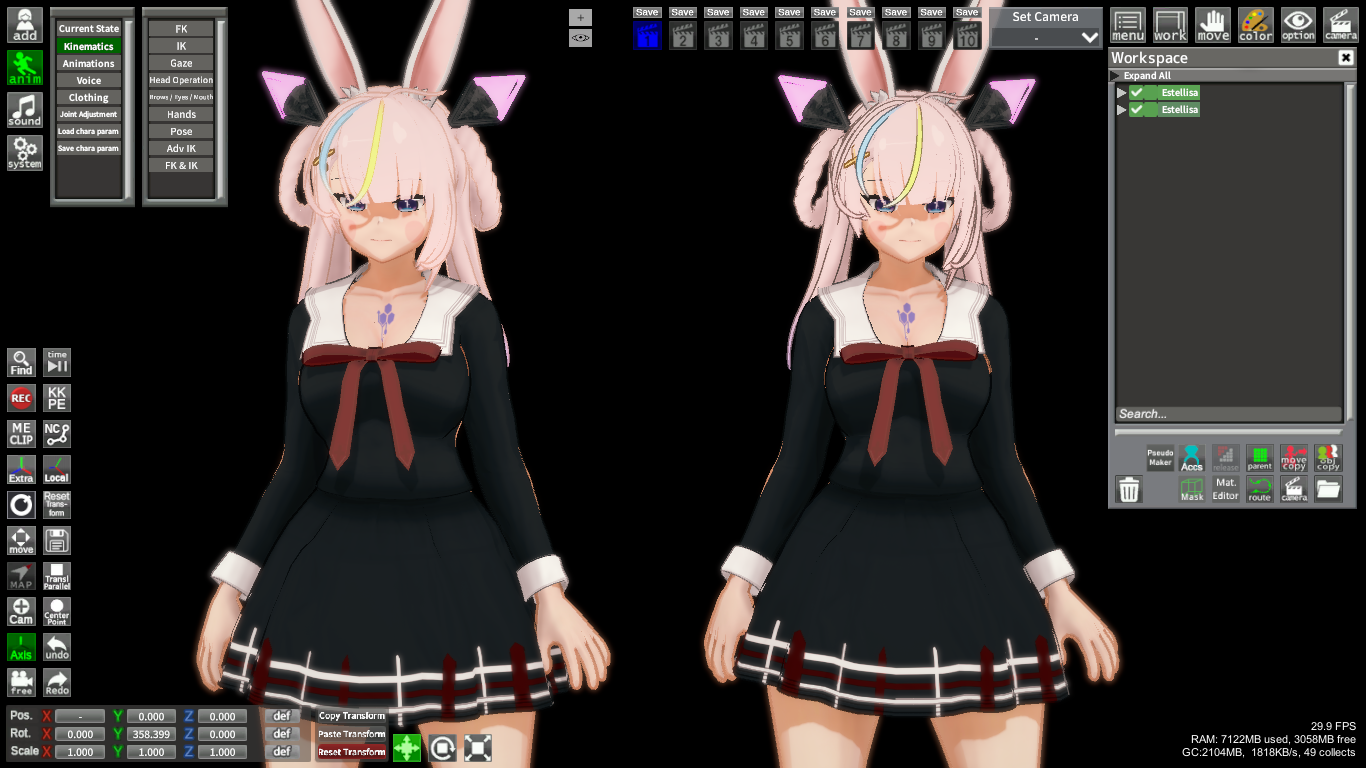
Image CharaStudio 2026 05 29 17 48 35 UI hosted in PixVid
pixvid.org
I don't know what is happening here, because the error seems to only sometimes happen, I don't know why the hair got changed in this card.
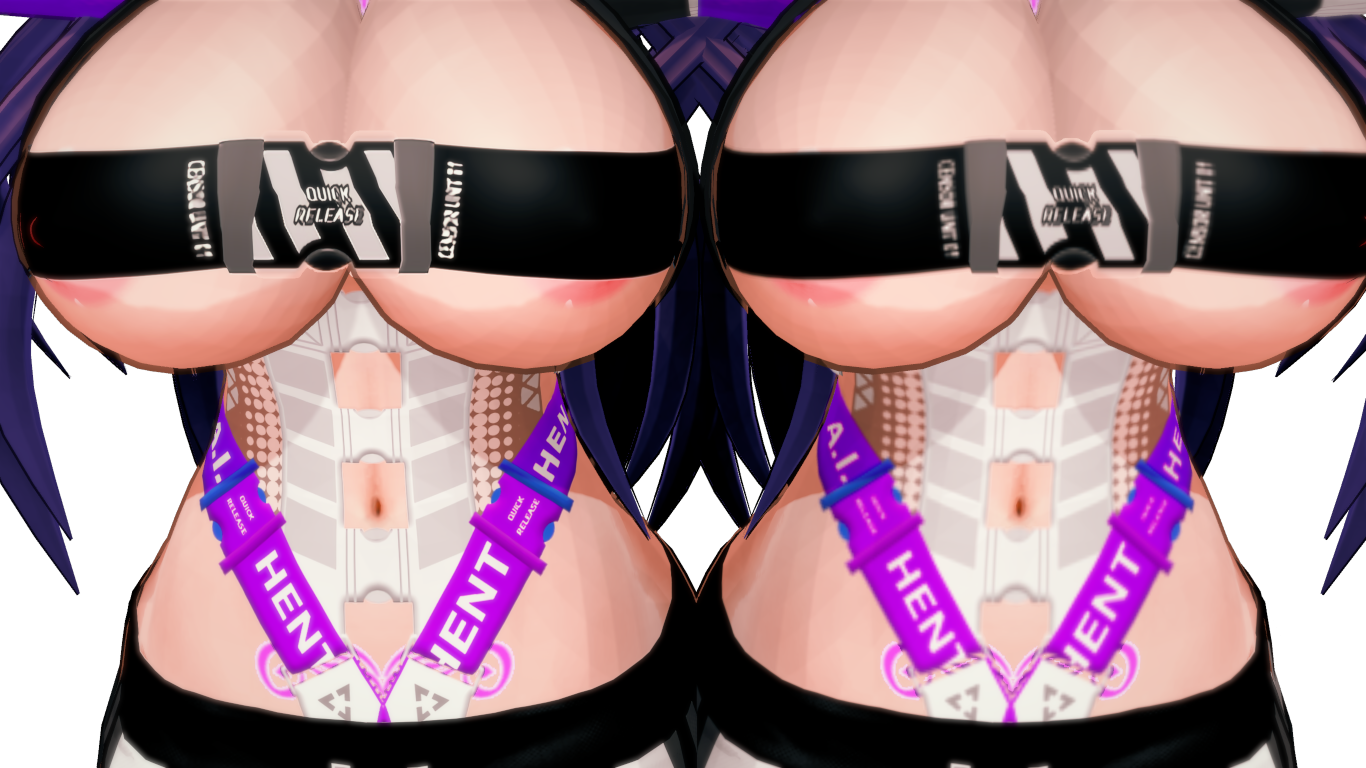
Image CharaStudio 2026 05 29 16 47 42 Render hosted in PixVid
pixvid.org
This one is just showing how the size conversion makes the outfit look if it had slots of tiny details, It's not really something you can stop when you are resizing them from 4k to 1k, but I'm posting it mostly to show an example of how the "quality loss" goes through in a card.
And that's exactly what I was talking about: assets and their dimensions are relative; sizes are highly flexible and can differ from asset to asset.
Therefore, reducing everything to the same size isn't a good idea.
I haven't used this program yet. I don't know what the thresholds might be in the assets listed on your character sheet. So, I'm not sure what the difference is between manually changing the file and using the program. So, I can't rule out that the program itself could cause problems.
I know one thing: adjusting every asset to 1k is a terrible idea.
First, you might miss the thresholds, and second, in the worst case, you might worsen the optimization if the change turns out to result in more pixels than before.
Unless the program only interferes with the largest ones, but if it also affects the smaller ones, it would be bad.
firstly, it is an increase in pixels, and secondly, increasing from a smaller texture to a larger one will simply worsen the details because they will be artificially stretched.
therefore, it is reduced from a larger to a smaller size when creating a backup copy of the file or undoing edits in a graphics program.
because it is easier to return if it turns out that the asset requires different dimensions.
And that's the difference: no one can control an automated program with so many relative constraints. A human can control themselves, see in practice what might be out of place, undo changes, and look for other parameters in a graphics program based on their own mistakes.
Yeah some screenshots also show strange things starting to happen, like the nipples, which is clearly concerning.
I don't even know what could have happened there, but it has nothing to do with changing the size of the canvas, and this is already disturbing, because some strange interference appears, off-topic.
Anyway
I don't know if it's really possible to create such a program that wouldn't make mistakes, I guess not, people even tried to create tools to port headmods from koikatsu to Emotion Creators, because the structures are different, and they also failed at this task. Even card converters are not infallible.
I'll probably stick with manual.
I don't know much about coding, but I imagine someone would have to implement some kind of script. A human would first manually process all possible assets, then create a line of code that would know the ideal parameters to change and automatically adjust accordingly. This would also require updating the program with each new asset in the future. Otherwise, I can't imagine the program knowing the ideal proportions for xxx assets in the database on its own.
I know one thing for sure, we have a lot of talented people in the illusion games community, and the author of this treat herself has impressed me a lot with what she has already done, I wish her luck and success.