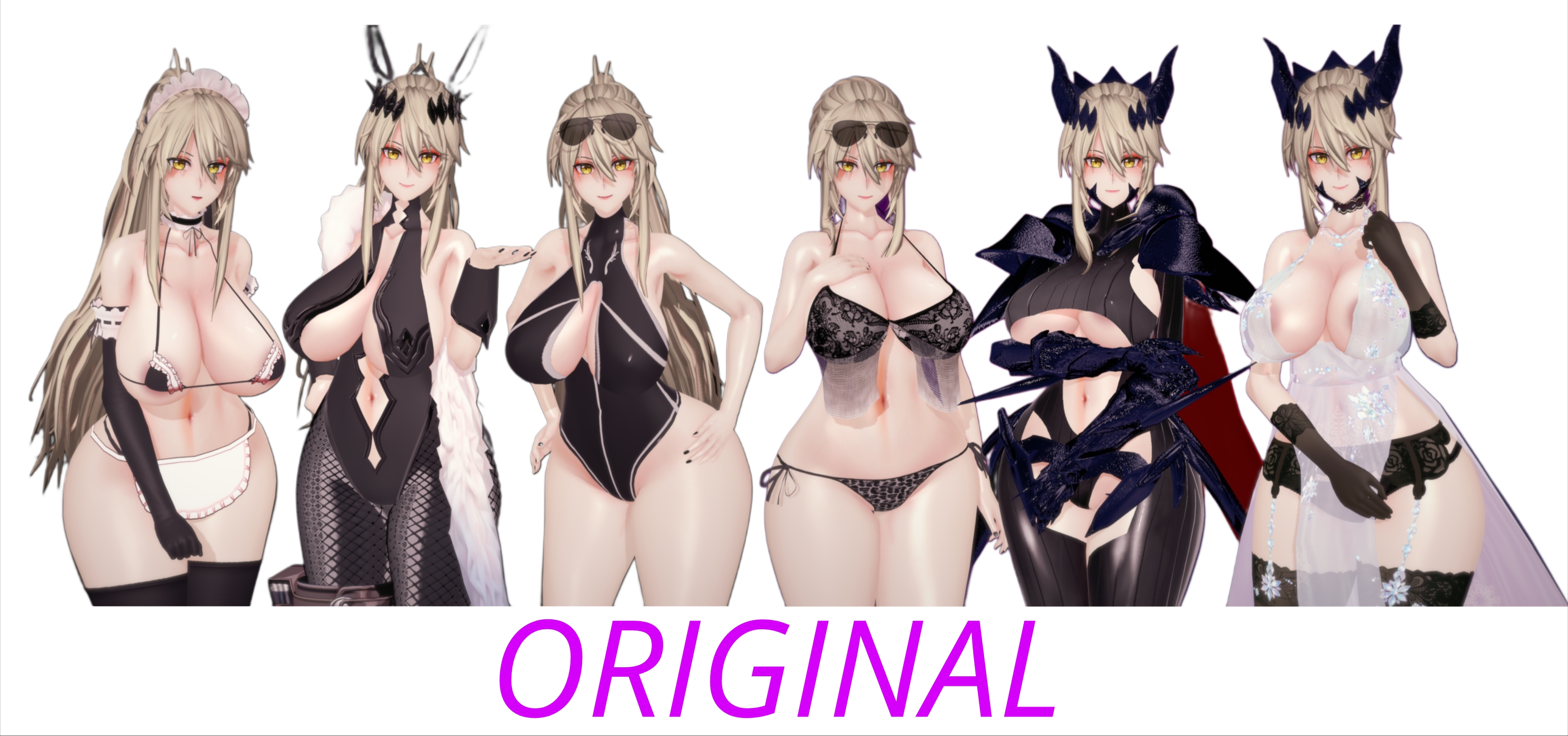
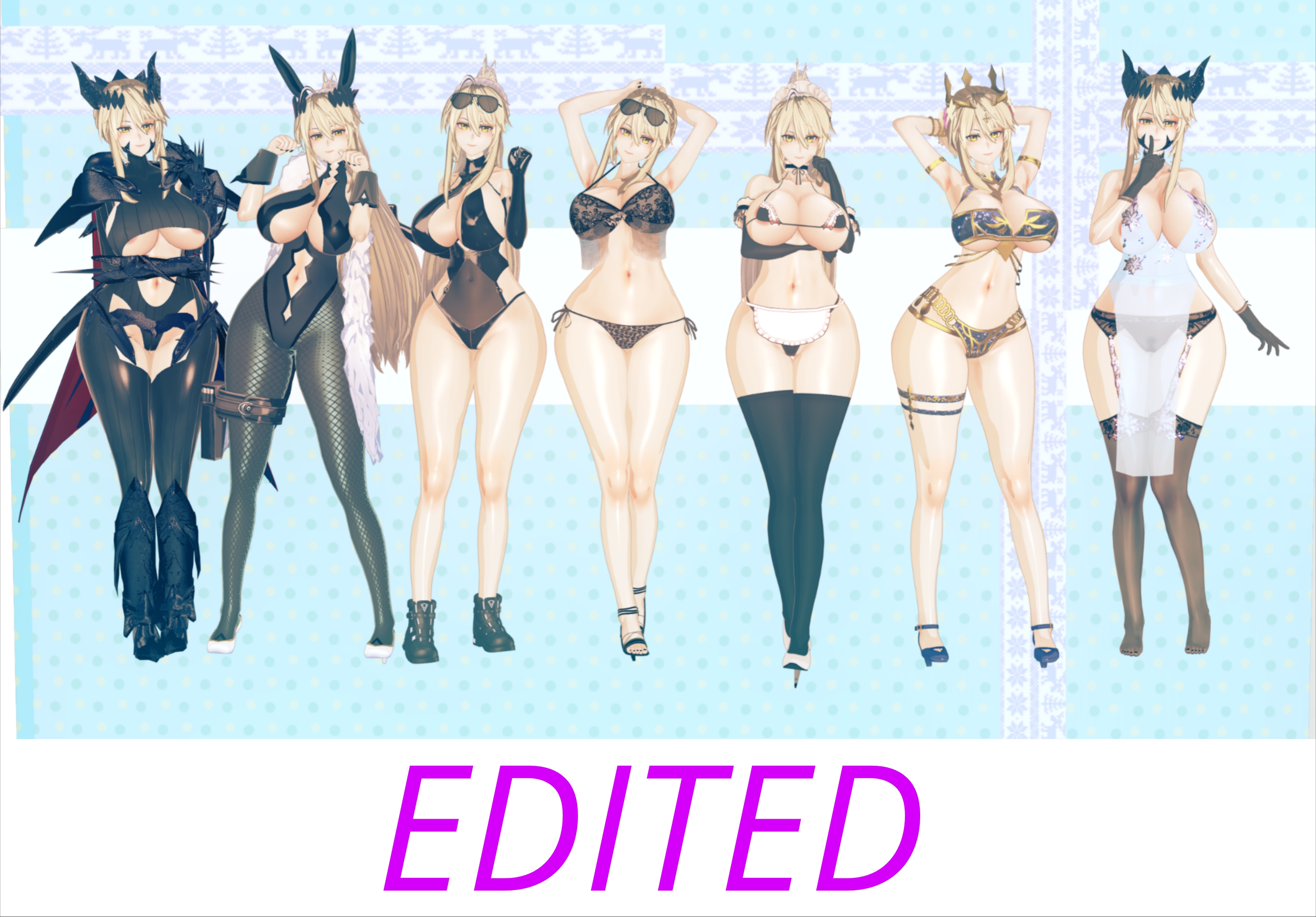
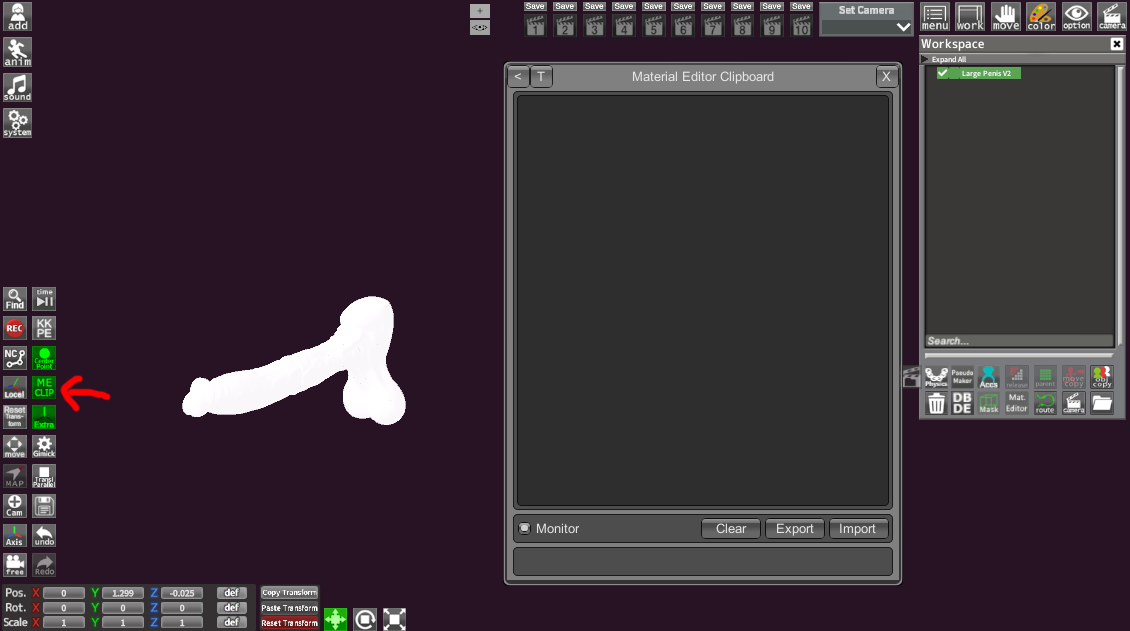
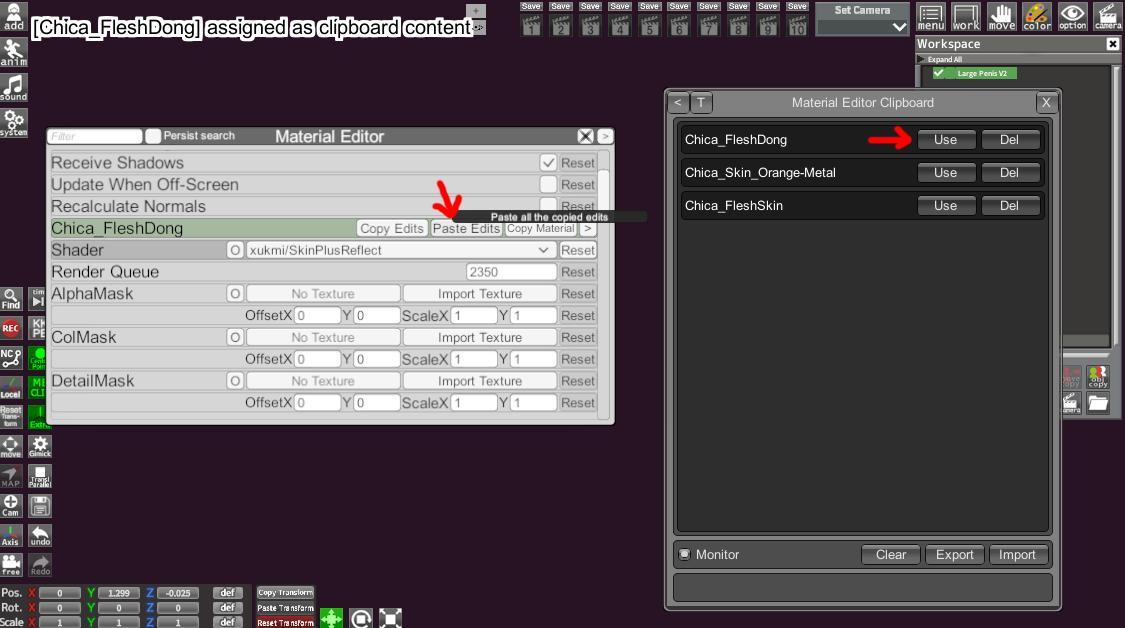
You need is the "Material Editor Clipboard" plugin.
Once you have it, you can find it in the Charastudio HUD and also in Koikatsu (Character Maker).
This plugin uses the necessary
bin files, although you can use it without exporting the BIN files if you're going to use what you copy in the same session.
1. The first thing is to have the plugin so you can use those files.
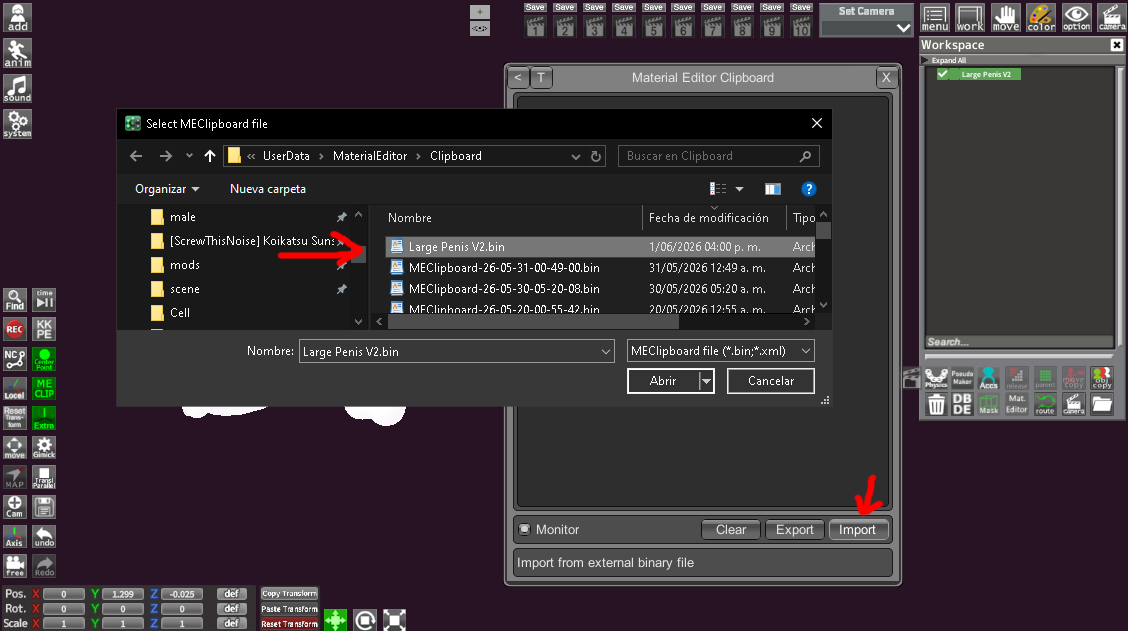
2. In the plugin window, select Import and locate the BIN file; select it, and the saved data will be displayed.
This plugin allows you to copy multiple edits you make to different materials simultaneously, but if you want to use them for other sessions, it's recommended to save or export those BIN files for future reference or to share them.
3. And that's it.
You copy the materials and paste the edits onto the corresponding materials.
I hope I've cleared up your doubt, my bro.