[ILLUSION] Koikatu! - Card Sharing Request Thread 2.0 (Restart)

A

akiyama54

New member
Joined
Aug 30, 2024
Messages
10
Reaction score
0
Points
1
Credits
0
Does anyone have a Durandal Clothing card from DNP (ct lee)?

 
N

NNEEXXTT

New member
Joined
Feb 22, 2025
Messages
8
Reaction score
5
Points
3
Credits
695
Hi guys, It's been a long time since the isekai express has gone. As a greeting, I share the character cards and zipmod of Frankme's Changli and Shorekeeper. (The coordinates have been borrowed from character cards distributed by others for free.)


Next time if I have a chance, I will check and share the cards that other people are looking for.


Also, if anyone has Camellya(ツバキ、椿)'s headmod? It doesn't matter if it's any of the three.
If you don't mind, please share.


https://www.pixiv.net/artworks/124195455 by OoOoO/Lo_R
https://www.pixiv.net/artworks/121615027 by Silpha
https://www.pixiv.net/artworks/119784481 by Hatoko/はとこ


The link is broken, can someone post it again?
 
S

sakata0215

Active Member
Joined
Nov 16, 2024
Messages
12
Reaction score
37
Points
13
Credits
500
Sentientfudge

Sentientfudge

Active Member
Joined
Jan 15, 2025
Messages
14
Reaction score
42
Points
13
Credits
430
Could someone share this card from qwerty5678
It was shared on isekaiexpress yet I lost the file lol
 
Fobder

Fobder

Active Member
Joined
Feb 22, 2025
Messages
57
Reaction score
56
Points
18
Credits
1,150
No, it's still the same. The character doesn't blink and the facial animations don't work
double check the character's head mod is "head mod" and not another one like "modified head mod". RHL scenes are still using the "head mod" type head mods.
Hongcha and the recent harada scenes among many others uses modified head mods for their character's facials.

You can character edit on koikatsu to interchange them. Personally, I make two sets of a character card for instances like these. Making character cards for both head mod and modified head mod.
Just a warning though, some custom head mods like ones from RAT, will mess up the head if switching to one of those two.
 
R

ronin98

New member
Joined
Feb 12, 2025
Messages
17
Reaction score
5
Points
3
Credits
100
Can someone please pass me the danp scenes?
someone DanP scenes?
 
O

oceancat

New member
Joined
Sep 1, 2024
Messages
29
Reaction score
8
Points
3
Credits
455
Does anyone have this scene Marin 02 from DeliriumBear?
Deliriumベア@NTR
 
W

Webby

Active Member
Joined
Feb 1, 2025
Messages
35
Reaction score
42
Points
18
Credits
985
Anyone have these Mods:
 
Luchok4515

Luchok4515

Active Member
Joined
Sep 18, 2024
Messages
74
Reaction score
51
Points
18
Credits
635
double check the character's head mod is "head mod" and not another one like "modified head mod". RHL scenes are still using the "head mod" type head mods.
Hongcha and the recent harada scenes among many others uses modified head mods for their character's facials.

You can character edit on koikatsu to interchange them. Personally, I make two sets of a character card for instances like these. Making character cards for both head mod and modified head mod.
Just a warning though, some custom head mods like ones from RAT, will mess up the head if switching to one of those two.
Yeah, I'm aware of that problem. The animation was already broken in advance, before I entered the scene. When you save a scene with the wrong Headmod, the next time you run the scene, the facial animations are broken and can't be fixed. That's why I'm asking if there is a non-broken version of this scene. Looks like either RHL shared a broken version or someone else was changing the scene before sharing it
 
Helblind

Helblind

KK Master
Joined
Aug 28, 2024
Messages
366
Reaction score
1,226
Points
93
Credits
13,070
No, it's still the same. The character doesn't blink and the facial animations don't work
Okay, so... I tried multiple versions of the scene with multiple character... and they all have some basic expressive changes, regardless of head mod.

If you are comparing it to the animation posted by RHL:
there does seem to be some missing eye opening and closing at certain key moments, for sure. However... I don't seem to be able to see an Interpolable entered for that. There are eyebrows, canines, teeth, and tears, but no blinking. Random blinking can be turned on by going into Blend Shapes, resetting the eyes or all and then enabling it under Kinematics.

Of course, I don't really know what I'm talking about so anyone feel free to correct me.
 
A

AbyssalKoi

Active Member
Joined
Feb 13, 2025
Messages
36
Reaction score
65
Points
18
Credits
685
mimicozzz

mimicozzz

KK Master
Joined
Dec 21, 2024
Messages
172
Reaction score
2,310
Points
93
Credits
25,184
but where is it
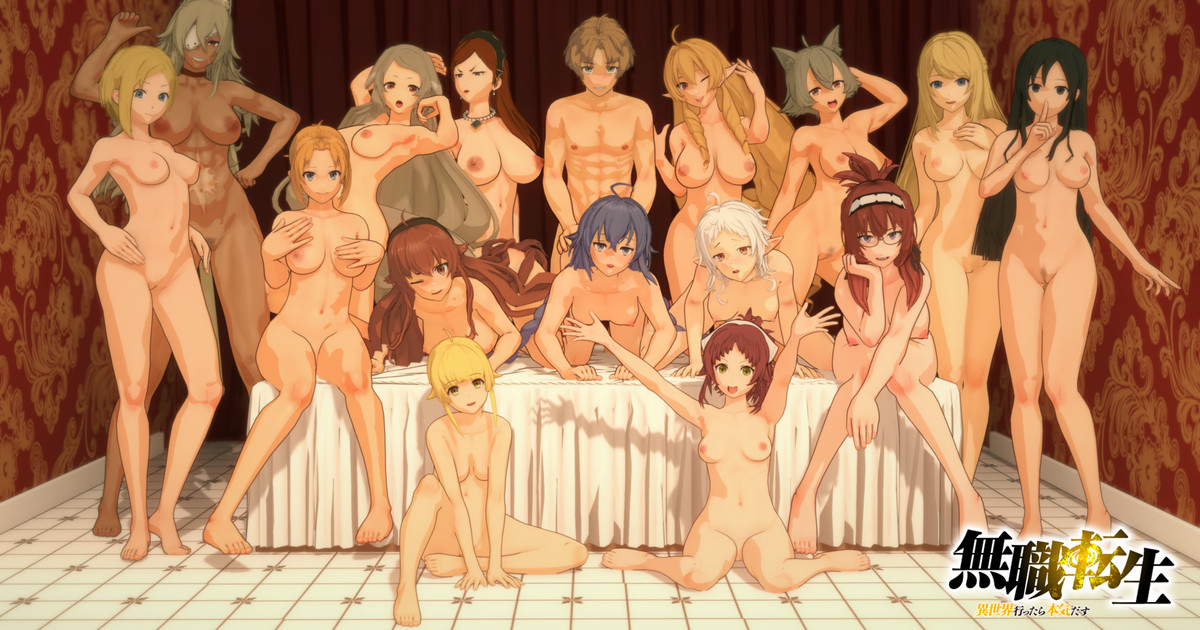
[BTOX] Mushoku Tensei Static Scenes

↑↑↑↑↑↑↑↑↑↑↑↑↑↑↑↑↑↑​

 
G

guppyliam

Veteran Member
Joined
Aug 31, 2024
Messages
74
Reaction score
482
Points
53
Credits
5,145
KojiMMD

KojiMMD

Senior Member
Joined
Feb 11, 2025
Messages
109
Reaction score
302
Points
63
Credits
3,810
It's probably a long shot because of how hard are these cards to find, but if someone has his full collection, consider sharing it with us, please (Especially the Sana one, which Idk if it was ported into KK as well, which I hope that it was):


To show my appreciation I'll share all the cards made by this person that I have within my collection. The only "issue" you may find is that I edited them a lil bit to match (kind of, since I think that I did a horrible job at editing them) the quality of his mmd models:


(If you find the file still empty it's because it's still uploading, I'm just leaving it here before hitting bed so check later (y))
 
M

Muffy

Well-known Member
Joined
Dec 5, 2024
Messages
44
Reaction score
110
Points
33
Credits
1,145
Okay, so... I tried multiple versions of the scene with multiple character... and they all have some basic expressive changes, regardless of head mod.

If you are comparing it to the animation posted by RHL:
there does seem to be some missing eye opening and closing at certain key moments, for sure. However... I don't seem to be able to see an Interpolable entered for that. There are eyebrows, canines, teeth, and tears, but no blinking. Random blinking can be turned on by going into Blend Shapes, resetting the eyes or all and then enabling it under Kinematics.

Of course, I don't really know what I'm talking about so anyone feel free to correct me.

You are correct. The reference animation on the pixiv seems to have pretty similar looking facial animations compared to the scene data itself. The interopables for the face animation are also extremely simple, but they DO work. I think the scene just has dead simple facial expressions. The not-blinking part is caused by what you described, and it looks much better if you fix that and enable blinking.

Most of the time facial expressions are animated by adjusting blendshapes, but this particular scene didn't seem to go very far with that?

Just as an FYI, ShalltyUtils allows you to save selected interopables to files so they can be loaded later. I like to do this for facial expressions. You can save a whole bunch of them and import them onto an existing character quite easily. There's a couple different ways to do it. You can either do it from "Single FIles" in the main Timeline window, or the other way is by clicking the "ShalltyUtils" button in Timeline to expose additional settings -- within there, you'll see "save interopables file" and "load interopables file".

I prefer to do it the second way, as working through "Single Files" is kind of frustrating since anything loaded through this can't actually merge with existing interopables. So like, if the character already has keyframes for eye blendshapes, loading another animation you saved through "Single Files" which contains keyframes for the same blendshape will NOT be loaded. I prefer the second method because it allows me to string together multiple animation sequences for things like facial expressions, even if they are working with the same blendshapes. (P.S., this is how you can merge entire animations together, even ones from different scenes btw).

Basically, if you think an existing animation has bad facial expressions, you can literally just go find some you like, save them as a file, and load them onto whatever character you want in whatever kind of scene you want.
 
Last edited:
Helblind

Helblind

KK Master
Joined
Aug 28, 2024
Messages
366
Reaction score
1,226
Points
93
Credits
13,070
Basically, if you think an existing animation has bad facial expressions, you can literally just go find some you like, save them as a file, and load them onto whatever character you want in whatever kind of scene you want.
Wow... that's really cool! I'll have to play with that a bit. Thanks for the information, Muffy!
 
izu914

izu914

KK Master
Joined
Aug 29, 2024
Messages
233
Reaction score
1,032
Points
93
Credits
11,135
WIP :poop:
LaLBLlq.png


I now have better control over headmods xd
 
Fobder

Fobder

Active Member
Joined
Feb 22, 2025
Messages
57
Reaction score
56
Points
18
Credits
1,150
Yeah, I'm aware of that problem. The animation was already broken in advance, before I entered the scene. When you save a scene with the wrong Headmod, the next time you run the scene, the facial animations are broken and can't be fixed. That's why I'm asking if there is a non-broken version of this scene. Looks like either RHL shared a broken version or someone else was changing the scene before sharing it
Okay I see what you mean. The sample version was the furina model. Around 24 seconds is where the eyes and mouth moves.
My scene has the same errors too, I wonder if RHL is aware or that particular furina model had a non-broken interpoles before switching to default chika
 
gwgxhs

gwgxhs

KK Master
Joined
Nov 3, 2024
Messages
209
Reaction score
1,130
Points
93
Credits
14,640

Anybody have this chara / coordinate card?

The collection Imai san posted on the 18th includes this.
 

Similar threads

Neon
Replies
0
Views
3K
Neon
S
Replies
2K
Views
561K
N
trpotat22
Replies
40
Views
14K
trpotat22
trpotat22
Top
これは閲覧専用の自動翻訳ページです。返信・検索・ログインなどの操作は、オリジナルの英語版サイトへ移動してください。 英語版で開く (Open in English) ×