[ILLUSION] Koikatu! - Card Sharing Request Thread 2.0 (Restart)

wmfrpa

wmfrpa

KK Master ❤
Joined
Apr 11, 2025
Messages
494
Reaction score
13,344
Points
93
Credits
142,741
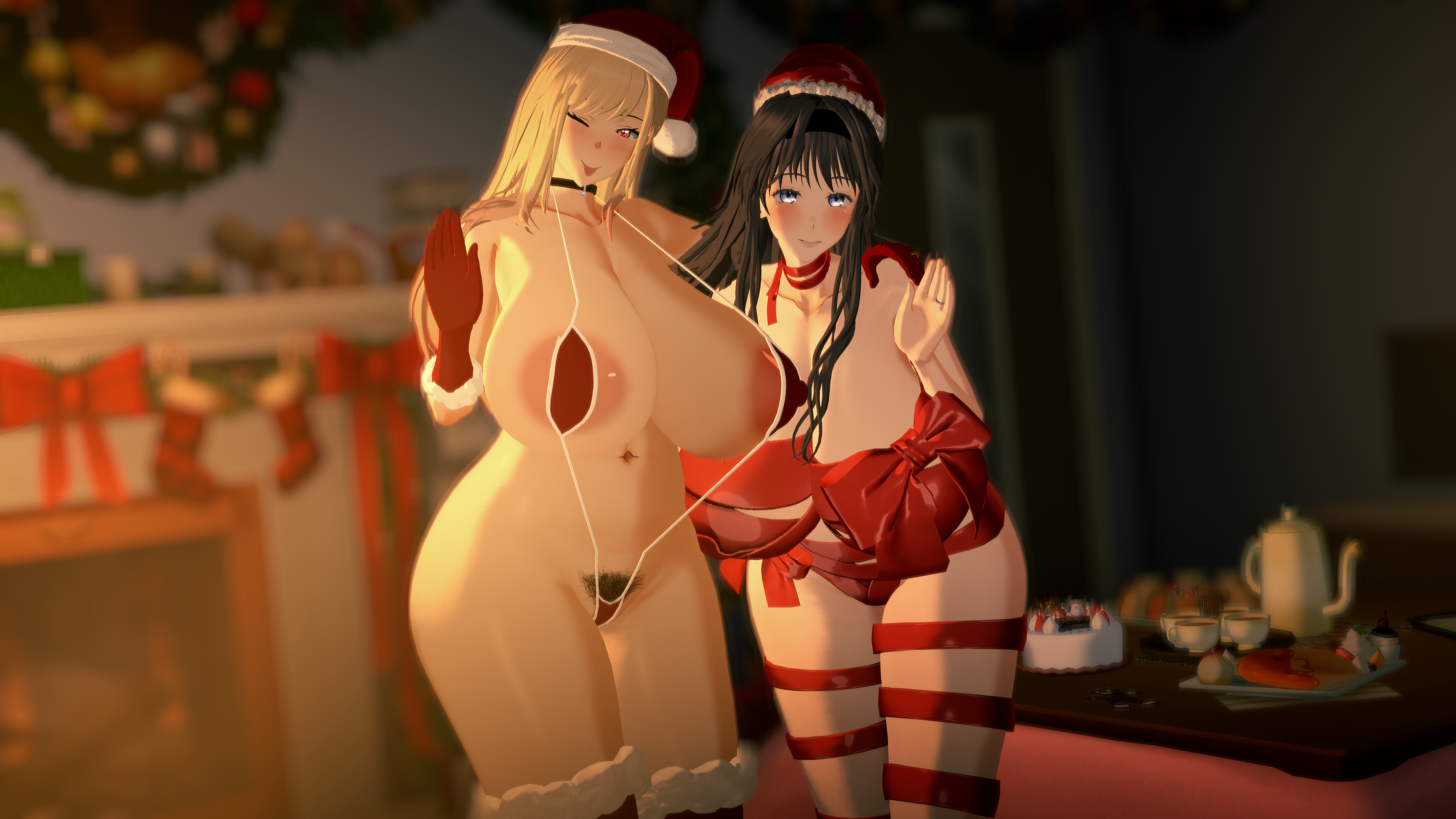
Does anyone have these two cards?
(wish there are producers here)
So sad. Could anyone help me?
It’s okay now, don’t be sad
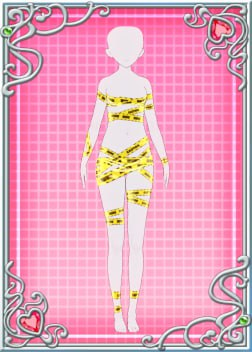
I’ll also upload 'Kiriko outfit' as a bonus

EuMUnUU.jpeg

Tsukioka Kogane_HeadMod​


udNaxrc.jpeg

Yukoku Kiriko_HeadMod​


07Ge4JI.jpeg

Yukoku Kiriko_Outfit ( SSR1 )​


kIAoLOn.png
 
K

key

New member
Joined
Oct 27, 2025
Messages
14
Reaction score
3
Points
3
Credits
40
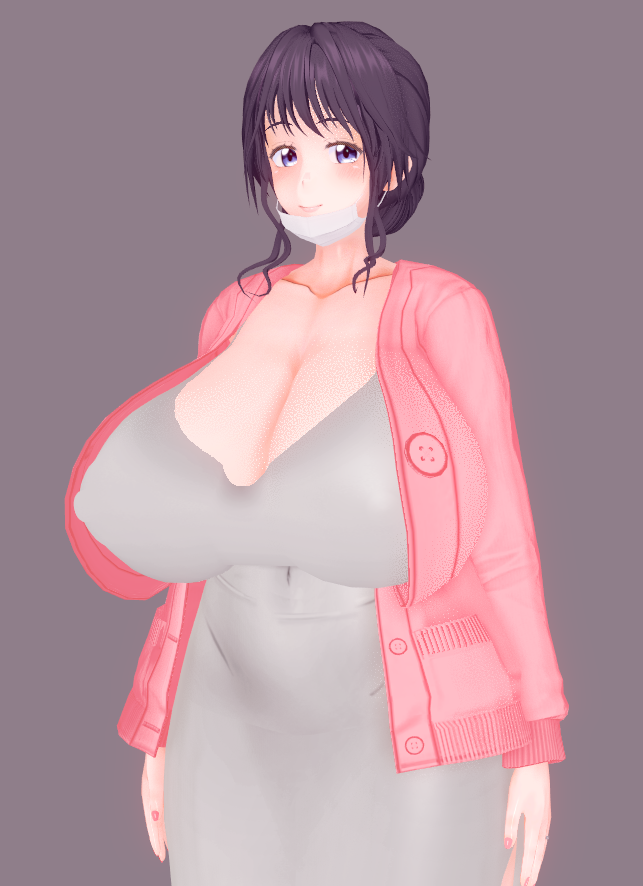
Does anyone have these mods?


cenpai

cenpai

Active Member
Joined
Sep 2, 2025
Messages
24
Reaction score
48
Points
13
Credits
1,055
Anyone have Reta 106 and 107 they can share?

 
D

deepdive

Well-known Member
Joined
Dec 4, 2024
Messages
29
Reaction score
137
Points
28
Credits
1,930
K

kazekami kageryu

Active Member
Joined
Sep 11, 2024
Messages
286
Reaction score
72
Points
28
Credits
1,410
lf
 
tnk.vera

tnk.vera

KK Master
Joined
Aug 10, 2025
Messages
418
Reaction score
2,836
Points
93
Credits
32,270


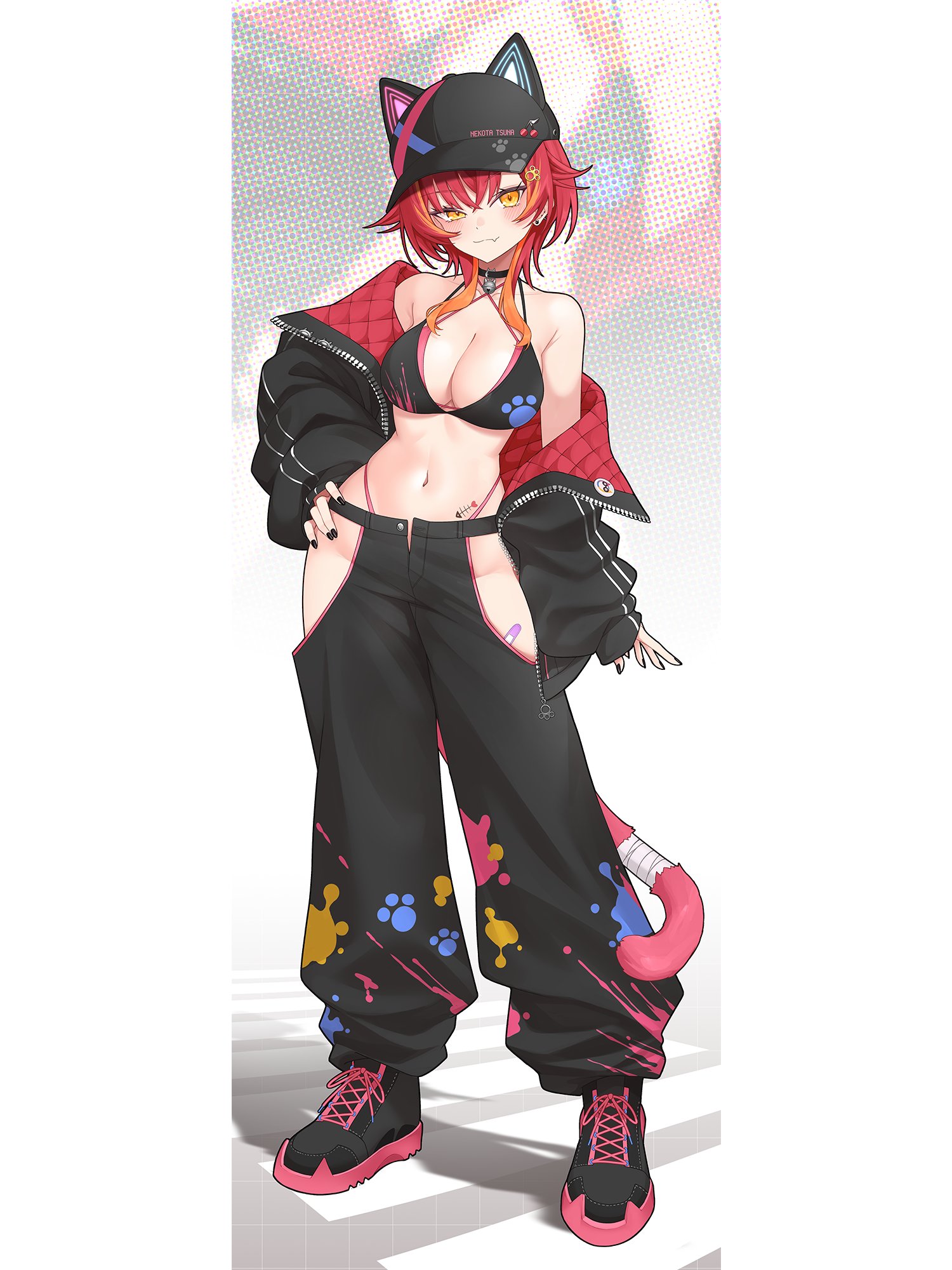
Does anyone know of any mods or outfits similar to these pants?

Closest thing would be Tamaki's pants

Will take some work in Material Editor, but eventually you'll end up with something like this:
5SVO7og.png


If you want to use this as a starting point, here you go:
Card used is Xion's Nekota Tsuna, using hair from a mixture of Hat and Qlonemu's Tsuna cards. The shared coordinate doesn't have the Centi jacket since I have no idea how deep Aumi's card marks go.
 
tnk.vera

tnk.vera

KK Master
Joined
Aug 10, 2025
Messages
418
Reaction score
2,836
Points
93
Credits
32,270
Using the general scale adjustment; select the model you want to adjust, activate the gizmo (axis) and among the three options (position, rotation and scale) select scale and adjust the length (height) or width (vertical or horizontal), and by selecting the gizmo itself (the center) you can modify everything equally (sometimes this is ideal to avoid long faces or slenderman arms.

llu1jb7VaHDVnMd5SmLrN2Ob3SSSzp-sOfhzbG5PLnbGiquK6oPDAT0ZEpVaZCCTJB02h3YKcQVW5dsMOxPzEuoGrZWlawBr6Th22MU3uOWX99tjWo6K6Mk


Another option is the StudioPseudoMaker plugin, which basically lets you open a window with a section similar to CharaMaker. However, you can't save the character card itself there; you can only change or copy the size of the body and head of another character. It also allows you to modify clothing and accessories, although, as I mentioned, this is only saved to the SD card, not to the character itself.

I would even suggest exporting it once you've adjusted the size, but sometimes abmx crashes and the models export with issues related to weight paint.
I seem to be able to export characters just fine. Though before exporting I make sure to reset the pose to T-Pose, turn off any FK/IK, then reset blendshapes and any bone modifications in KKPE.
 
Man36

Man36

Well-known Member
Joined
Jan 8, 2025
Messages
139
Reaction score
159
Points
43
Credits
2,300
Anyone have these harada sd?
 
S

SantaCloud945

Active Member
Joined
Feb 18, 2025
Messages
55
Reaction score
33
Points
18
Credits
1,060
Closest thing would be Tamaki's pants

Will take some work in Material Editor, but eventually you'll end up with something like this:
5SVO7og.png


If you want to use this as a starting point, here you go:
Card used is Xion's Nekota Tsuna, using hair from a mixture of Hat and Qlonemu's Tsuna cards. The shared coordinate doesn't have the Centi jacket since I have no idea how deep Aumi's card marks go.
I really appreciate it, Thanks
 
cenpai

cenpai

Active Member
Joined
Sep 2, 2025
Messages
24
Reaction score
48
Points
13
Credits
1,055
Anyone have these harada sd?
here you go
 
E

eqwkid

New member
Joined
Dec 2, 2025
Messages
14
Reaction score
2
Points
3
Credits
290

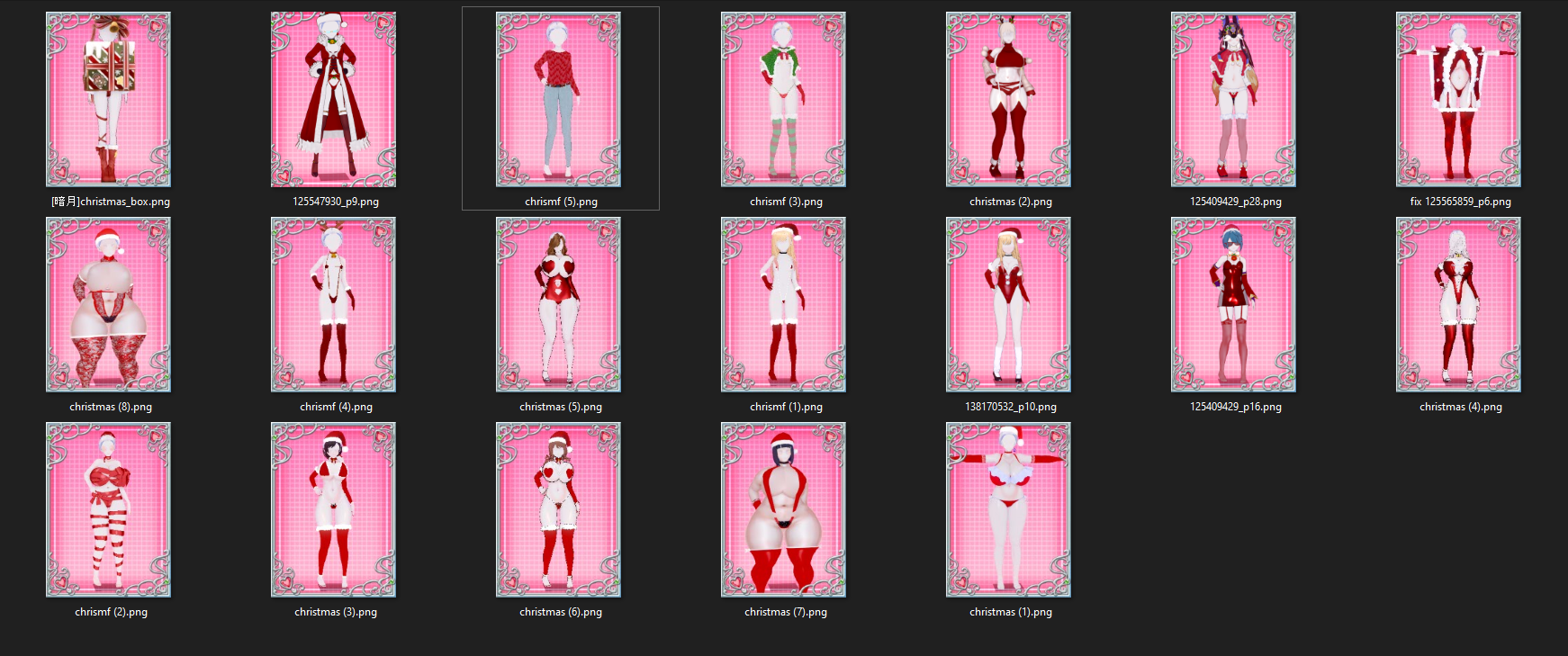
Does anyone have these cards?
 
D

DUSK

Active Member
Joined
Jun 2, 2025
Messages
94
Reaction score
42
Points
18
Credits
1,185
Can anyone share these cards, please?🙏
 
zeidhan29

zeidhan29

KK Master
Joined
Sep 17, 2025
Messages
548
Reaction score
1,600
Points
93
Credits
16,740
I seem to be able to export characters just fine. Though before exporting I make sure to reset the pose to T-Pose, turn off any FK/IK, then reset blendshapes and any bone modifications in KKPE.
The real problem arises when the exported model comes with physics or dynamic bones that are already glitched from the SD card or have undergone a "criminal" modification (KKPE isn't really the issue here; even if you disable it or restart, the problem will persist). This happens quite frequently, and it can lead to clothing not attaching to the bones in CharaMaker. You might see a dress, cape, or coat sink to the bottom of the ground or simply not load at all. This will happen with any garment of a similar construction. Another issue is limbs overextending when flexed. The character's bones, even if you disable KKPE (again), will still exist because this configuration was already in place before saving to CharaStudio (mostly due to an increase in the scale of the legs or arms using ABMX). This can be quite annoying in some scenes if you want to use the model in different poses. 🤔

Normally, and although it might sound crazy, with the cards I export, I recreate them. I use the clipboard plugin to save the material settings (face, body, clothing, accessories, etc.) and I also copy the abmx settings. The really cumbersome part is the body sliders. Of course, this was the case until they shared the Character Morpher plugin, which basically recreates the bone and bone mod of one complete model onto another. I have my own reasons for limiting its use, even though it seems like a dream plugin. You have to configure it correctly, otherwise you'll end up replacing the internal bone data of that session, and this creates a problem where any card you load into the maker has this body transformation on the model you chose as a base. It's not a big deal if you don't save the cards; you can fix it by restarting the game. 😭😭
Here I'll make a brief aside, just to clarify that I'm very bad or lacking in plugins and their use, which is why I usually take the archaic route. :ninja:

Although I probably racked my brain so much at first that I didn't grasp the simplicity and great usefulness of the plugin; I don't know, English isn't my strong suit, and the translation I get from GitHub is very "rigid." 😞


Good luck and put a lot of effort into the scenes; when you learn to use the tools well, you create things that even you didn't think you were capable of doing (in the good sense of the word). 😅 😅 😅 😅
 
MomokaDaisuki

MomokaDaisuki

Veteran Member
Joined
Oct 19, 2025
Messages
319
Reaction score
618
Points
93
Credits
6,835
N

NPCkoi

Active Member
Joined
Sep 2, 2024
Messages
125
Reaction score
33
Points
28
Credits
785
Late response. This Umi card from yumekui is my personal favorite, and I've used it a lot for my screenshots.

Though, there is some hurdles you gotta jump to get it.
All of yumekui's cards are distributed via Twitter. Follow them. Go to their Privatter page from the pinned tweet. There'll be two uploader pages for the cards, go to the first link where the Umi card will be, and don't forget about the password that's listed.

Or if you don't want to go through all that, there's also this reupload on bepis that's pretty much same as what the preview renders show you.
Ok thanks bro !
 

Similar threads

Neon
Replies
0
Views
3K
Neon
S
Replies
2K
Views
560K
argusagony
argusagony
trpotat22
Replies
38
Views
14K
trpotat22
trpotat22
Top
これは閲覧専用の自動翻訳ページです。返信・検索・ログインなどの操作は、オリジナルの英語版サイトへ移動してください。 英語版で開く (Open in English) ×