[ILLUSION] Koikatu! - Card Sharing Request Thread 2.0 (Restart)

zeidhan29

zeidhan29

KK Master
Joined
Sep 17, 2025
Messages
548
Reaction score
1,592
Points
93
Credits
16,680
Hi, I have a quick question about Zipmods and how Unity interprets textures.

I recently got back into creating Zipmods (though I'm just experimenting at the moment) and collecting models, scattering polygons with FBX files, and rescaling textures (I don't see the point in adding 4K resolution to a game like Koikatsu). And that's precisely where my problem lies: how do I configure Unity so that the texture doesn't fade when Koikatsu loads?

I was advised to use this website: https://gamma.imageonline.co/

image.png


Basically, you upload the texture, set the values to maximum, apply the change, and then download. The results are satisfactory, but my question is: can this be avoided by configuring the Zipmod in Unity? I mean, I don't want the accessory to require manual adjustments to revert to its original texture.

image.png

I'm using the default shader: Shader Forge, but I doubt that's the reason.

Could someone guide me a bit? I'm not very familiar with using Unity.
 
R

Retribution

Well-known Member
Joined
Jun 9, 2025
Messages
7
Reaction score
130
Points
28
Credits
1,580

someone have this? Frankme Aemeath​


Frankme Aemeath​

 
Yafa

Yafa

Well-known Member
Joined
Apr 13, 2025
Messages
26
Reaction score
99
Points
13
Credits
1,250
Has someone’s made pija gyaru exactly
I have this old card, don't remember where or who it's from though, could use some more work but it's an alright base. Check bepis under the tag "pija" for a few others if you want

edit: Post directly below me has a better one.

 
Last edited:
Huevón

Huevón

Veteran Member
Joined
Oct 14, 2025
Messages
40
Reaction score
320
Points
53
Credits
3,660
gwgxhs

gwgxhs

KK Master
Joined
Nov 3, 2024
Messages
209
Reaction score
1,130
Points
93
Credits
14,640
Two cards of Iret.this author seems to have very few shared. Does anyone have other works by them?
 
B

beckytwom

Senior Member
Joined
Mar 18, 2025
Messages
256
Reaction score
258
Points
63
Credits
3,265
Kinda want this if anyone bought alrdy
 
MioNTR

MioNTR

Veteran Member
Joined
Aug 26, 2024
Messages
294
Reaction score
337
Points
63
Credits
3,925
I have this old card, don't remember where or who it's from though, could use some more work but it's an alright base. Check bepis under the tag "pija" for a few others if you want

edit: Post directly below me has a better one.

I look at them thank you so much
 
M

Manticore5o

Active Member
Joined
Jul 18, 2025
Messages
9
Reaction score
78
Points
13
Credits
1,285
mugenalien II 's
new scene is absolutely fantastic. Does anyone have the scene file for this?
https://gofile.io/d/97kQQg here ya go.
 
N

NPCkoi

Active Member
Joined
Sep 2, 2024
Messages
125
Reaction score
33
Points
28
Credits
780


There any similiar this character? by the way the title name
Machi Gurumi no Wana ~Hakudaku ni Mamireta Shitai~
 
H

hugehegehoge

Senior Member
Joined
Aug 26, 2024
Messages
70
Reaction score
314
Points
53
Credits
4,005
Paired

Paired

Well-known Member
Joined
May 21, 2025
Messages
33
Reaction score
115
Points
33
Credits
1,520
Yurabe is better than all those, but it's ironic free creators are mostly not on the radar for people lol
nah anna and midori are better i love yurabe but face animations of anna are way too superior plus anna uses different curves for all body parts i barely understand how their animations work 😭
 
adamski

adamski

Veteran Member
Joined
Jan 3, 2025
Messages
61
Reaction score
877
Points
83
Credits
9,495
This might be a bit weird of an ask, but I've always wondered what scene AnonBluna used here? I know he uses poses from other people's scenes for the most part iirc, so I'm just curious.
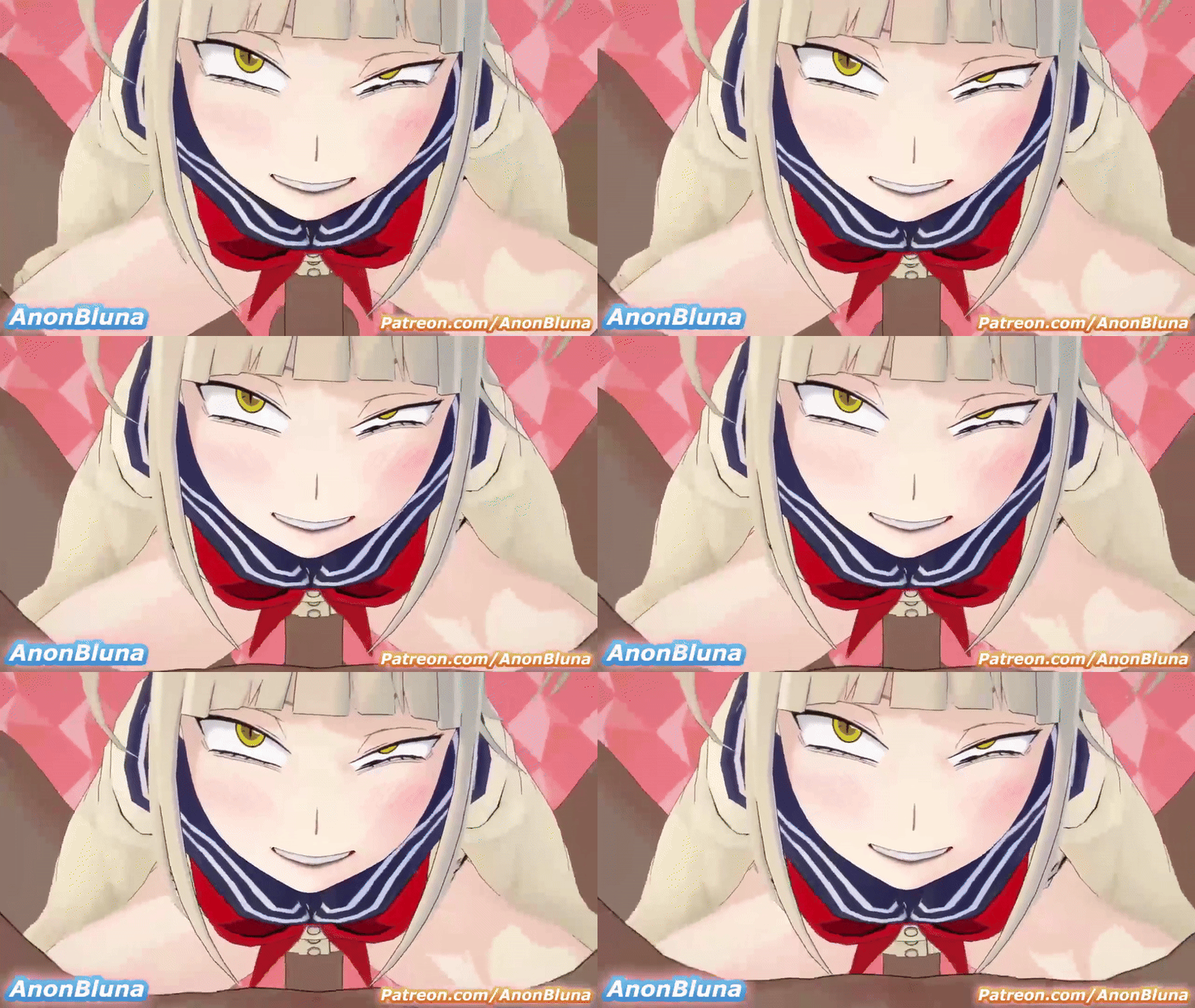
Bumping this once in hopes of someone knowing where this is from potentially.
 
trpotat22

trpotat22

Veteran Member
Joined
Dec 27, 2025
Messages
62
Reaction score
615
Points
83
Credits
7,130
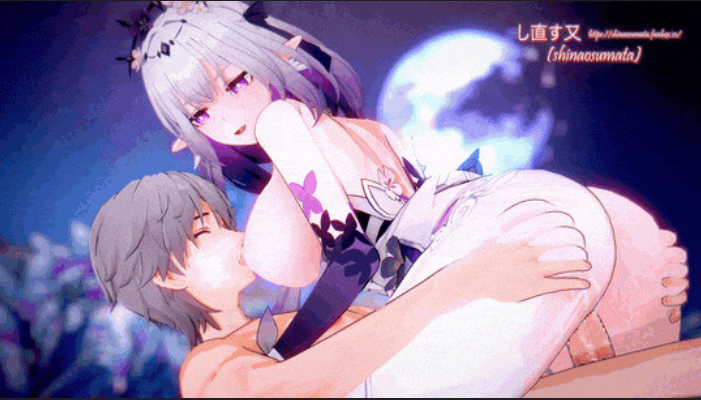
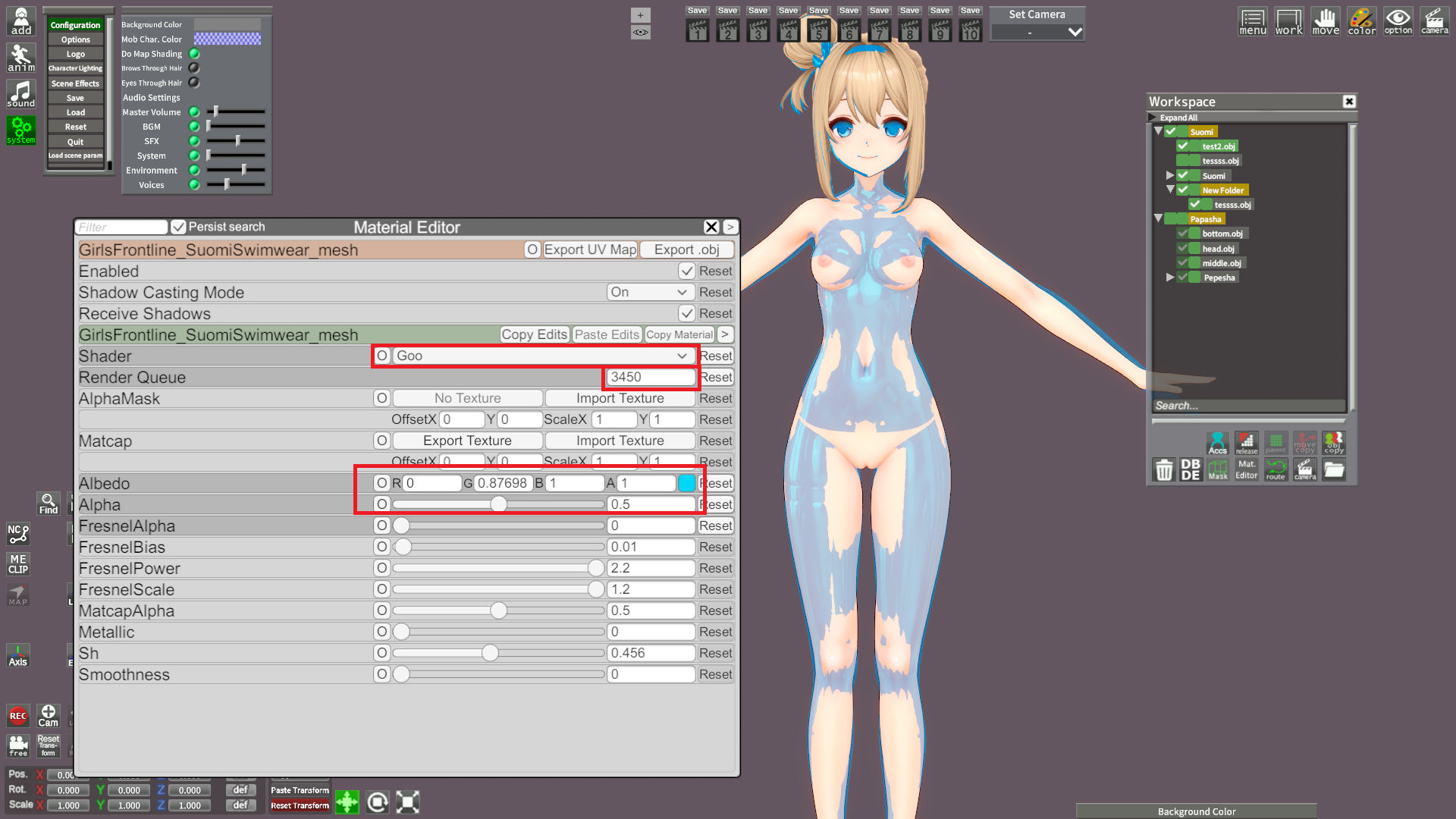
I'm intrigued by that blue object. May I ask how you imported that in the game? Is it possible to overlay that object somehow in the creator and tweak the character to match it? Would it be possible to import something like that for ZZZ characters? I would love to try and tweak on some of them but I don't even know how to begin.
So the process is quite easy.
There's this page with models that can be used with MMD plugins:
You can also find the models on this website, but it requires an account:

So you download some model, then make sure that you have a MMD plugin installed into your Blender, then just simply import it into Blender.
When you get it into the Blender you just need to remove all the not needed parts of the models, so clothes etc.

You don't need to mark everything manually in the edit mode, you can just press the L button which selects entire segments, then delete button and delete vertices, edges or faces. The alternative is pressing the N button which will show plugins on the right side, then select the one for MMD. Select the model by pressing it, then under "Model Setup" there's "Mesh" with "Sep by Mat (High Risk)" option, it will separate the model into many parts that can be deleted, but usually it's still better to do it "manually", of course you can mix these methods since in some cases it will really save a lot of time.

Keep in mind that your model that you want to get into Studio can't have more than 60k triangles.
If you by any chance get the error message in the Studio (that you exceeded the triangles limit) then just simply press Alt+Z in Blender while in Edit Mode, then just simply split the entire model into parts from the top to bottom (you can use the P button to separate mesh), then export them as separate OBJ files.

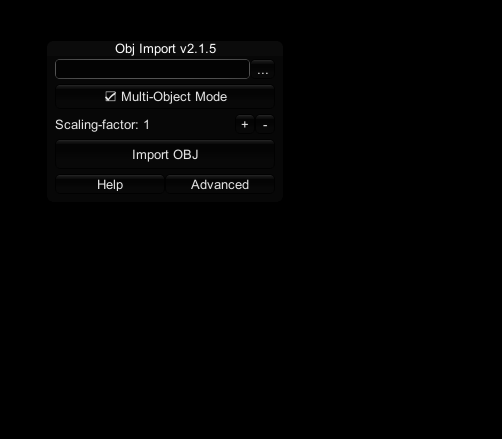
After that you just export the model as .obj file and get it into your Studio and use that as a reference.
By default if you press the O button it will show a window for importing objects into Studio, then select your ".obj" model and just import it.
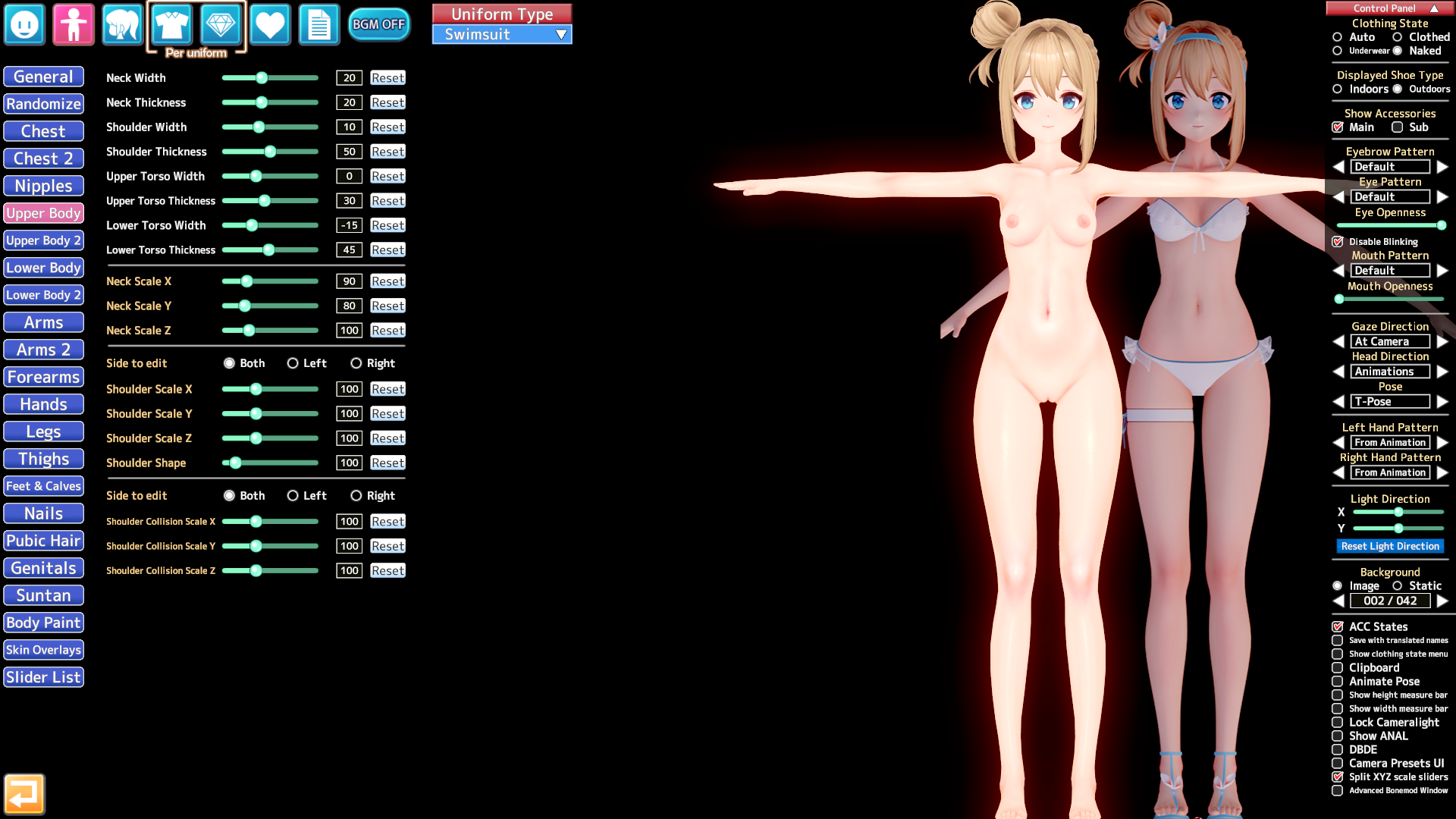
I don't know if it's possible to get a model like that into the Char Maker, but then there's still the issue with adjusting the pose since the T-pose in Koikatsu is a little bit different compared to what you get in Girls Frontline 2 and I had to enable "IK" stuff and adjust some nodes.
I also recommend to switch the material to "Goo".


To get the basic body properties right I would recommend to at first check the height of the model in Blender (in centimeters), then adjust it in Koikatsu to match that height. Then in Blender you take a screenshot from the front and side (by pressing Num1 and Num3, then taking a screenshot) and use that as a reference (so copy images to "Koikatsu\UserData\bg" folder and load them in the Chara Maker). When you are done with the basic stuff You can start to adjust it more by using the imported 3d model in Studio as a reference.


So basically you have both Studio and Chara Maker open at the same time and just switch between them, you can also use the Bonemod Editor in Studio and then copy settings to the Maker when you are done, but it's always recommended to use the default sliders first, then these from the Bonemod Editor if you can't adjust them normally.
I also don't recommend adjusting the arms and legs in only one axis, it will cause some stretching when switching between poses, generally it can happen to any body part, so you need to adjust bones in a smart way.

thigh00 and arm00 and cf_j_shoulder or cf_d_shoulder - if you want to adjust them then do it in every axis at the same time (so let's say 0.95 value for X, Y, Z).
I noticed that lots of people (including people who make paid cards) just adjust these in only one axis (Y axis in case of thigh00, then increase cj_j_leg01 value also in only one axis) to let's say make the legs shorter, or the upper part, but it just causes some weird stretching.
Playing around with bonemod stuff also might affect how the outfits look like, so that's another thing to consider when you start to adjust them.


If you try really hard then I bet it's possible to create an almost 1:1 copy of models from other games in KK, but that requires some effort and knowledge about editing the bones, so the knowledge about which could cause stretching when you switch the pose, for example you can edit "spine" bones in X axis only and it won't cause any major issues, the other ones require editing all X/Y/Z at the same time.

This adjusted Suomi card isn't perfect either, it would still need a little bit of work to get it 100% right (right now I would say it's like ~95% right).

There's also a trick with an easy modifying the head related accessories as long as they are binded to the "Center of head" parent, you just simply use the a_n_headside bone to switch the scale or move it in all outfits at the same time.
 
Last edited:
ss902672

ss902672

Active Member
Joined
Oct 7, 2025
Messages
17
Reaction score
41
Points
13
Credits
455
From what I can see...
KK_* stuff with the Arknights logo is old-ish Yata/Kapitalismus work and grabbed off Bepis.
The two Ch'en cards are off Pixiv.
Hoksi's Dusk, ProjektRed, Shu, and W have been shared a few times.
Several are AgentSKADI's cards and have been shared a few times.
A few SunsetRayline things were shared here in these forums.
Okazaki cards (including 德克萨斯Texas the Omertosa 1.05 and 斥罪Penance) are from 岡崎悠一. Stuff not available anymore may be found in the "Krampus" archive on these forums in the "Assorted Wallers" folder.

Stuff persona23 didn't get like Suzuran, Hibiscus the Purifier, and similar may be found in the Krampus archive in the willdie or Sendai folders.

Dunno about the rest.
Does anyone have the mod called (will_die) hefu ?


Hmm, willdies kemono page hasn't been updated in months, but surprisingly most of the links are still alive LMFAO
We should be able to find cards and mods up to 2024 on the Krampus archive.
 
Last edited:
J

JAY10

Active Member
Joined
Jan 12, 2026
Messages
10
Reaction score
31
Points
13
Credits
650
Does anyone have I404 card from violet_v3?
I did some searching, but unfortunately the links I found weren’t working.

 
Makaron_01417

Makaron_01417

Member
Joined
Apr 27, 2025
Messages
75
Reaction score
24
Points
18
Credits
605
Nt5abSN.jpeg

Headmod version not pictured.

BG by Guruo. Poses by a friend of mine.

MzuFbp2.png

Here's what I've got. It's not everything LR's ever released, but it's what I've managed to scrounge up.


jP9WTx4.jpeg

Included the card just in case someone else wanted it.

Scene by 板蓝根, camera angle edited by me.

2 more Passerby cards shared on Telegram here (KKS)
Hello.
If possible, could you please share the LR_LR card with me again?
 
ss902672

ss902672

Active Member
Joined
Oct 7, 2025
Messages
17
Reaction score
41
Points
13
Credits
455
umm i have a question. where can i see the "Krampus Archive?"
you just need to click the gray 'Krampus archive' link in my post. The archive is actually scattered across different threads after f95 was gone, but AFAIK, this link has the biggest collection. (of course not 100% complete)
 
Last edited:
UMP45

UMP45

Veteran Member
Joined
Aug 23, 2024
Messages
220
Reaction score
672
Points
93
Credits
7,245
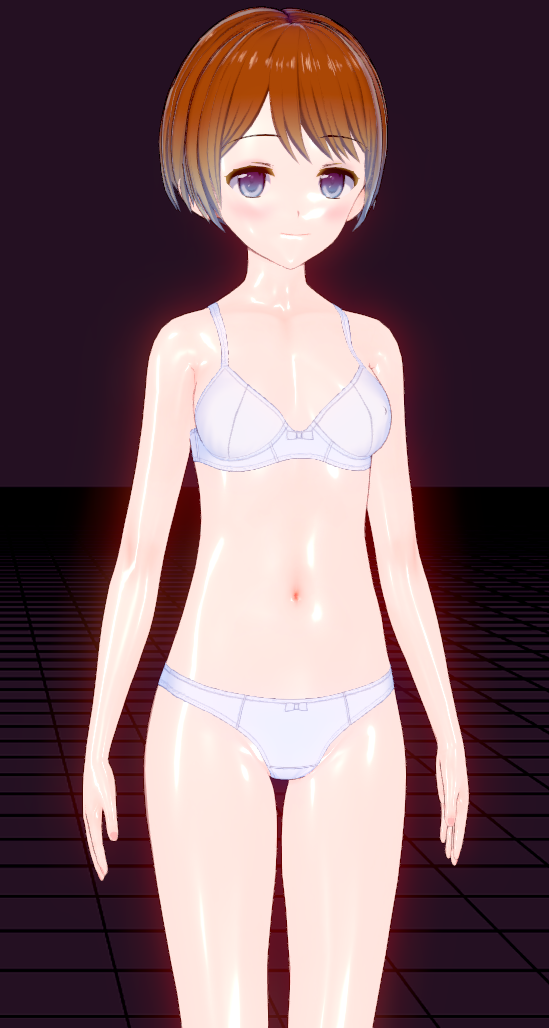
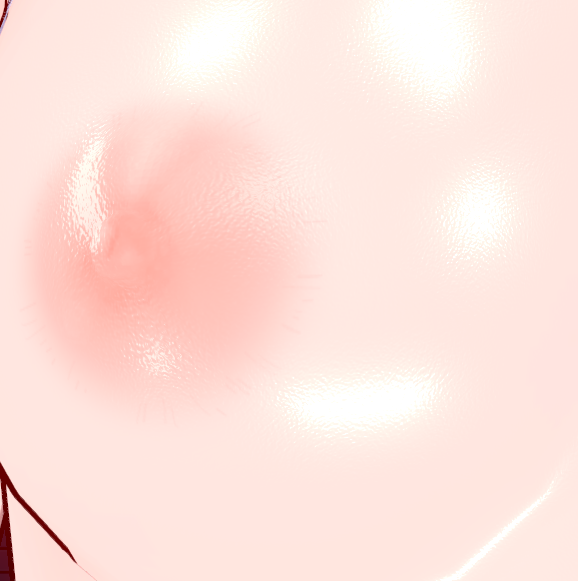
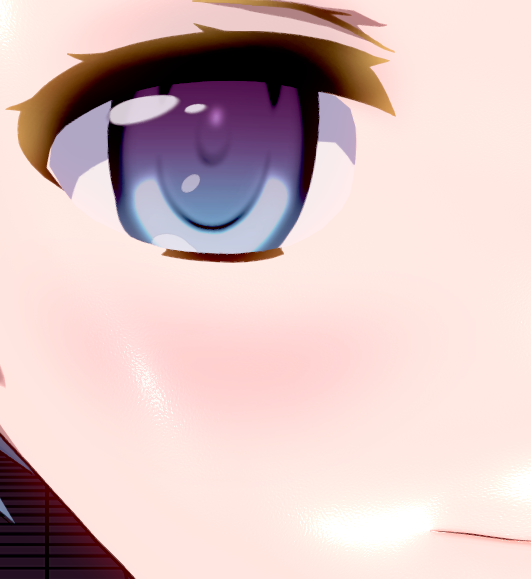
how'd you oil up the face and body?
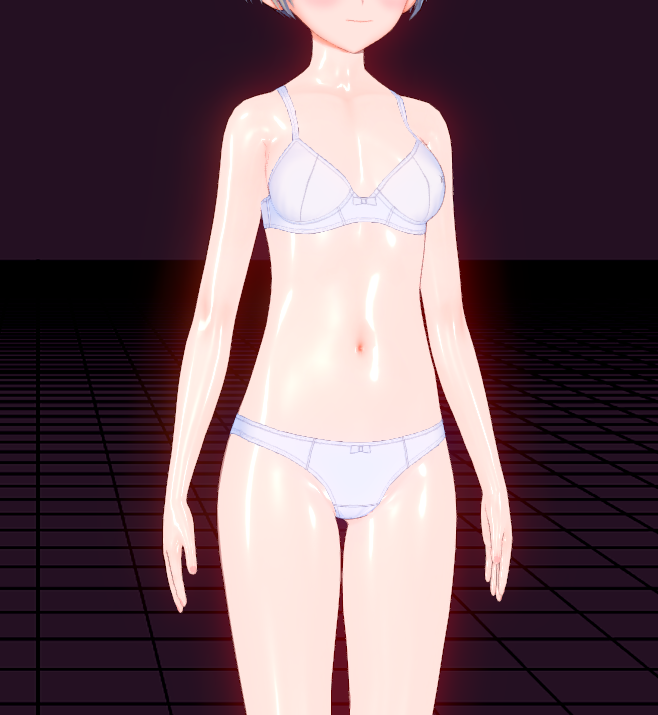
first you will have to choose KKUTS body (update to the lastest one here) for me i chose 2.5.1A cause i dont even know what the other does

then scroll down and find this

then import this texture in

scroll down a bit and set this to your liking

boom you have successfully oiled up your waifu :D


you can also do the same thing for the face and oil up the entire character


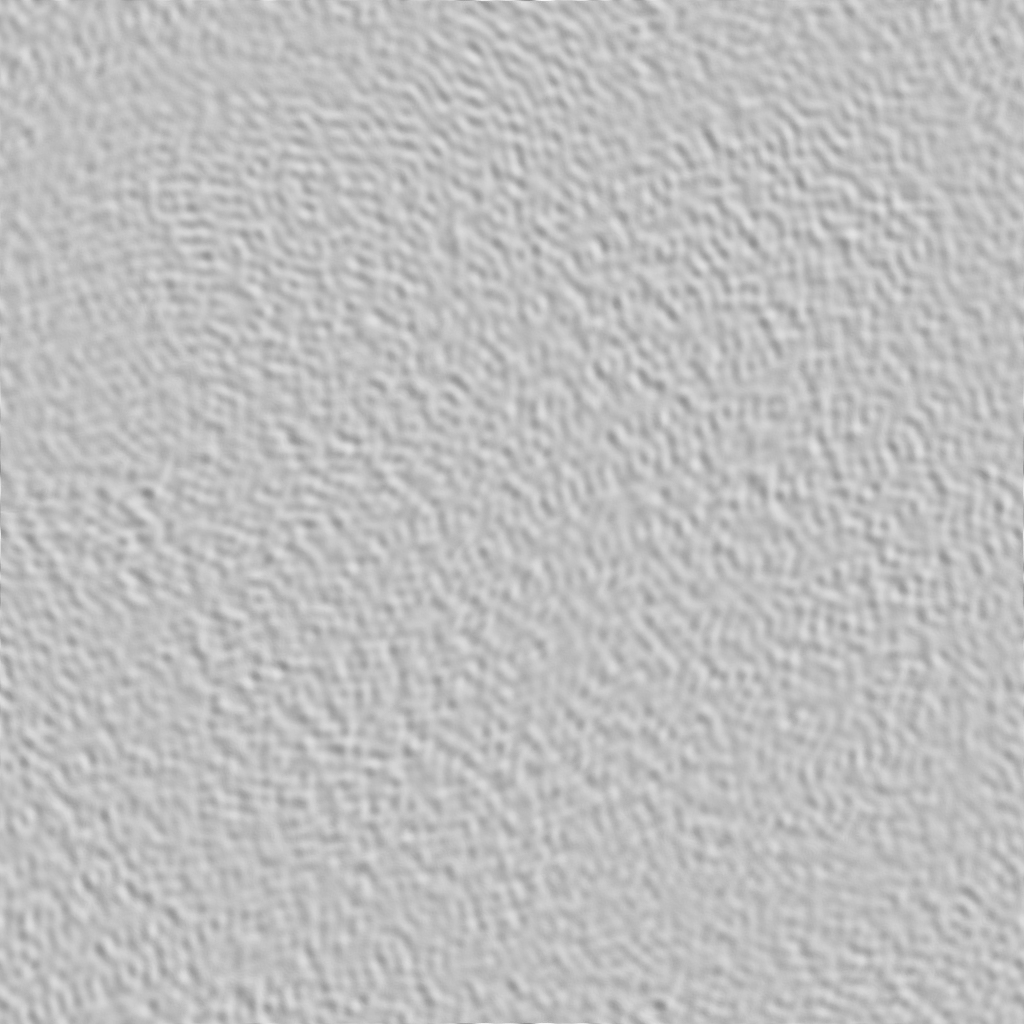
AND for the semi realistic skin looking you gonna import this:

into this and set it to 80 80

then scroll down a bit and set this to that

boom ultra realistic hooman skin looking


and for the face after importing the texture set the NormalMapForMatCap to 20 20 instead to get it look like this, dont forget to set the Is_NormalMapForMatCap to 0.30 as well


additional note:
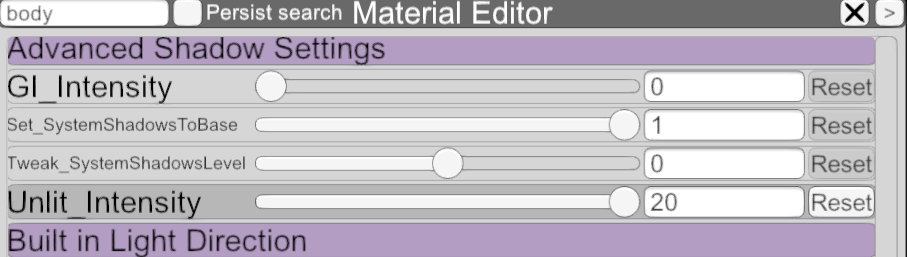
To keep everything fine in studio(otherwise it'll look really shit) you also have to do these (i dont know why but i guess good things take time)
(set 1.0(i did say 0.2 but i checked again 1.0 is better) for the body and 1.0 for the face) (scroll down a little bit from the top to find this)

(do this for both body and face) (this part is like somewhere middle, under the Matcap im sure you'll find it)


And i guess thats it for now, good luck soldiers. Though there are still some other settings that you can tweak in order to make your character more perfect, but its too much to tell so good luck once again.

You gotta thank pandaman for all of this shit im just simply copying his work

(also i just re-uploaded my personal ciaccona card, did some minor fixes it wont get weird in scenes anymore i hope https://gofile.io/d/PUP8sT)
 
Last edited:

Similar threads

Top
これは閲覧専用の自動翻訳ページです。返信・検索・ログインなどの操作は、オリジナルの英語版サイトへ移動してください。 英語版で開く (Open in English) ×